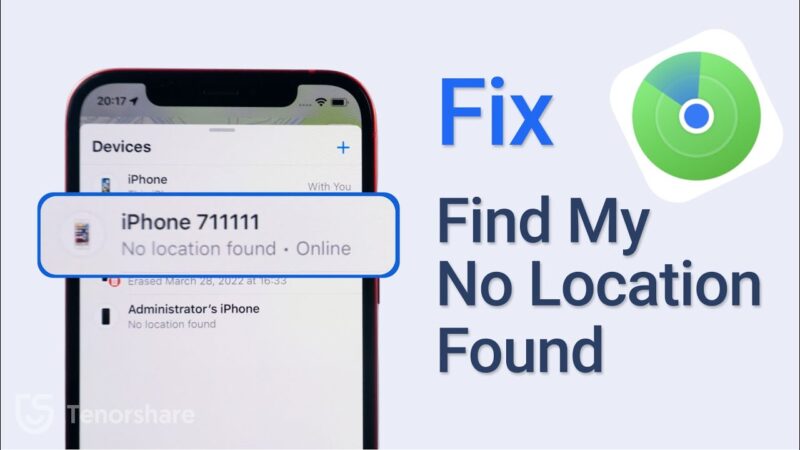
Seeing the message “No Location Found” when you check on a specific person can be confusing and worrying, especially when Find My works for everyone else in your circle. If you are wondering why is Find My iPhone not working for one person, you are not alone. This is a common issue, usually caused by simple settings or connection problems on their end, rather than a system-wide failure.
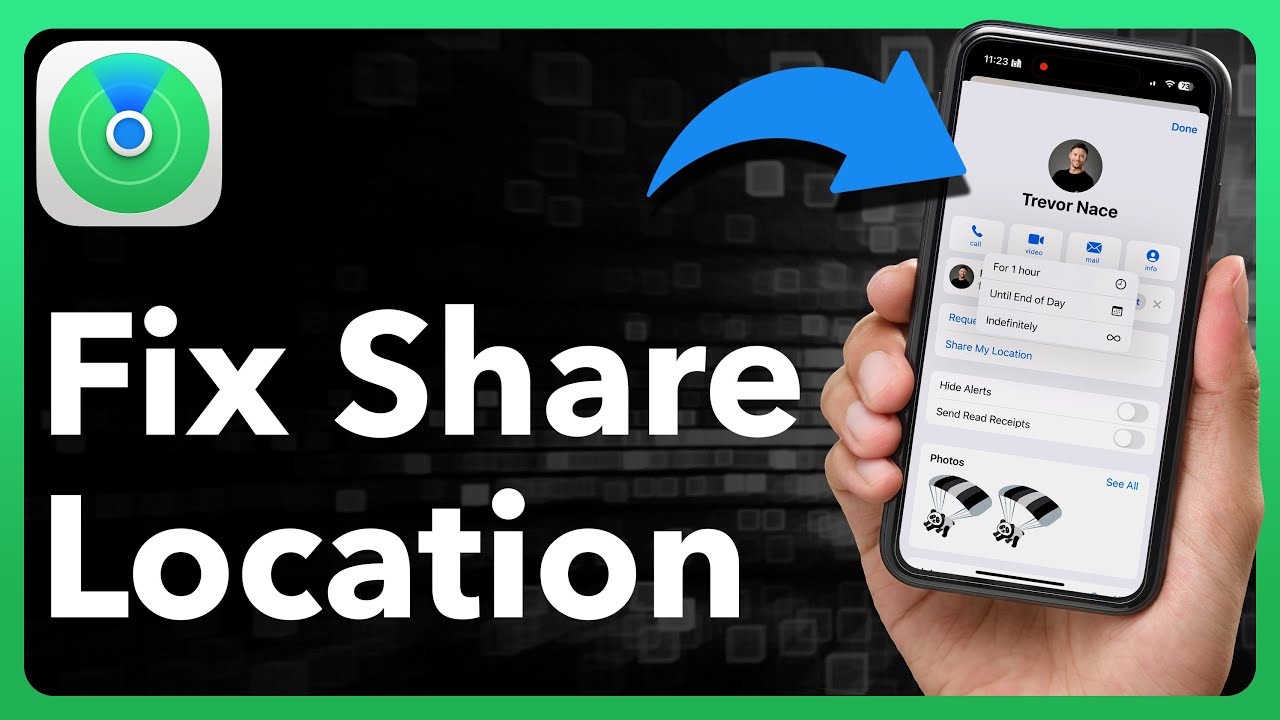
At findmyiphone, we understand the anxiety that comes with losing contact with a family member’s device. This guide will help you diagnose the exact reason and walk you through the fixes that work, while also explaining when the problem is out of your hands.
Quick Diagnosis: What the On-Screen Message Really Means
Before diving into the settings, look closely at the error message displayed under the person’s name in the Find My app. The specific wording gives us the biggest clue as to why is Find My iPhone not working for one person.
If You See “No Location Found”
The Short Answer: The device is offline or has stopped sending data.
This is the most common message users encounter. It means Apple’s servers cannot currently retrieve a signal from that specific device. The top reasons include the device being turned off, the battery being dead, the phone being in Airplane Mode, or a lack of Wi-Fi or cellular data connection. In some cases, it can also mean they have manually stopped sharing their location.
If you are seeing this specific error, it is crucial to understand the nuances of the no location found find my iphone message to rule out simple connectivity issues first.
If You See an Old or Stale Location
The Short Answer: The device was tracked recently but has since lost connection.
If the location shown is from “2 hours ago” or “Yesterday,” it means the device has lost its connection since that last update. The device is likely offline now, but you are seeing the last place it was successfully pinged by the Find My network.
This is distinct from “No Location Found” because the system has data, it just isn’t current. If you are frustrated by a timestamp that won’t refresh, you are likely dealing with a situation where you need to investigate why is find my iphone not updating to get real-time tracking back.
If the Person Disappears from Your List Entirely
The Short Answer: Location sharing has been disabled or revoked.
If the person is no longer in your “People” list, this almost always means the person has intentionally (or accidentally) chosen to “Stop Sharing My Location” with you specifically from their Find My app settings. It is a direct action on their part that removes their profile from your view.
8 Reasons & Fixes: A Checklist to Systematically Solve the Problem
When you ask, “why can’t i see one person on find my,” the answer usually lies in one of the following eight areas. We recommend checking these in order.
Reason 1: Their Device is Offline or Has No Connection
The Quick Fix: They must turn on the device and connect to cellular data or Wi-Fi.
The most frequent cause for find my iphone not showing location for family member issues is simply a lack of internet connection. Find My relies on an active data stream to upload GPS coordinates to iCloud.
- Why it happens: If the target iPhone is out of battery, turned off, or in an area with zero cellular coverage (and no Wi-Fi), it cannot communicate with Apple’s servers. Even with the “Find My Network” feature enabled (which uses Bluetooth from other iPhones), location updates can be sporadic or delayed.
- What to do:
- Call the person. If it goes straight to voicemail, the phone is likely off.
- Wait for them to reach an area with a signal.
- If the device is definitely on but not showing up, it might be a deeper connectivity issue making find my iphone unavailable.
Reason 2: “Share My Location” is Disabled on Their End
The Quick Fix: Enable the master sharing switch in their iCloud settings.
If find my friend not working for one person is your specific issue, the other person may have accidentally toggled off their sharing permissions. This can happen easily if a phone is in a pocket or if a child is playing with the settings.
- How to check (On their device):
- Open Settings.
- Tap on [Their Name] at the top.
- Tap on Find My.
- Ensure the toggle for Share My Location is green (ON).
If this switch is off, they disappear from everyone’s map, not just yours.
Reason 3: Location Services Are Turned Off for Their Device
The Quick Fix: Turn on Location Services and ensure Find My has permission.
This is a “master switch” issue. If they have disabled Location Services entirely to save battery or for privacy, no app—including Find My—can access their GPS. This is a common reason why is find my iphone not working on one device.
- How to fix (On their device):
- Go to Settings > Privacy & Security.
- Tap Location Services.
- Ensure the main Location Services toggle is ON.
- Scroll down to the Find My app in the list.
- Set “Allow Location Access” to While Using the App.
- Crucial: Turn on Precise Location.
Without precise location enabled, you might see a very wide, general radius, which often leads to users complaining about find my iphone not showing live/last location.
Reason 4: Their Device’s Date & Time Are Incorrect
The Quick Fix: Set Date & Time to “Set Automatically.”
This is a surprisingly common technical glitch. Apple’s servers rely on correct time synchronization to validate security certificates and locate devices. If the target iPhone has a manually set date that is incorrect, it causes sync failures.
- Why it matters: If the date is wrong, the encryption keys used to share location data will be rejected by Apple. This often results in a generic find my iphone verification failed error or simply no location data being sent.
- How to fix:
- Go to Settings > General.
- Tap Date & Time.
- Toggle Set Automatically to ON.
Reason 5: They Are Signed into a Different Apple ID on Another Device
The Quick Fix: Select “Use this iPhone as My Location” in Find My settings.
We frequently see this issue at FindMyiPhone.onl with families who have multiple Apple devices. If your family member has an iPad at home and an iPhone in their pocket, they might be sharing their location from the iPad (which is sitting safely at home) instead of the iPhone they are carrying.
- The Symptom: You see them at home when you know they are at work. This leads to confusion about why is find my iphone showing wrong location.
- How to fix (On the iPhone they carry):
- Open the Find My app.
- Tap the Me tab at the bottom right.
- Scroll down and tap Use This iPhone as My Location.
Reason 6: A Glitch in Family Sharing
The Quick Fix: Remove and re-invite the family member.
Sometimes, the digital “handshake” between Family Sharing accounts gets corrupted. This can result in find my iphone not working for one person even if all settings look correct.
- The Diagnosis: If you have checked their phone and everything is on, but you still can’t see them, it’s likely a find my iphone glitch within the Family Sharing link.
- How to fix:
- Organizer: Go to Settings > Family.
- Tap the person’s name and Remove from Family.
- Restart both phones.
- Organizer: Send a new invitation to add them back.
Reason 7: Outdated iOS Software
The Quick Fix: Update both devices to the latest iOS version.
Bugs in older versions of iOS can interfere with the Find My network. If find my showing no location found for one person persists, check the software version. Apple frequently patches location-sharing bugs in minor updates.
- Why it matters: Incompatibilities between a phone running very old iOS and one running the newest iOS can cause find my iphone glitch locations or failure to update.
- How to fix:
- Go to Settings > General > Software Update.
- Install any available updates.
Reason 8: Temporary Apple Server Issue
The Quick Fix: Check Apple’s System Status page and wait.
In rare cases, the problem isn’t with either device but with Apple’s Find My servers. If you have tried everything and are asking how to fix find my iphone not working for one person, the answer might be to simply wait.
- How to verify: Visit Apple’s System Status page online. If “Find My” is not green, the server is down. In this scenario, your device is find my iphone unable to connect to server, and no amount of setting changes will fix it until Apple resolves the outage.
What This Problem Is NOT (And When It Can’t Be Fixed)
When troubleshooting why is Find My iPhone not working for one person, it is important to manage expectations and understand what the error does not imply.
It’s Not a Sign You’ve Been Hacked or Blocked
Unlike iMessage or social media, there is no “block” feature on Find My that hides location while keeping other communications open. If someone disappears, they have stopped sharing. If you see “Location Not Available,” it is a connection issue.
Sometimes, you might see a confusing address error. If you are wondering why does it say address unavailable on find my iphone, rest assured this is usually a mapping data issue, not a security breach or a sign that the person is hiding.
When You Cannot Fix It Yourself
You cannot fix the issue if the other person’s device is off, has a dead battery, or has no internet connection. You also cannot force them to re-enable location sharing if they have turned it off. The solution relies entirely on their action or their device’s status.
Furthermore, do not confuse a “No Location Found” error (which is a total loss of signal) with GPS drift. If you are seeing the person’s dot jump around erratically, that is a different issue regarding GPS accuracy. If you are curious about that phenomenon, you can read more about why does find my iphone move around so much.
Conclusion
In almost every case, the answer to why is Find My iPhone not working for one person is tied to their device’s settings or its connection status. It is rarely an issue with your own iPhone. By understanding what messages like “No Location Found” mean, you can deduce whether the cause is a dead battery, a disabled setting, or a deliberate choice.
At FindMyiPhone.onl, we recommend going through the checklist above systematically. The key is realizing that the fix almost always needs to happen on their end, not yours. If you have verified their settings and the issue persists, it is often best to simply wait for their device to reconnect to the network.
First, check your own internet connection to be sure. If it’s working, the best next step is to contact the person directly if possible. If you can’t, simply wait. The issue may resolve itself when their device comes back online. Avoid repeatedly closing and reopening the app, as this won’t speed up the process.
For a comprehensive guide on all troubleshooting steps, ensure you have reviewed our main article on why is find my iphone not working for one person which covers these steps in even greater detail.
Note: The information in this article is for reference only. For the best advice, please contact us directly for a specific consultation based on your actual needs.

About This Guide
Published by: FindMyiPhone.onl Editorial Team
Last Updated: January 16, 2026
Tested On: iPhone 15 Pro (iOS 17.5.1), iPhone 13 (iOS 17.4)
This tutorial was created through hands-on testing on real devices. All screenshots are from our testing lab. We update guides within 48 hours of iOS releases.
Questions? Contact our team | Meet the team Editorial Team