
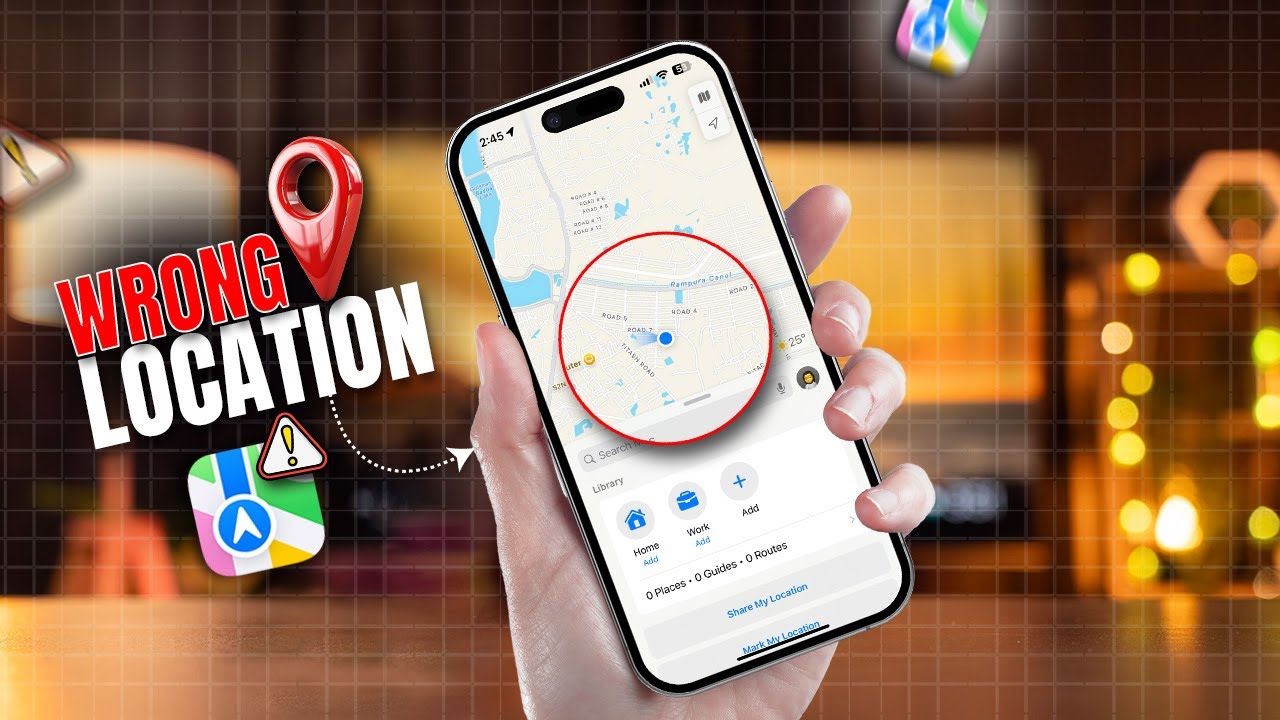
Seeing the alert for why is find my iphone showing wrong location can be unnerving, but it’s rarely a sign of a security issue. In most cases, the inaccuracy is caused by how your device triangulates its position using a mix of GPS, Wi-Fi, and cellular data, not a system hack. This guide diagnoses the 10 most common reasons for a location error and provides a clear checklist of what you can—and cannot—do to fix it. If you are specifically looking for a deep dive into the core causes, our guide on why is find my iphone showing wrong location covers the fundamentals.
At findmyiphone, our mission is simple: To empower Apple users to protect, track, and recover their most valuable devices. We know that losing an iPhone is more than just losing a phone—it’s about losing your photos, your sensitive data, and your connection to the world. We provide clear, up-to-date, and actionable guides to help you navigate through the panic of a lost or stolen device, even in scenarios like a dead battery or offline status.
Quick Answer: Why Your iPhone Location Is Wrong & What It Means
Short Answer: An inaccurate location usually stems from environmental signal interference (GPS drift), outdated Wi-Fi database information, or the device defaulting to a “last known location” because it is currently offline.
The Most Common Cause: Weak Signal Triangulation
Your iPhone does not rely solely on satellites. It uses a hierarchy of data: GPS (most accurate), Wi-Fi (medium accuracy), and Cell Towers (least accurate). When the device is indoors or surrounded by tall buildings (“urban canyons”), it cannot get a lock on GPS satellites. Consequently, it falls back to cell tower triangulation. This is the primary reason for find my phone gps inaccurate reports; the phone is making an educated guess based on signal strength rather than precise coordinates. This is a physics problem, not a broken phone.
What You See on Screen: The Green Circle Explained
Apple provides a visual cue regarding accuracy that many users overlook. If you see a blue dot (your device) or a pin (another device) surrounded by a large, translucent green circle, the system is telling you: “The device is somewhere inside this circle, but we don’t know exactly where.”
- Small Circle: High confidence, accurate reading.
- Large Circle: Low confidence, the device is relying on cell towers.
- No Circle: Pinpoint accuracy.
If you are seeing a find my iphone wrong location green dot that covers several blocks, the location isn’t “wrong”—it is simply imprecise due to a lack of data.
Is It Fixable?
Often, yes. The goal is to improve the device’s connection to GPS, Wi-Fi, or cellular networks, which in turn improves location accuracy. It’s about optimizing conditions, not fixing a “bug.” However, if the device is dead or offline, you cannot “fix” the location remotely until the device reconnects.
The 10 Reasons Find My Shows an Inaccurate Location
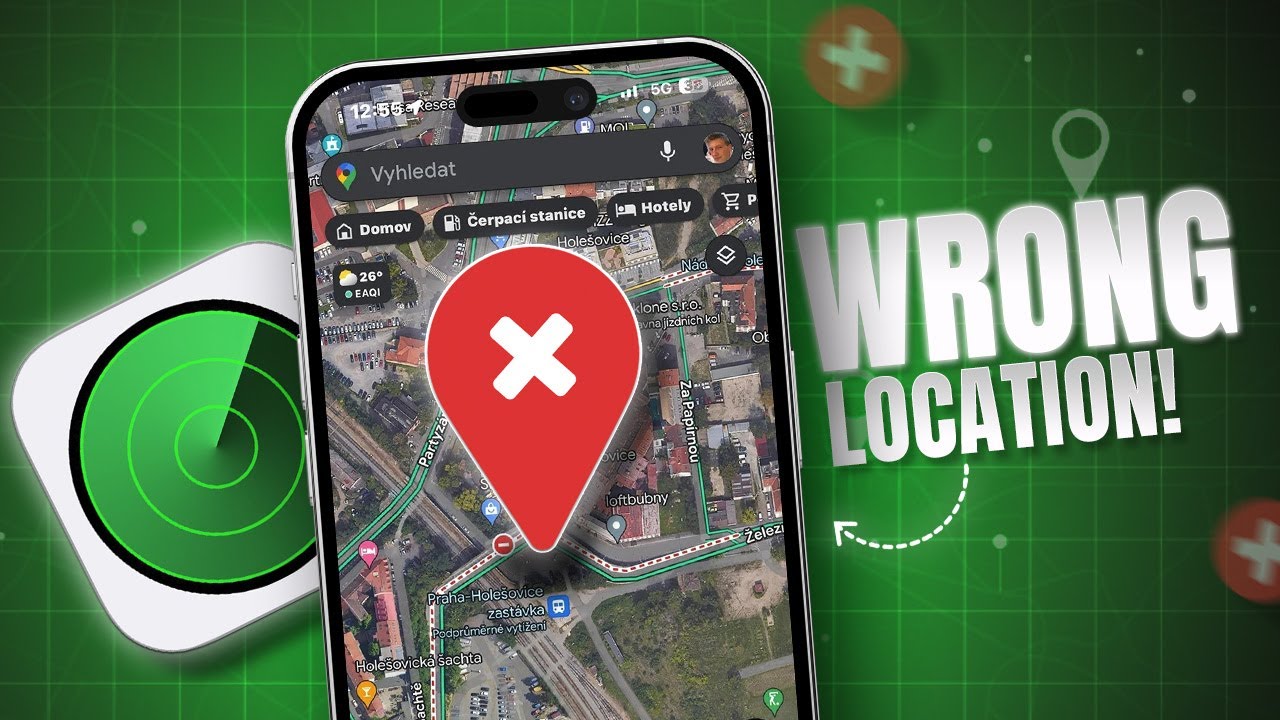
Reason 1: Poor GPS Signal
Answer: Physical obstructions prevent the iPhone from communicating with Global Positioning System satellites.
GPS is a line-of-sight technology. If your iPhone is in a basement, inside a concrete parking garage, or in a dense city center with skyscrapers, the satellite signal bounces off surfaces before hitting the phone. This is known as “multipath error.”
When this happens, the geographic location calculated by the iPhone can shift by hundreds of feet. This is often the answer to why does find my iphone move around so much; the device is constantly recalculating its position as satellite signals fluctuate. If you are experiencing this specific drifting issue, read more about why does find my iphone move around so much.
Reason 2: Inaccurate Wi-Fi Positioning System (WPS) Data
Answer: The iPhone is using a nearby Wi-Fi router to guess its location, but that router’s location is registered incorrectly in Apple’s database.
Apple maintains a massive crowd-sourced database of Wi-Fi router locations. When your iPhone detects a Wi-Fi network (even if it doesn’t connect to it), it checks this database to find its coordinates. This is usually faster and more battery-efficient than GPS.
However, if a person moves houses and takes their Wi-Fi router with them from New York to California, Apple’s database might still think that router is in New York for a few days or weeks. If your iPhone detects that router, it may momentarily jump across the country. This is a common cause for find my iphone location wrong by miles. If you see an address error associated with this, you might want to check why does it say address unavailable on find my iphone.
Reason 3: Cell Tower Triangulation
Answer: In the absence of GPS and Wi-Fi, the device estimates position based on distance from cell towers, which is highly imprecise.
When GPS inaccuracy is high and no Wi-Fi is available, the iPhone uses the time it takes for a signal to travel to nearby cell towers to estimate location. In rural poor signal areas, towers can be miles apart. The resulting triangulation can place the device anywhere within a massive radius. This often results in the find my device wrong location error, where the device appears to be in the middle of a field or highway miles away from its actual spot.
Reason 4: The Device is Offline or the Battery is Dead
Answer: You are viewing the “Last Known Location,” not the real-time position.
This is the most common source of panic. If an iPhone runs out of battery or is turned off, it stops transmitting live data. Find My will display the last location it successfully logged (usually labeled as “Old” or with a timestamp).
Users frequently search for find my iphone wrong location dead phone, thinking the phone is still moving or reporting incorrectly. In reality, the phone is likely miles away from that spot, but the map is frozen in time. If you are seeing a “Server” error in this state, it relates to find my iphone unable to connect to server. Furthermore, if the device is completely unreachable, you might see the find my iphone unavailable status.
Reason 5: Location is Being Shared from a Different Device
Answer: The user has multiple Apple devices and has accidentally set an iPad or Mac as the “Sharing Location” device.
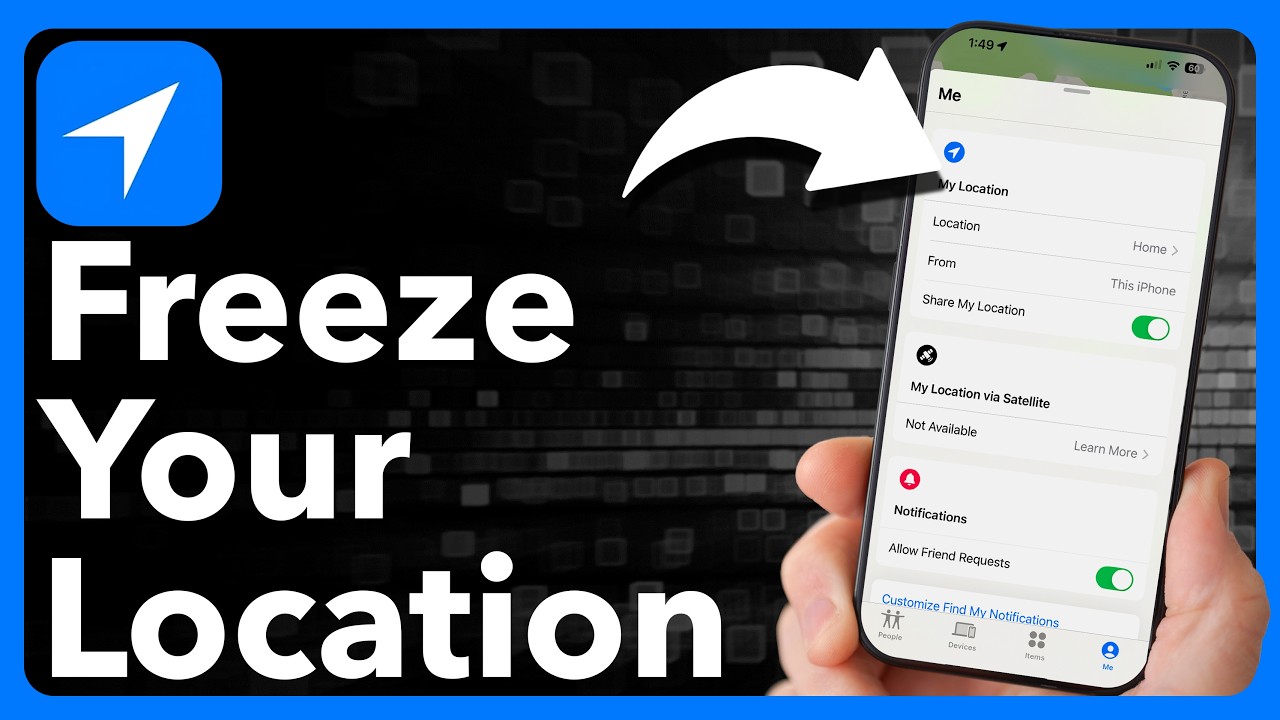
In the Apple ecosystem, “Find My” tracks a specific device, but “Share My Location” (used in iMessage and Find My Friends) tracks a person based on a designated device. If a user has an iPad at home and an iPhone in their pocket, but the settings are configured to “Share My Location from: This iPad,” you will see them sitting at home all day, even if they are at work.
This is a frequent reason for find my iphone wrong location family sharing and explains why is my iphone showing the wrong location on find my friends. If you suspect this is happening to a specific family member, investigate why is find my iphone not working for one person.
Reason 6: A Temporary Software Glitch or Cached Data
Answer: The Find My app or the background location daemon has crashed or is displaying stale, cached data.
Like any software, iOS is subject to software glitches. Sometimes, the background process responsible for updating location (locationd) hangs. The map might show a location from hours ago simply because the display hasn’t refreshed. This is a classic find my iphone glitch.
A simple restart usually clears the cache. If you are seeing erratic behavior or the device jumping to random spots, it could be a symptom of find my iphone glitch locations.
Reason 7: Incorrect Date & Time Settings
Answer: Security protocols prevent the device from syncing with Apple servers if the time is wrong.
GPS and authentication with iCloud rely heavily on precise time synchronization. If a user has manually changed the date and time (perhaps to cheat in a game) or if the battery died and reset the clock, the iPhone may fail to verify its position with Apple’s servers. This leads to iphone location services wrong errors because the encrypted data packets are rejected for having invalid timestamps.
Reason 8: Outdated iOS Version
Answer: Older operating systems may lack recent patches for GPS rollover events or known location bugs.
Apple frequently releases updates that include modem firmware updates (which control cellular and GPS radios). An outdated iOS version can lead to find my iphone location inaccurate after update (if the update failed) or simply because the old software can’t process new satellite data correctly. Keeping the device updated is critical to avoid iOS bugs. If your device refuses to update, you must resolve that first; see why is find my iphone not updating.
Reason 9: Low Power Mode is Active
Answer: To save battery, the iPhone reduces the frequency of background location updates.
When an iPhone enters Low Power Mode (yellow battery icon), it aggressively throttles background processes. This includes “Background App Refresh” and location updates for Find My.
While it doesn’t turn tracking off, it might only update the location every 15-30 minutes instead of every few minutes. This lag can make it look like the person is still at their previous location, leading to find my iphone showing last known location issues even when the phone is on. If the location isn’t updating live, check find my iphone not showing live/last location..
Reason 10: Use of a VPN
Answer: A Virtual Private Network can mask the IP address, confusing Wi-Fi based location services.
While GPS is independent of the internet, the “Wi-Fi Positioning System” often uses IP addresses to help determine rough location. If a user has a VPN active that tunnels their traffic through a server in another country, and the GPS signal is weak (indoors), the iPhone might briefly think it is in the country of the VPN server. This is a common cause for find my phone showing incorrect location across borders.
Actionable Checklist to Fix an Inaccurate iPhone Location
If you are the owner of the device or trying to help a family member, follow this priority checklist. We have ordered these from the easiest/most likely fixes to the more advanced resets.
1. Verify Device Status
Before troubleshooting software, check the basics.
- What to check: Is the device powered on? Is it connected to cellular data or Wi-Fi? Is “Airplane Mode” off?
- Why it matters: Find My requires an active internet connection to transmit coordinates to iCloud. If the device says “Offline” or “No Location Found,” no amount of settings changes will fix it until it reconnects.
- Expected Result: You confirm the device is capable of sending data. If you see a specific error like no location found find my iphone, the device is likely offline or has location services disabled globally.
2. Enable Precise Location
This is the most common configuration error for why is my find my iphone not showing accurate location.
- What to check: Go to Settings > Privacy & Security > Location Services. Scroll down to Find My. Ensure “Precise Location” is toggled ON (Green).
- Why it matters: If this is off, the iPhone intentionally only shares a general radius (approx. 2-3 miles) to protect privacy.
- Expected Result: The “green circle” on the map should shrink significantly, and the location should pinpoint the exact building.
3. Refresh Wi-Fi, Cellular, and Bluetooth
Simply toggling these radios forces the device to re-scan the environment.
- What to check: Open Control Center (swipe down from top-right). Tap the Airplane mode icon to turn it ON. Wait 10 seconds. Turn it OFF. Ensure Wi-Fi and Bluetooth are ON (even if not connected to a network).
- Why it matters: Wi-Fi positioning and Bluetooth (for Find My network) are crucial for urban accuracy. Toggling them clears temporary connection hangs.
- Expected Result: The device re-triangulates its position using fresh signal data.
4. Restart the iPhone
“Have you tried turning it off and on again?” is a cliché for a reason.
- What to check: Hold Power + Volume Down, slide to power off, then turn back on.
- Why it matters: This clears the RAM, restarts the
locationdprocess, and clears cached locations. - Expected Result: Any temporary software glitches causing the map to freeze or jump should be resolved.
5. Update iOS
- What to check: Go to Settings > General > Software Update.
- Why it matters: Updates often contain modem firmware flashes that improve connectivity with cell towers and satellites.
- Expected Result: Elimination of known iOS bugs affecting Location Services.
6. Reset Location & Privacy
This is the “nuclear option” for location settings but does not delete personal data like photos.
- What to check: Go to Settings > General > Transfer or Reset iPhone > Reset > Reset Location & Privacy.
- Why it matters: This wipes all permissions and calibration data. The internal compass and GPS cache are flushed.
- Expected Result: Apps will ask for permission again, and the GPS will force a fresh “cold start” lock on satellites. Note: If you encounter issues signing back in after a reset, you may be facing a find my iphone verification failed error.
What an Inaccurate Location Is Not (And When It Can’t Be Fixed)

At FindMyiPhone.onl, we often see users panic, assuming the worst. It is vital to understand what these errors do not mean.
It is Not a Sign of a Hack
A wrong location is almost always a technical limitation of positioning systems or geographic location physics. It is not an indication that your Apple ID has been compromised, that your phone is “cloned,” or that a hacker is spoofing your location remotely. Stolen phone scenarios aside, inaccurate dots are usually harmless glitches.
It is Not Always an Error
A large green circle is the system correctly reporting that it has low confidence. The inaccuracy is a feature of the report, not a failure. It is the system saying, “I am 90% sure the device is within this 1-mile radius.” This is standard behavior for cell tower triangulation.
When It Cannot Be Fixed
You cannot get a live, accurate location if:
- The Battery is Dead: You will only see the history.
- No Signal: If the device is in a subway tunnel, deep wilderness, or a shielded building (Faraday cage effect).
- Device is Off: If a thief has powered the device down.
In these cases, the “inaccuracy” is simply the difference between where the phone was 2 hours ago and where it is now.
Conclusion
An inaccurate Find My location is almost always a result of environmental factors like poor signal, GPS inaccuracy, or simple configuration issues, not a critical device failure. The key is to first understand whether the device is online and then use the troubleshooting checklist to ensure its settings are optimized for the best possible accuracy. Managing expectations about the limitations of GPS, Wi-Fi, and cellular positioning is crucial.
If you have confirmed the device is online and have completed all troubleshooting steps without improvement, check Apple’s System Status page online to see if there are any active outages affecting “Maps” or “iCloud.” If no outages are reported, it may be time to contact Apple Support for further diagnostics.
Note: The information in this article is for reference only. For the best advice, please contact us directly for a specific consultation based on your actual needs.

About This Guide
Published by: FindMyiPhone.onl Editorial Team
Last Updated: January 16, 2026
Tested On: iPhone 15 Pro (iOS 17.5.1), iPhone 13 (iOS 17.4)
This tutorial was created through hands-on testing on real devices. All screenshots are from our testing lab. We update guides within 48 hours of iOS releases.
Questions? Contact our team | Meet the team Editorial Team

![10 Reasons Why Find My iPhone Shows Wrong Location [Fixes]](https://findmyiphone.onl/wp-content/uploads/2026/01/no-location-found-find-my-iphone-800x450.jpeg)
![10 Reasons Why Find My iPhone Shows Wrong Location [Fixes]](https://findmyiphone.onl/wp-content/uploads/2026/01/find-my-iphone-not-showing-last-location-800x450.jpeg)
![10 Reasons Why Find My iPhone Shows Wrong Location [Fixes]](https://findmyiphone.onl/wp-content/uploads/2026/01/find-my-iphone-glitch-locations-800x450.jpeg)