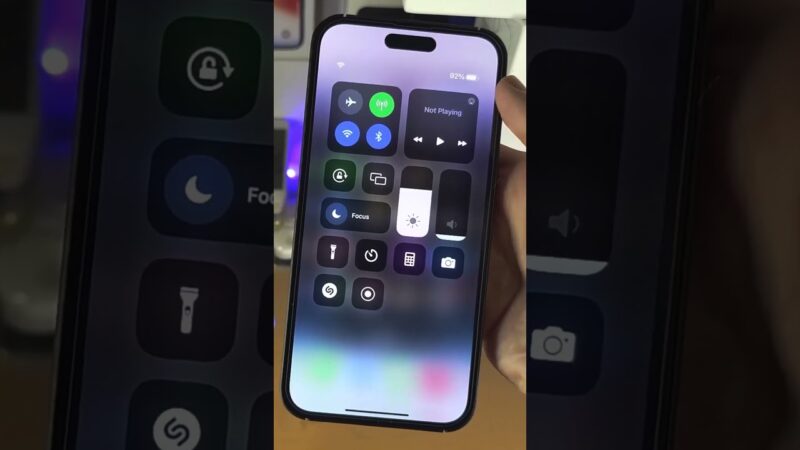
Feeling anxious about your device on an upcoming trip? The short answer is: yes, Find My iPhone does work in China, but it comes with critical limitations you absolutely must understand.
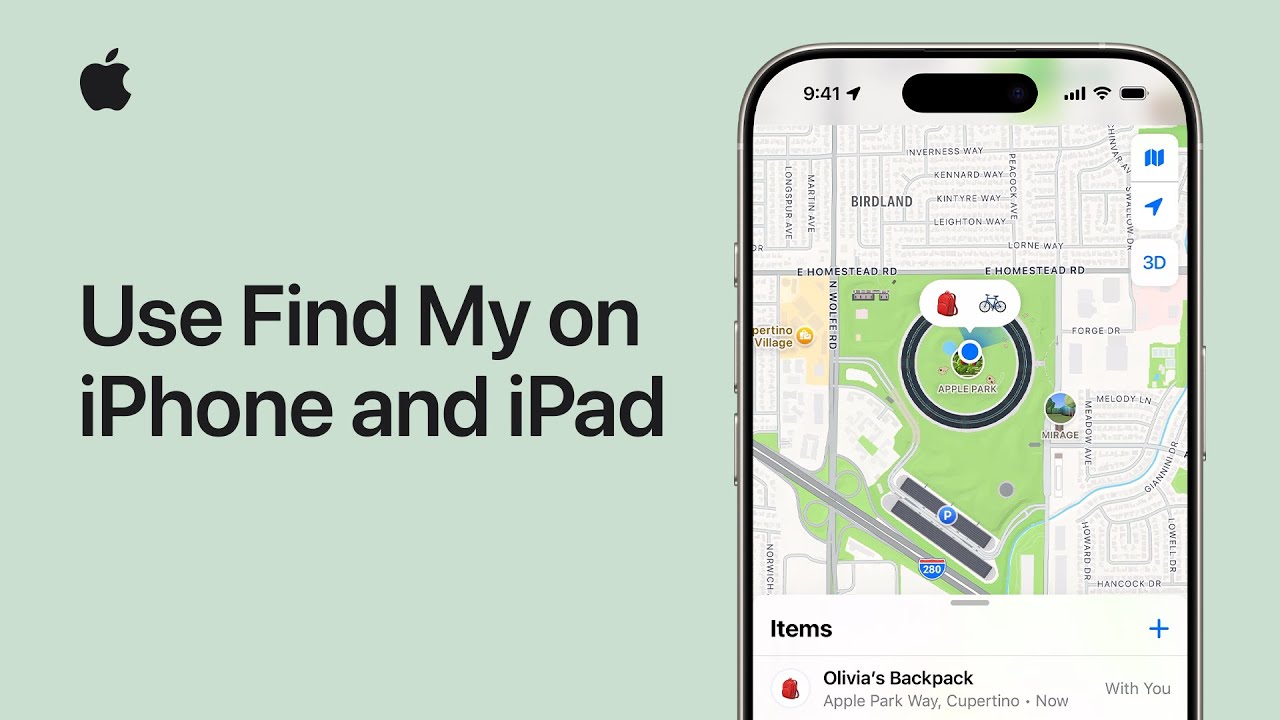
At find my iphone, we know that losing a phone abroad is a traveler’s worst nightmare. This guide cuts through the confusion, explaining the accuracy issues caused by government mapping regulations, connectivity requirements, and the exact steps to prepare your device. We provide a clear action plan for your peace of mind, ensuring you aren’t left in the dark behind the Great Firewall.
The Bottom Line: How Well Does Find My iPhone Really Work in China?
Quick Answer: The core tracking technology works, but the map overlay is often inaccurate due to Chinese regulations. You can lock and erase your device, but pinpointing it on a map may be tricky.
When asking does find my iphone work in china, it is crucial to distinguish between the signal and the map. Your iPhone can still communicate its location to Apple’s servers (or the specific iCloud China servers if your Apple ID is registered there). However, how that location is displayed to you is where the complications arise.
What Works Reliably: Your Core Security Features
Even within mainland China, the security “handshake” between your device and iCloud remains intact.
- Lost Mode: You can successfully lock your screen and display a custom message.
- Remote Erase: You can wipe your data to protect your privacy.
- Play Sound: If the device is near you (e.g., left in a hotel room), this feature functions normally.
Many travelers wonder about cross-border functionality. Generally, does find my iphone work internationally? Yes, Apple designed the system to be global, but China is a unique exception regarding map data visualization.
The Major Caveats: Why You Won’t Get Pinpoint Accuracy
The biggest issue is “Map Offset.” Due to national security laws, accurate geospatial data is restricted. This means the GPS coordinates your phone sends are correct, but the map layer Apple uses (often from AutoNavi/Gaode in China) might be shifted.
Sometimes, users panic thinking the service is broken. If you are worried that the system has failed entirely, it is worth checking is find my iphone down globally, but in China, a weird location reading is usually a feature of the local internet landscape, not a bug.
Quick Reference Table: Find My iPhone Functionality in Mainland China
| Feature | Functionality Status | Notes |
|---|---|---|
| GPS Tracking | Active | Coordinates are sent, but map display may be off by 300-500m. |
| Play Sound | Works | Requires internet or Bluetooth proximity (Find My network). |
| Lost Mode | Works | The most reliable feature for securing data. |
| Remote Erase | Works | effective immediately when the device connects to the internet. |
| Apple Maps | Restricted | Satellite view is often disabled; street view is limited. |
If you are experiencing issues that don’t seem related to location, check the apple system status find my iphone page to rule out server-side outages.
The “Why” Explained: GPS Drift and Blank Maps
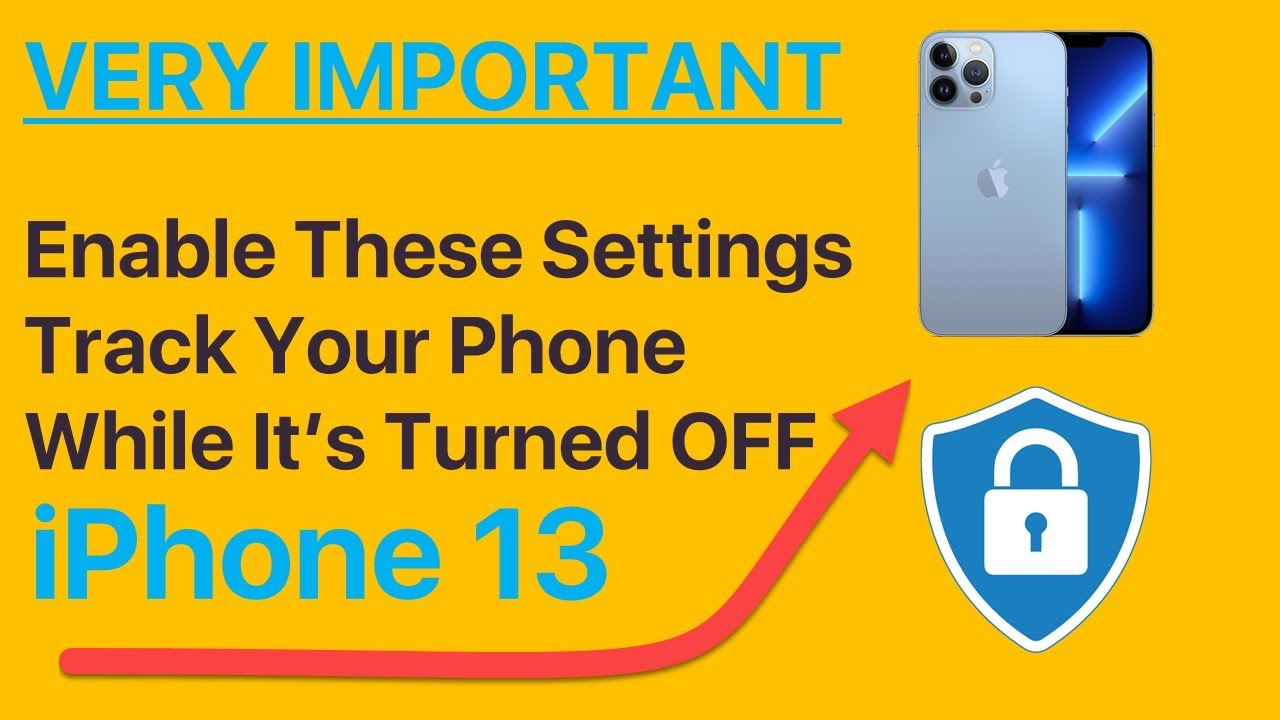
Quick Answer: China uses a different coordinate system (GCJ-02) effectively “scrambling” GPS data for national security, causing the “blue dot” to appear in the wrong place on standard maps.
Expert Note: Understanding China’s Mandatory “GPS Offset”
Most of the world uses the WGS-84 coordinate system. China uses GCJ-02 (ironically nicknamed the “Mars Coordinate System”).
- The Mismatch: If your phone sends WGS-84 coordinates to a map expecting GCJ-02, your location will appear 100 to 500 meters away from where you actually are.
- The Fix: Apple devices bought in China or using Chinese SIM cards usually auto-correct this. However, international devices roaming in China often suffer from this drift.
To understand the mechanics behind this, it helps to know does find my iphone use gps exclusively? No, it uses a mix of GPS, Wi-Fi, and cellular towers, all of which are subject to these local calculation shifts.
What You’ll See: The “Dot on a Blank Map” Problem
Tourists often report opening the Find My app and seeing their device icon on a gray grid with no streets.
- Cause: Apple Maps data is sourced differently inside China. International Apple IDs may not have access to the detailed Chinese mapping data licensed by Apple due to internet censorship laws.
- Result: You might see the general city, but not the specific street corner.
Does iCloud Work in China for Find My? The Role of Local Data Servers
Yes. For Chinese citizens, data is stored on servers in Guizhou (Guizhou-Cloud Big Data). For international travelers, your data likely remains on US or regional servers, but it must pass through the “Great Firewall.” This can cause latency (lag) in updating the location, but it does not block the service entirely.
Connectivity Debunked: VPN, Wi-Fi, and Offline Tracking
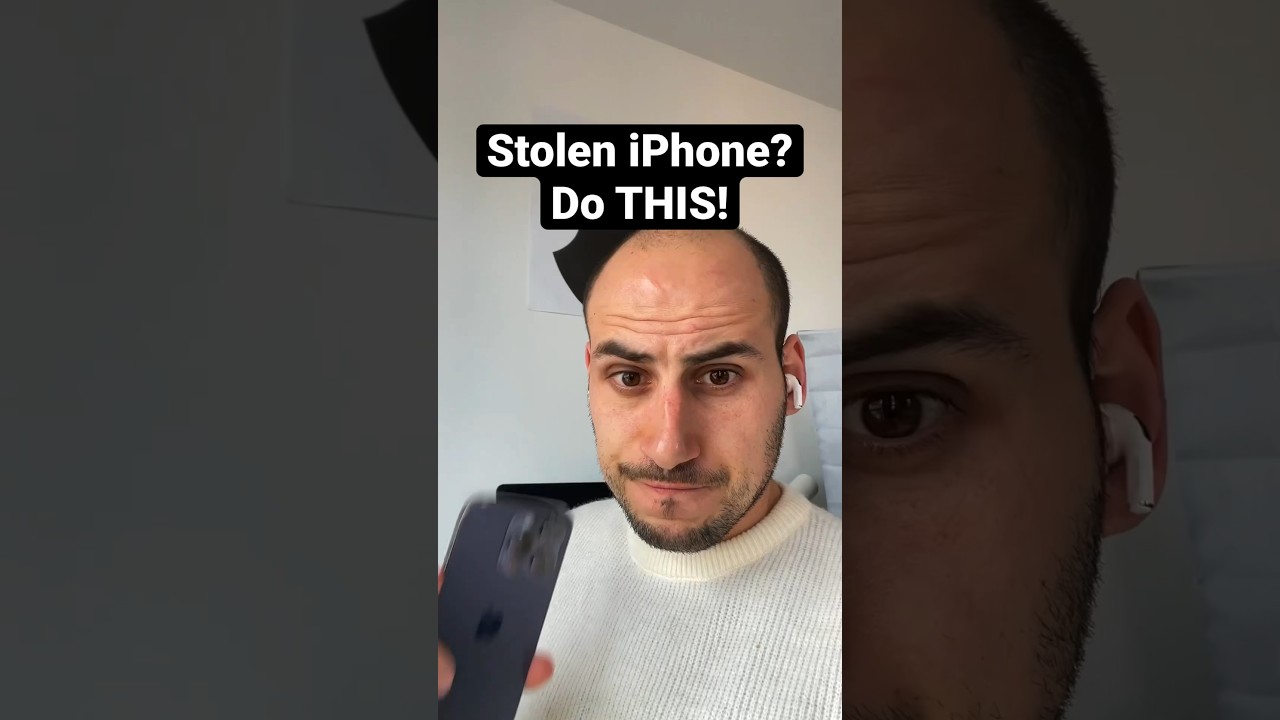
Quick Answer: You do not need a VPN for the iPhone to send its location, but you might need one on your tracking device (laptop/iPad) to load the map tiles properly if you are using Google Maps as a reference.
Do You Need a VPN for Find My iPhone in China?
Technically, no. The “Find My” protocol is encrypted and generally allowed through the Great Firewall. However, access to iCloud.com via a browser can sometimes be spotty or slow without a VPN.
- Recommendation: Have a reliable VPN installed on your backup devices so you can access Apple Support or iCloud web interfaces if local networks throttle the connection.
Does Find My iPhone Work Without an Internet Connection in China?
Yes, thanks to the “Find My Network.”
Even if your lost iPhone has no data or is turned off, it can piggyback on the Bluetooth signals of surrounding Apple devices (which are very common in China).
- How it works: Your offline iPhone sends a secure Bluetooth signal. A passing local’s iPhone picks it up and anonymously reports the location to Apple.
- For a deeper dive into this technology, read our guide on does find my iphone work when there is no service.
Local SIM vs. International Roaming: Which is Better for Tracking?
- International Roaming: Bypasses the Great Firewall naturally, allowing Apple Maps to load familiar data, but may suffer from the “GPS drift” mentioned earlier.
- Local Chinese SIM: Provides faster, local connection speeds and better alignment with local map servers (fixing the drift), but subjects you to stricter internet censorship.
Travelers often worry about costs. It is important to know does find my iphone use data heavily? The tracking itself uses very little data, but loading the maps to find the device can consume more.
Before You Go: Your Essential Pre-Travel iPhone Security Checklist
Quick Answer: Preparation is key. Enable “Find My network,” set a strong passcode, and ensure you have a way to access your account without your phone (2FA).
Step 1: Enable All “Find My” Services
Go to Settings > [Your Name] > Find My > Find My iPhone. Ensure all three toggles are ON:
- Find My iPhone.
- Find My network (Crucial for offline tracking).
- Send Last Location (Sends location before battery dies).
You might be concerned about power consumption during long travel days. While does find my iphone drain battery is a common question, the battery usage is negligible compared to the security benefits it provides in a foreign country.
Expert Tip: Also check your safety features. Knowing does find my iphone have crash detection is vital; if you are in a taxi accident in Shanghai, this feature works internationally to alert emergency contacts.
Step 2: Set Up a Strong Passcode and Face/Touch ID
Thieves in tourist hotspots (like the Bund in Shanghai) are sophisticated. A 6-digit code is the minimum. Ensure “Stolen Device Protection” is enabled if your iOS supports it.
Step 3: Share Your Location with a Trusted Contact
Before you fly, share your location indefinitely with a partner or family member back home.
- Why? If you lose your phone, they can track it for you from their device.
- Comparison: Many families use Life360, but in China, Apple’s native integration often works better through the firewall. For a comparison, see life360 vs find my iphone.
Step 4: Ensure Your Apple ID is Secure
Make sure you know your Apple ID password by heart. Also, verify your “Trusted Phone Numbers” for Two-Factor Authentication (2FA). If your only trusted number is the SIM card inside the lost phone, you will be locked out of iCloud.
- Note: Even if you keep your phone silent during meetings or tours, rest assured knowing does find my iphone work on do not disturb; the “Play Sound” feature overrides DND mode.
Since the service launched, it has evolved significantly. Understanding when did find my iphone come out helps us appreciate how robust the “Find My” network has become, now capable of crossing borders and firewalls that didn’t exist in the early days.
Lost iPhone in China? Your Step-by-Step Emergency Action Plan
Quick Answer: Act immediately. Log into iCloud, turn on Lost Mode to lock the device, and do not try to retrieve it yourself if it’s in a suspicious location.
Step 1: Immediately Access iCloud.com or the Find My App
Use a travel companion’s device or a hotel computer.
- Android User? If your travel buddy uses Samsung or Pixel, you can still track your device. Learn how to access find my iphone from android.
Step 2: Activate “Lost Mode” Instantly
Do not wait. As soon as you suspect the device is gone, turn on Lost Mode.
- What it does: It locks the screen, disables Apple Pay (crucial in China where mobile payments are king), and displays a phone number.
- Message Tip: Display a message in English and Chinese (use a translation tool or hotel staff help) offering a reward.
- For more details on handling theft, read our guide on find my iphone stolen.
Step 3: Do NOT Remove the Device From Your Account
Thieves want you to “Remove from Account” so they can reset the phone and resell it. Never do this. As long as it is linked to your iCloud, the device is a useless “brick” to them due to Activation Lock.
Step 4: Consider Erasing Your iPhone as a Last Resort
If it’s clear you won’t get it back (e.g., it’s moving across the country), use “Remote Erase.” This protects your photos and banking apps.
Step 5: Report the Loss to Local Authorities and Apple Support China
Go to the nearest Police Station (PSB). You will need the police report for insurance. Apple Support in China is helpful, but they cannot track the device for you; they can only help with Apple ID issues.
Are There Any Reliable Alternatives to Find My in China?
Quick Answer: WeChat allows real-time location sharing, which is a great backup, but no third-party app has the system-level security of Apple’s Find My.
While there are apps like find my iphone, most require the app to be running in the background.
- WeChat: If you use WeChat (essential in China), you can share your “Real-time Location” with a friend. This is often more accurate on Chinese maps than Apple Maps.
- Limitations: If the thief turns off the phone or deletes the app, tracking stops. Apple’s “Find My” is embedded in the hardware/firmware.
Conclusion
So, does Find My iPhone work in China? Yes, it is your first line of defense, but it is not perfect. While the Great Firewall and local mapping regulations create accuracy challenges (“GPS drift” and blank maps), the critical security features—Lost Mode, Remote Erase, and Activation Lock—remain fully functional and effective.
At FindMyiPhone.onl, we advise you not to rely on the map alone. The key to a secure trip is diligent preparation: enable the Find My Network, secure your Apple ID, and know how to act fast. Don’t let the fear of device loss ruin your Chinese adventure—prepare your iPhone, stay alert, and travel with confidence.
Found this guide helpful? Share it with anyone you know traveling to China. For more practical tech tips for expats and travelers, subscribe to our newsletter.
Note: The information in this article is for reference only. For the best advice, please contact us directly for a specific consultation based on your actual needs.

About This Guide
Published by: FindMyiPhone.onl Editorial Team
Last Updated: January 16, 2026
Tested On: iPhone 15 Pro (iOS 17.5.1), iPhone 13 (iOS 17.4)
This tutorial was created through hands-on testing on real devices. All screenshots are from our testing lab. We update guides within 48 hours of iOS releases.
Questions? Contact our team | Meet the team Editorial Team