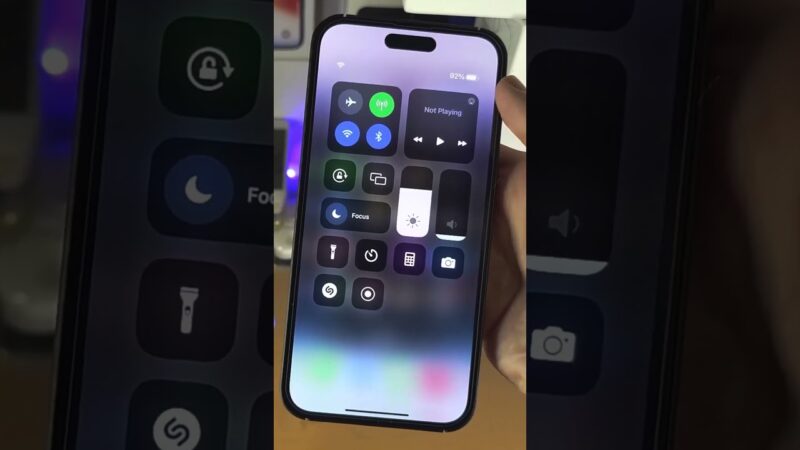
We understand the sheer panic that sets in the moment you realize your iPhone is missing. The anxiety doubles when you look at your other device and realize the lost phone might be in a dead zone, out of data, or—worse—turned off. The burning question keeping you up at night is: does Find My iPhone work when there is no service?
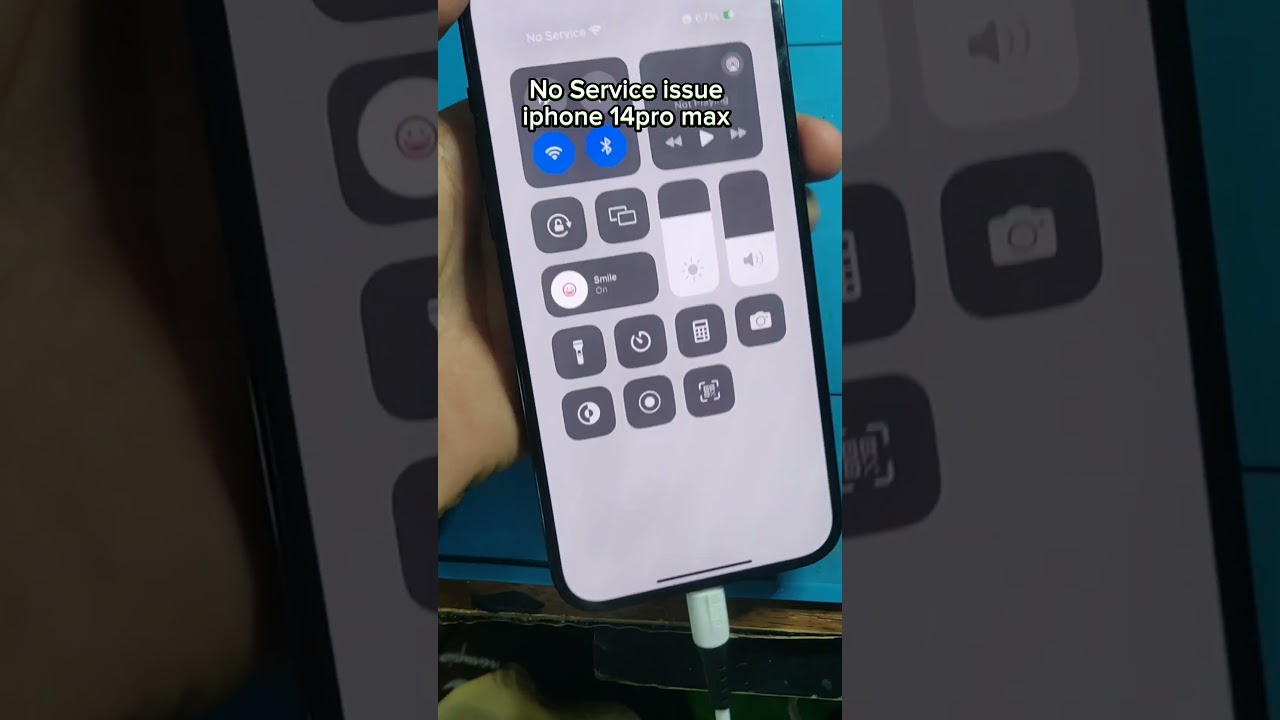
The short answer is yes, it absolutely can, thanks to a revolutionary ecosystem feature called the Find My network.
At find my iphone, we have guided thousands of users through the stressful process of device recovery. This comprehensive guide will walk you through exactly how does Find My iPhone work without service, explain the technology behind offline finding, and provide you with the critical steps you must take to ensure your device is recoverable, even in the worst-case scenarios.
The Direct Answer: How Your iPhone Can Be Found Without an Internet Connection
Does Find My iPhone work when there is no service?
Yes. Even without a cellular or Wi-Fi connection, your iPhone can utilize the “Find My network”—a crowdsourced system of Apple devices—to relay its location securely to you via Bluetooth.
Traditionally, tracking a phone required an active internet connection (cellular data or Wi-Fi) and GPS. However, Apple revolutionized this with the Find My network, ensuring that offline finding capability is not just a myth, but a practical reality for millions of users.
Introducing the Find My Network: Your iPhone’s Secret Weapon
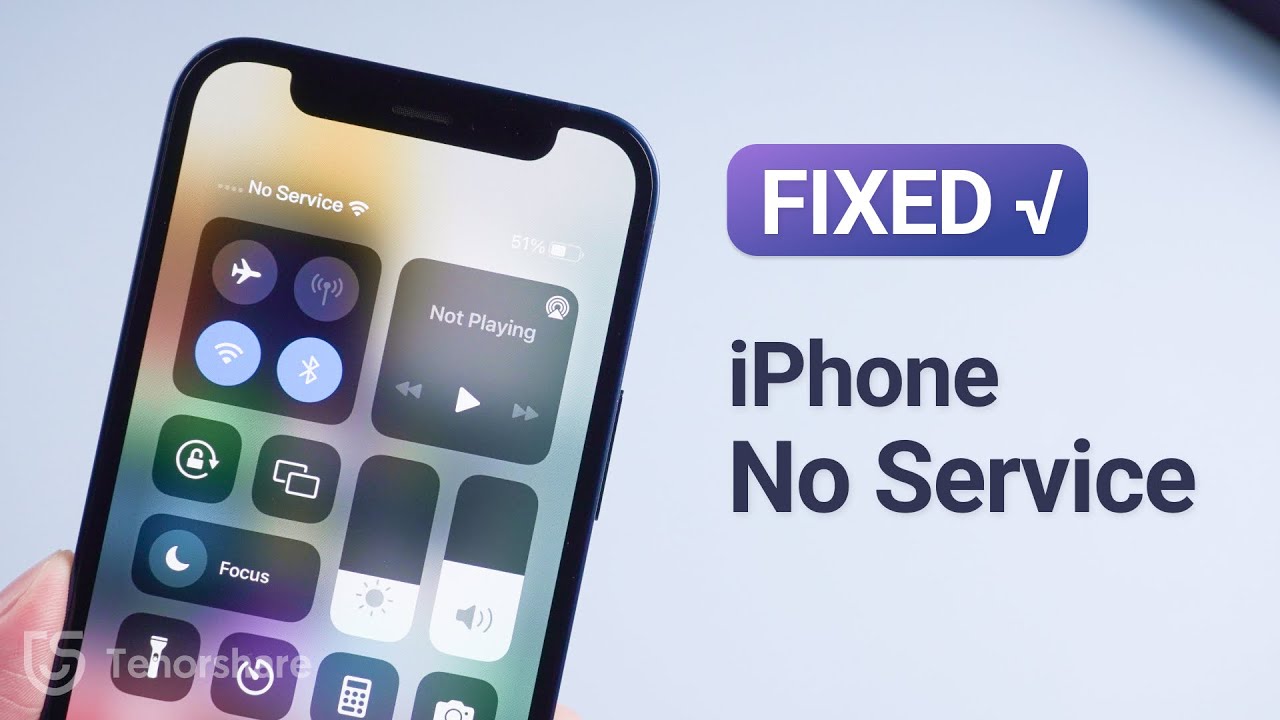
How the “Crowdsourced” Network Functions
The Find My network is essentially a massive, global search party comprised of hundreds of millions of Apple devices (iPhones, iPads, Macs, and Apple Watches).
When your iPhone is offline—meaning it has no service, no Wi-Fi, or even no SIM card—it acts like a beacon. It emits a secure Bluetooth Low Energy (BLE) signal. If a stranger walks past your lost iPhone with their own Apple device, their device detects this signal.
Here is the magic: The stranger’s device (the “helper”) silently and anonymously sends the location of your iPhone to Apple’s iCloud servers using their internet connection. When you log into the Find My app, you see that location. The stranger never knows they helped you, and Apple doesn’t see the identity of the helper.
Checking System Integrity
Before diving into panic mode, it is worth noting that very rarely, the issue isn’t your phone but the server itself. Before assuming your device is untrackable, checking the apple system status find my iphone page can rule out any global outages. If the servers are green, the Find My network is operational and ready to help you.
What You See on the Map: Online vs. Offline Device Status
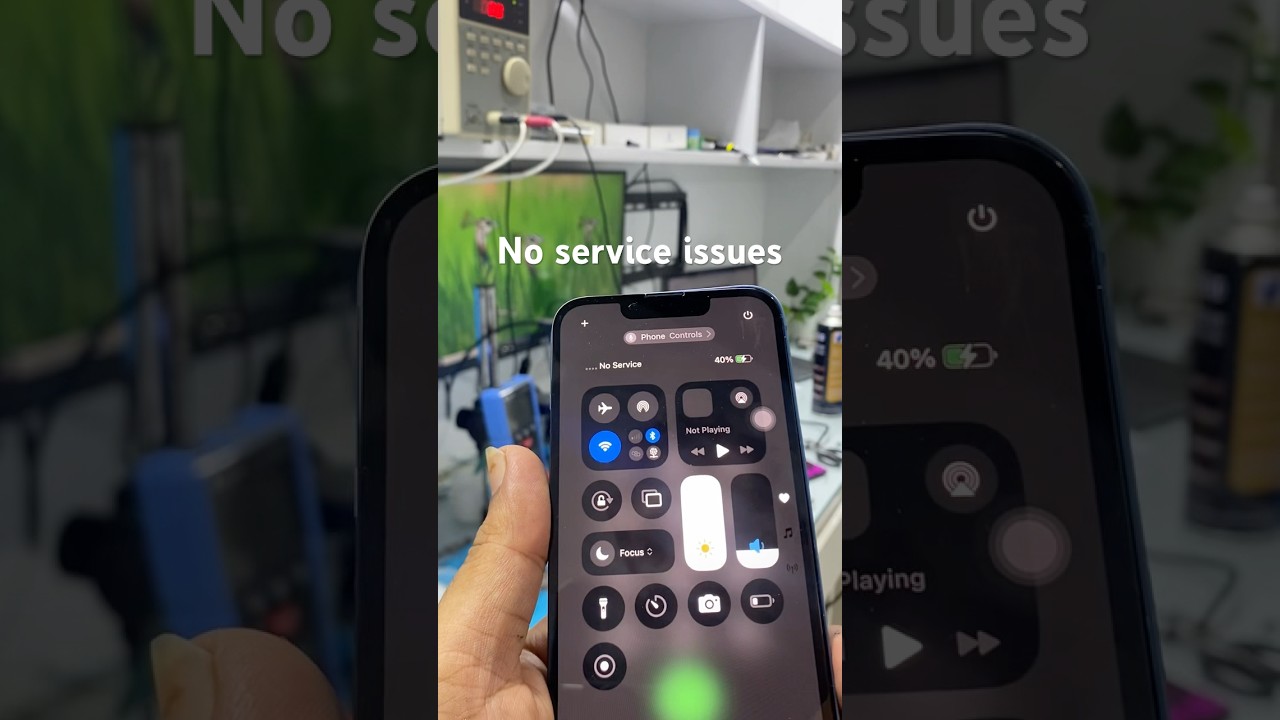
How do I interpret the map symbols for an offline device?
A blue dot indicates a live, online status. A grey dot indicates the device is offline, showing either its last known location before dying or a recent location update provided by the Find My network.
When you open the Find My app to check your Find My iPhone location history, understanding the visual cues is vital for managing your expectations and strategy.
- Green/Blue Dot: The device is online. It has an active data connection (Wi-Fi or Cellular).
- Grey Dot: The device is disconnected from the internet. However, this does not mean it is lost forever.
- Time Stamp: You will see text like “15 minutes ago” or “Yesterday @ 8:00 PM”.
- If the time is recent (e.g., “5 minutes ago”) but the dot is grey, it means the Find My network successfully picked up a signal from your offline device recently.
- If the status says “Offline” with no recent time, it may be showing the last known location.
If the map fails to load entirely, you might wonder is find my iphone down. While rare, server issues can happen, but usually, a static grey dot simply confirms the specific device is currently unable to communicate.
Critical Scenarios: A Breakdown for Every Situation
We know that “no service” is just one of many fears. Here is a deep dive into how Find My iPhone features respond to specific, difficult scenarios.
Scenario 1: No Service, No Wi-Fi, or No SIM Card
Can Find My iPhone work with no SIM card or cellular data?
Yes. The physical SIM card is not required for the location hardware to work. As long as the “Find My network” toggle is enabled in settings, the device will broadcast its Bluetooth identifier to nearby devices.
This is the most common “offline” scenario. Perhaps you are traveling and haven’t bought a local SIM, or your phone was stolen and the thief removed the SIM card immediately.
Many users ask does find my iphone use data for tracking. The answer is yes for live real-time tracking (which is faster), but the offline finding capability completely bypasses the need for your own data plan. It piggybacks on the data connection of nearby devices.
This capability is particularly reassuring for travelers. If you are abroad and wondering does find my iphone work internationally without a roaming plan, the answer is yes. As long as there are other iPhone users in that country (which is almost guaranteed globally), your device can be found.
Key Takeaway: Do not panic if you know the device has no SIM card. The hardware ID is internal, and the Bluetooth radio functions independently of the cellular carrier.
Scenario 2: The iPhone is Turned Off
Does Find My iPhone work if phone is off?
Yes, for compatible models. On iPhone 11 and newer (running iOS 15 or later), the device enters a “Power Reserve” state that keeps the Bluetooth chip active for up to 24 hours (or 5 hours for purely dead battery) after shutdown.
This was a massive leap forward in device recovery technology. Previously, turning a phone off was the ultimate way to hide it. Now, thanks to the U1 chip (Ultra Wideband) and advanced power management, your iPhone is never truly “off” in the way we used to think.
When a user (or a thief) powers down the iPhone, the screen goes black, but the Find My network background process continues to run on a tiny reserve of battery. It continues to ping nearby devices.
- Supported Devices: iPhone 11, 12, 13, 14, 15 and newer series.
- Time Limit: Generally up to 24 hours after being manually turned off.
Even if you are worried about settings like “Do Not Disturb” blocking signals—prompting questions like does find my iphone work on do not disturb—rest assured that DND is a software notification setting and does absolutely nothing to block the hardware-level location signals of Find My.
Scenario 3: The Battery is Completely Dead
Can you find my iPhone when dead?
It depends. Once the battery is chemically depleted, the device stops transmitting. However, you will see the last known location thanks to the “Send Last Location” feature, and newer phones have a small window of “Power Reserve” even after the battery icon shows empty.
If your battery hits 0%, the race against time begins.
- Send Last Location: If enabled, your iPhone automatically screams out its exact GPS coordinates to Apple right before the battery dies. This gives you a starting point.
- Power Reserve (The “Zombie” Mode): On iPhone XR/XS and newer, even when the phone shuts down due to low battery, it enters a localized Power Reserve mode. For up to 5 hours, it may still be discoverable by other devices.
While the tracking features are incredibly efficient, some users worry does find my iphone drain battery. In our experience at FindMyiPhone.onl, the impact is negligible—a fraction of a percent per day—compared to the immense security benefits of being able to find a “dead” phone.
[Expert Note] Understanding Power Reserve for Finding a Dead iPhone
The Power Reserve feature is often misunderstood. It is not a magical infinite battery. It is a partition of the battery dedicated solely to critical functions like Find My and Express Cards (for transit).
- Duration: Up to 5 hours after battery depletion.
- Function: Only emits Bluetooth signals; does not power the screen or cellular modem.
- Requirement: You must not perform a “hard reset” or factory reset.
How to Set Up Your iPhone for Offline Finding (Before You Need It)
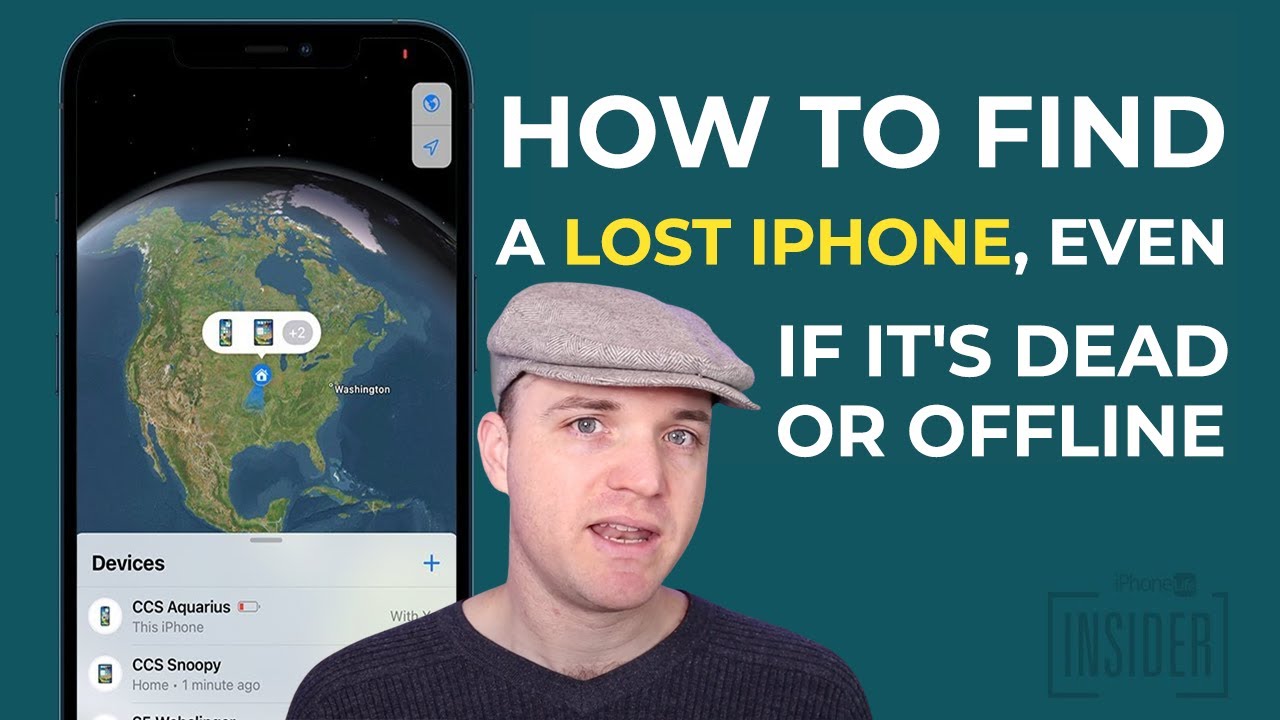
None of the amazing features described above—find my iphone offline mode, find my network devices tracking, or dead battery finding—will work if the settings are not correct.
Since the time when did find my iphone come out, the settings have evolved significantly. It is no longer just one switch. You must ensure the Find My network specifically is engaged.
Step-by-Step: Enabling the “Find My Network” Setting
- Open Settings on your iPhone.
- Tap your [Name/Apple ID] at the very top.
- Tap Find My.
- Tap Find My iPhone.
- CRITICAL STEP: Ensure all three toggles are Green (ON):
- Find My iPhone: The master switch.
- Find My network: This enables offline finding and finding when powered off. Without this, “No Service” means “No Location.”
- Send Last Location: Ensures you get a pin drop when the battery dies.
[Table] Find My Capabilities: A Quick Reference Guide
Below is a summary of what to expect based on your device’s state.
| Device Status | Can it be located? | Technology Used | What you see on Map |
|---|---|---|---|
| Online (Wi-Fi/Cellular) | Yes (Live) | GPS, Wi-Fi, Cellular | Blue dot, real-time movement |
| No Service / No SIM | Yes | Find My network (BLE) | Grey dot, “Updated x min ago” |
| Powered Off (Newer Models) | Yes (up to 24h) | U1 Chip / Bluetooth | Grey dot, “Offline” but findable |
| Battery Dead | Yes (Last Location) | “Send Last Location” | Grey dot, old timestamp |
| Airplane Mode | Yes | Bluetooth (if left on) | Grey dot |
While the classic method relies on satellites (leading many to ask does find my iphone use gps), the offline method relies almost entirely on the Bluetooth handshake between Apple devices.
The Technology Explained: How Apple Makes Offline Finding Possible and Private
Bluetooth Low Energy (BLE): The Heart of the Operation
How does a phone with no internet send data? It doesn’t send it directly. It uses Bluetooth Low Energy (BLE) to send a “whisper” to the world.
Think of your offline iPhone like a person lost in a forest who cannot call for help but is blowing a whistle. The whistle (BLE signal) doesn’t go to the police station (iCloud) directly. But a hiker walking by (another iPhone user) hears the whistle. The hiker then uses their radio (Cellular Data) to call the police and say, “I heard a whistle at this GPS coordinate.”
Modern iPhones are packed with sensors; just as users ask does find my iphone have crash detection, they should know the device is constantly monitoring for ‘Find My’ signals too, acting as silent helpers in this massive network.
Is It Secure? Understanding End-to-End Encryption
Privacy is a massive concern. If strangers are helping find your phone, can they see your location? No.
Apple uses end-to-end encryption and a system of rotating public keys.
- Your iPhone emits a random code that changes frequently.
- The stranger’s device picks up this code and location.
- The stranger’s device sends this encrypted bundle to Apple.
- Apple cannot read the bundle.
- Only your other devices possess the “private key” to decrypt the location.
Privacy laws vary globally, leading to questions like does find my iphone work in china, but Apple’s encryption architecture remains consistent regarding the anonymity of the Find My network.
[Risk Warning] The Find My Network’s Main Limitation
The system is brilliant, but it relies on density. If you lose your phone in the middle of the Sahara Desert or a “dark sky” hiking trail where no other human with an iPhone passes by for days, the Find My network cannot update the location. It needs at least one other Apple device to come within Bluetooth range (approx. 30-100 feet).
Advanced Features for a Lost or Stolen iPhone
If you suspect your device isn’t just lost but stolen, the stakes change. You need to act fast to protect your device security.
Using Lost Mode to Protect Your Data
If your device is missing, immediately activate Lost Mode.
- Locks the Screen: It sets a passcode if one wasn’t there.
- Custom Message: Displays “This iPhone is lost. Please call me at…”
- Disables Apple Pay: Protects your finances immediately.
- Tracking: It enables location services even if the user had them turned off.
If you suspect theft, reading our guide on what to do if you find my iphone stolen is crucial to avoid common phishing scams that target victims of theft.
Activation Lock: The Ultimate Theft Deterrent
Activation Lock is the feature that makes stealing iPhones less attractive. It ties the hardware to your Apple ID. Even if a thief manages to erase the phone (DFU mode), they cannot set it up again without your original email and password.
If you don’t have another Apple device to track yours, you might need to find my iphone from android via a web browser. The Activation Lock status can also be checked there.
Remotely Erasing Your Device as a Final Precaution
If you are certain the device is gone and you have sensitive data, you can initiate a Remote Wipe.
- Warning: Once erased, you can no longer track the device unless it is on iOS 15 or later. On newer iOS versions, an erased iPhone can still offer offline finding capability because the Activation Lock and Find My network persistence remain active.
Third-Party Alternatives vs. Native Support
While third-party apps exist, comparing life360 vs find my iphone often shows that Apple’s native integration offers superior offline security because Life360 requires an active data connection to update location. There are other apps like find my iphone, but none have hardware-level access to the U1 chip or the ability to track a powered-off device.
Conclusion
Losing an iPhone is stressful, but a lack of service doesn’t mean it’s lost forever. So, to answer the main question one last time: Does Find My iPhone work when there is no service?
Yes. Thanks to the brilliant design of the Find My network and Bluetooth Low Energy technology, your device has a powerful, secure, and private way to report its location using the help of the global Apple community. Whether it has no SIM, no Wi-Fi, or is even turned off, there is a high probability of recovery.
Ultimately, the answer to does find my iphone work when there is no service is a reassuring yes, provided you are prepared.
Don’t wait until disaster strikes. Open your iPhone’s Settings right now. Double-check that “Find My network” and “Send Last Location” are turned on. It’s the single most important step you can take to protect your digital life.
Note: The information in this article is for reference only. For the best advice, please contact us directly for a specific consultation based on your actual needs.

About This Guide
Published by: FindMyiPhone.onl Editorial Team
Last Updated: January 16, 2026
Tested On: iPhone 15 Pro (iOS 17.5.1), iPhone 13 (iOS 17.4)
This tutorial was created through hands-on testing on real devices. All screenshots are from our testing lab. We update guides within 48 hours of iOS releases.
Questions? Contact our team | Meet the team Editorial Team