Verifying your iPhone’s identity when it’s lost, broken, or simply not in your hand requires its unique IMEI or serial number. You can find my iphone imei/serial number through your Apple account, original packaging, or previous backups. This guide clarifies what these critical numbers allow you to check—such as warranty coverage or trade-in eligibility—and crucially, what they cannot do, such as independently tracking a lost device via GPS. At findmyiphone, we provide this resource as a verification tool to help you secure your data and investments, not as a recovery utility for live tracking.
Quick Answer: Is It Possible to Find Your iPhone’s IMEI or Serial Number Without the Physical Device?
The Direct Answer: Yes, it is entirely possible to retrieve these numbers without the phone in hand, provided you have access to your Apple ID, the original box, or a computer backup.
These identifiers are permanently recorded in Apple’s ecosystem for device management and support. However, it is vital to understand that while you can find this information to prove ownership or report a theft, Apple’s strict privacy policies prevent you from using these numbers to view the device’s real-time location on a map.
What This Check Actually Means
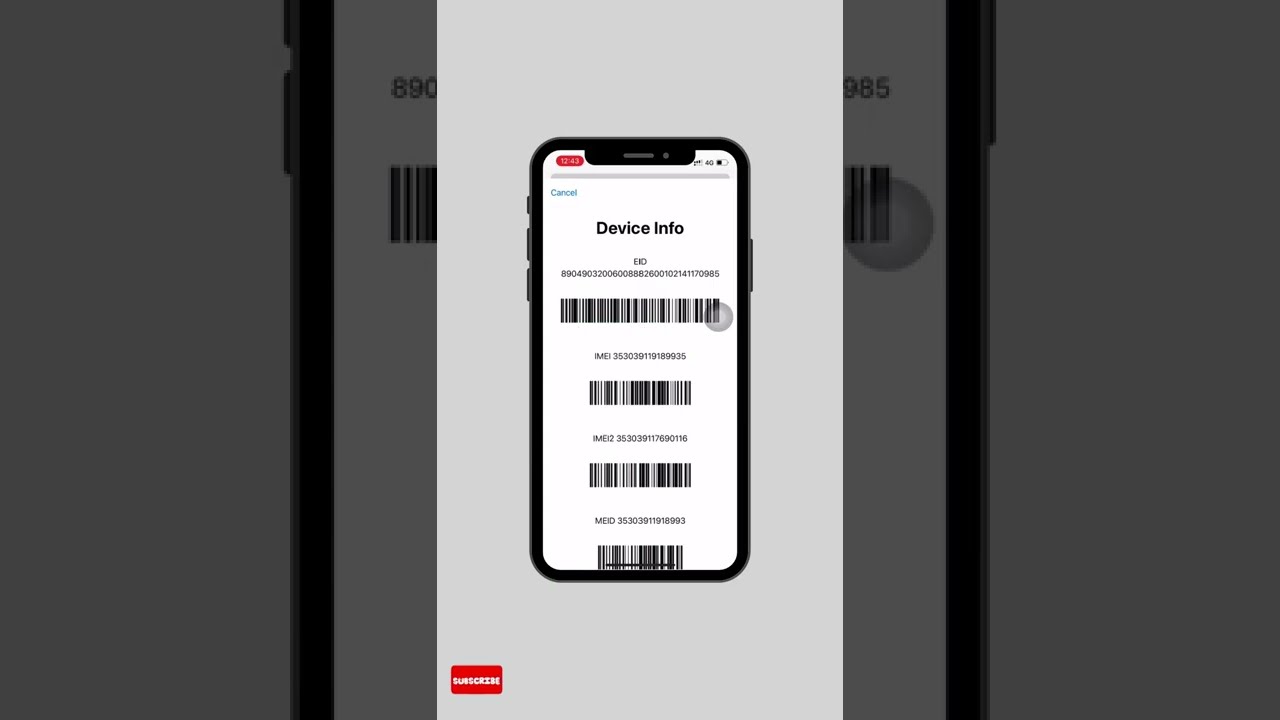
Finding your IMEI or serial number is primarily for device identification, not location tracking. When you locate these numbers, you are retrieving the digital fingerprint of your device.
This information allows you to:
- Prove ownership for an insurance claim.
- Report a theft to your carrier to blacklist the device.
- Verify the apple serial number lookup for warranty status.
- Confirm technical specifications for a trade-in.
It does not grant you access to a secret government tracking system. A common misunderstanding is that an IMEI number acts like a GPS beacon accessible to the public; it does not.
The Four Official Methods to Find Your iPhone’s Identifiers Remotely
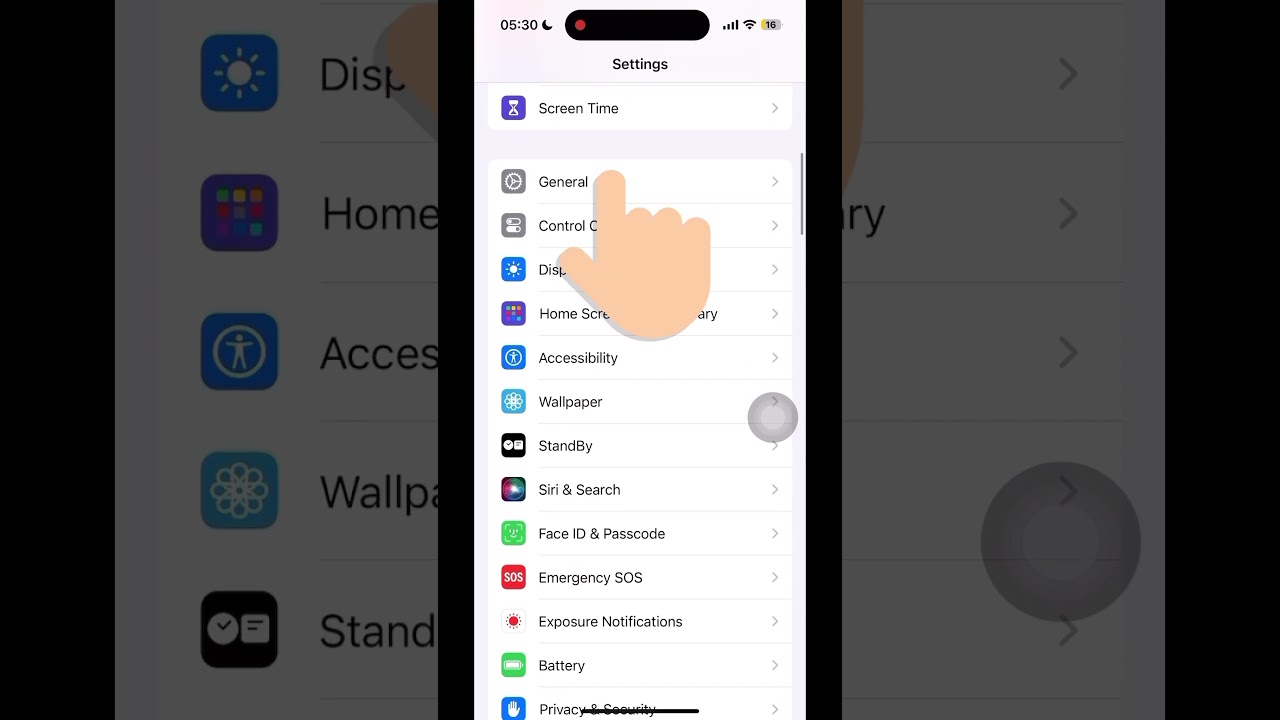
If your device is missing or the screen is broken, you cannot simply go to Settings > General > About. Instead, use these four proven methods to find my iphone imei/serial number.
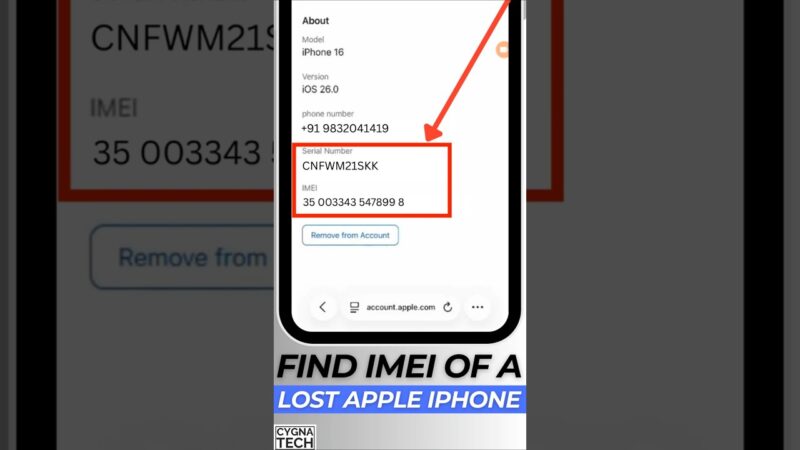
Method 1: Your Apple ID Account Page (Most Reliable)
Answer: The most reliable source for finding the serial and IMEI numbers for all devices linked to your account is the official Apple ID website.
This is the primary method if the device is lost or inaccessible. Since your iPhone is linked to your iCloud ecosystem, Apple stores its unique identifiers in the cloud.
- Go to
appleid.apple.comand sign in with your credentials. - Navigate to the Devices section.
- Select the specific iPhone you are looking for.
- A popup will display the model, serial number, and IMEI.
This is often the fastest way to find iphone serial number from apple id without needing physical items like boxes or cables. While you are logged in, you may also want to check if find my iphone is on to ensure your device’s activation lock is active.
Method 2: The Original iPhone Packaging
Answer: The original box contains a barcode sticker with the device’s serial number, IMEI, and other identifiers printed clearly on the back.
If you are wondering how to get iphone serial number from box, look for the barcode label on the bottom or back of the original packaging. This is a dependable physical source if you have retained it. You will see:
- Serial No: The hardware identifier.
- IMEI/MEID: The network identifier.
- Part No: The specific model configuration.
This method is particularly useful if you cannot remember your Apple ID password or if the device was never fully set up with iCloud.
Method 3: A Device Backup in Finder or iTunes
Answer: If you have previously synced your iPhone with a Mac or PC, the device summary within a backup will display the serial number.
For users asking find iphone serial number in itunes (on Windows) or Finder (on Mac), follow these steps:
- Open iTunes or Finder.
- Go to the Preferences tab and select Devices.
- Hover your mouse cursor over the name of your iPhone backup.
- A small tooltip will appear showing the Phone Number, IMEI, and Serial Number.
This method works even if the phone is currently lost, as the data is pulled from the local history on your computer.
Method 4: Your Original Receipt or Carrier Invoice
Answer: The purchase receipt (digital or physical) or your cellular carrier’s device agreement often includes the serial number or IMEI for their records.
When you purchase a phone, the seller logs the IMEI to start the warranty. If you are trying to figure out how to find imei number of lost iphone and have no box or backups, search your email inbox for “receipt,” “invoice,” or “contract” from your carrier (like Verizon, T-Mobile, AT&T) or the retailer.
Understanding the Difference: IMEI vs. Serial Number
To effectively manage your device status, you must know what is the difference between imei and serial number iphone.
What is an IMEI Number?
An IMEI (International Mobile Equipment Identity) is a unique 15-digit number used to identify a device on a mobile network. Its primary function is for carriers to recognize, block, or manage a specific phone’s connection to cell towers. When you ask can i track my lost iphone with imei number, the technical answer is that only carriers can see which tower an IMEI is connecting to, and they generally only share this with law enforcement, not customers.
What is a Serial Number?
A serial number is an alphanumeric identifier assigned by Apple for manufacturing and support purposes. It is not tied to the cellular network. It is used to check warranty status, repair history, trade-in eligibility, and model specifics. You would use this for an apple serial number lookup for warranty.
Verification Capabilities: What You Can Check vs. What You Cannot Check
At FindMyiPhone.onl, we believe in managing expectations. Knowing your numbers is powerful, but it has limits.
What You CAN Verify With These Numbers
- ✓ Confirm AppleCare+ and Warranty: Use the serial number on Apple’s “Check Coverage” page to see if you are eligible for free repairs.
- ✓ Check Repair History: Verify if the device has been serviced by Apple before.
- ✓ Verify Trade-In Eligibility: Check iphone serial number for trade-in values to see how much your device is worth.
- ✓ Report Theft: Provide the IMEI to law enforcement for a police report.
- ✓ Network Blocking: Request your carrier to “blacklist” the IMEI, preventing the phone from connecting to any cellular network.
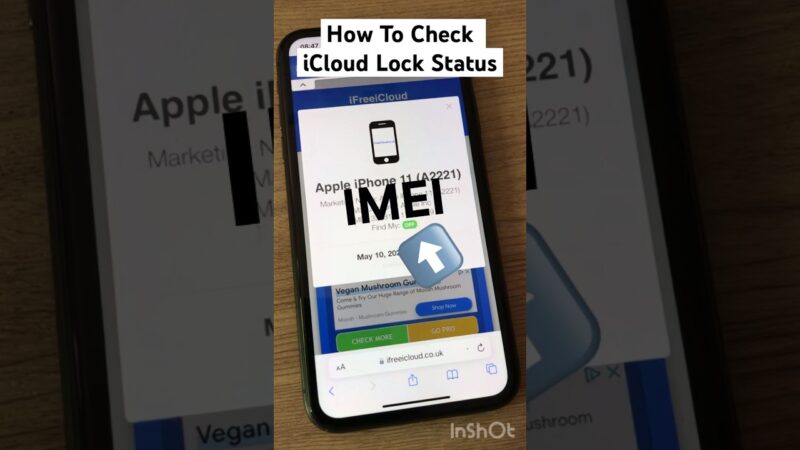
- ✓ Activation Lock Status: You can verify the security status of the device. For detailed steps, read our guide on find my iphone activation lock.
What You CANNOT Do With These Numbers
- ✗ Live Tracking: You cannot independently track the live location of your lost or stolen iPhone using just the IMEI or Serial Number on a public website.
- ✗ Bypass Security: Having the serial number does not allow you to bypass the Activation Lock or remove an Apple ID.
- ✗ Access Data: You cannot access personal photos, messages, or emails using these numbers.
- ✗ Prove “Hacking”: These numbers identify the hardware, they do not provide logs to prove a device has been compromised remotely.
- ✗ Guarantee Recovery: Blacklisting an IMEI makes the phone useless as a phone, but it does not guarantee the police will find it.
Common Scenarios for Needing Your iPhone’s IMEI or Serial Number
Our readers at FindMyiPhone.onl typically search for find my iphone imei/serial number during these stressful or critical moments.
For a Lost or Stolen iPhone
If your device is gone, time is of the essence. You need to know how to find imei when iphone is stolen immediately. You must provide the IMEI to your carrier to blacklist the device. This protects you from fraudulent calls and data usage. Additionally, if you are unsure if the tracking features were enabled, you might want to investigate is find my iphone on by default to understand your chances of recovery via iCloud.
For an Insurance Claim
Insurance providers (like Asurion or AppleCare+) require the IMEI or serial number as absolute proof of ownership. They use this to verify that the claim is for the specific device covered under the policy. Knowing how to find iphone imei number for insurance claim via your Apple ID or receipt is often the first step in getting a replacement device.
To Check Warranty Status or AppleCare+ Coverage
Before heading to the Genius Bar, you should perform an apple serial number lookup for warranty. Apple’s official systems use the serial number to confirm your purchase date and eligibility for service. This helps you avoid unexpected repair costs.
For a Device Trade-In
When you are ready to upgrade, you will need to check iphone serial number for trade-in. Apple or third-party buyers use this to verify the exact model (e.g., iPhone 13 Pro Max vs. iPhone 13 Pro) and storage capacity, which directly dictates the cash or credit value you receive.
For a Broken or Non-Responsive iPhone
If your screen is smashed or the phone won’t turn on, you might be asking how to find imei on broken iphone. Aside from the box and Apple ID methods mentioned above, if you have the physical device, check the SIM Tray. On many iPhone models (iPhone 6s through iPhone 13), the IMEI is laser-etched onto the SIM card tray. Simply pop it out to read the number.
Advanced Identification: UDID, IP, and MAC Addresses
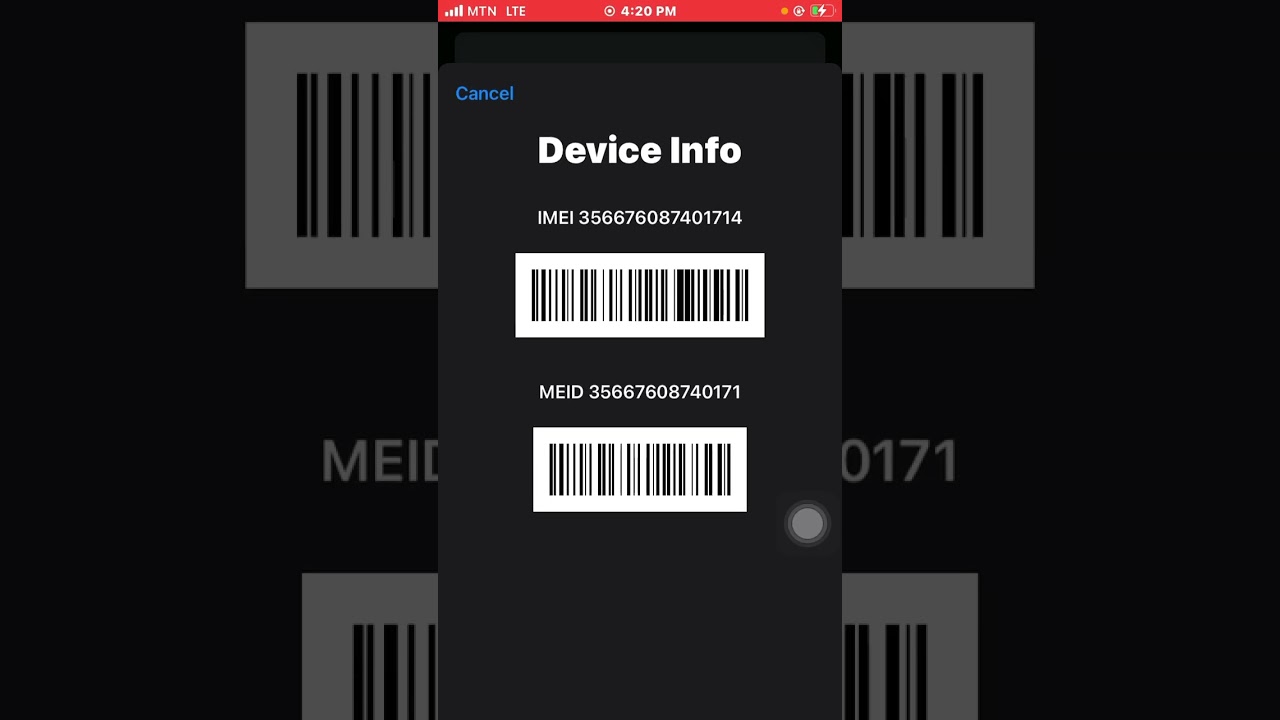
While the IMEI and Serial Number are the most common identifiers, advanced users or those dealing with network restrictions might need deeper identification.
- UDID: The Unique Device Identifier is often used for developer provisioning profiles. If you are a developer, you may need to know how to find my iphone udid to register a test device.
- IP Address: To identify your device on a local Wi-Fi network, knowing how to find my iphone ip address is essential for troubleshooting connectivity or setting up firewalls.
- MAC Address: Similar to the IMEI but for Wi-Fi hardware, the MAC address is used for router filtering. If your device is blocked from a router, you will need to learn how to find my iphone mac address.
Risks, Warnings, and Common Misconceptions
As experts in device status verification, we see many users fall victim to scams when they are desperate to find a lost phone.
The Myth of IMEI Tracking
A dangerous misconception is that you can enter an IMEI into a “tracker” website to see your phone’s dot on a map. This is false. Many users search for how to find my iphone by imei, hoping for a GPS solution. In reality, public IMEI trackers usually only provide the model info or blacklist status, not the location. Only law enforcement, with a warrant, can request carrier triangulation.
Third-Party “Unlock” Services
Be extremely cautious of any online service claiming it can unlock an iCloud-locked iPhone or track it using only the IMEI. These are almost always scams. If you are buying a used phone, you should verify its status yourself. A crucial step is to verify that the device is not locked; you can check if the find my iphone on icloud status clean before handing over any cash.
Misinterpreting “Find My” Status
Some users try to use the IMEI to check if “Find My iPhone” is active. While there are services that check this status, they do not give you the location. If you need to confirm this setting remotely, you can use specific tools to check if find my iphone is on using imei, which helps you know if the Activation Lock is protecting your lost asset.
Conclusion
Finding your lost or inaccessible iPhone’s IMEI and serial number is straightforward using your Apple ID, original box, or backups. These numbers are essential for administrative tasks like warranty checks, insurance claims, and reporting theft. It is critical to understand that their function is identification and verification, not user-operated location tracking.
If you still have access to the device settings, you can easily find iphone serial number in settings under General > About. However, for those without the device, the methods outlined above are your lifeline to securing your digital identity. Always use official Apple resources for any status checks and avoid third-party sites promising impossible tracking capabilities.
Next Steps:
- Log in to your Apple ID to record your IMEI and Serial Number immediately.
- Proceed to Apple’s official “Check Coverage” page to verify your warranty using the serial number you have found.
- Contact your cellular carrier immediately with the IMEI if your device is lost to report the theft.
- Verify the status of any used device you plan to buy to ensure it is not linked to another account. For a comprehensive check, see our guide on find my iphone imei/serial number resources.
Note: The information in this article is for reference only. For the best advice, please contact us directly for a specific consultation based on your actual needs.

About This Guide
Published by: FindMyiPhone.onl Editorial Team
Last Updated: January 16, 2026
Tested On: iPhone 15 Pro (iOS 17.5.1), iPhone 13 (iOS 17.4)
This tutorial was created through hands-on testing on real devices. All screenshots are from our testing lab. We update guides within 48 hours of iOS releases.
Questions? Contact our team | Meet the team Editorial Team