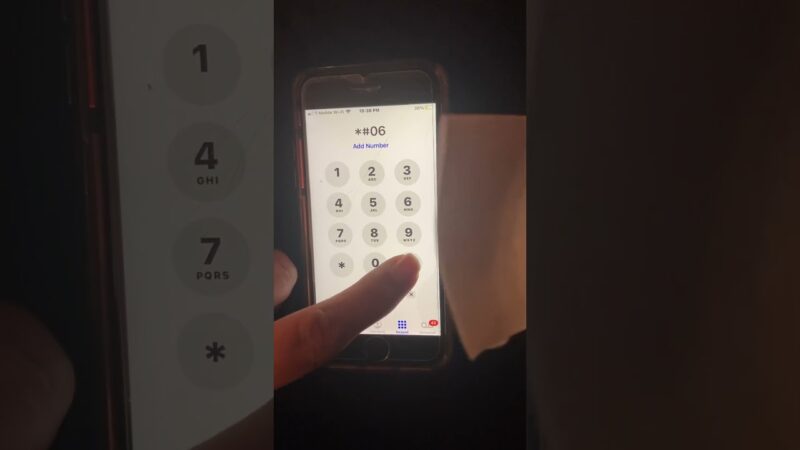
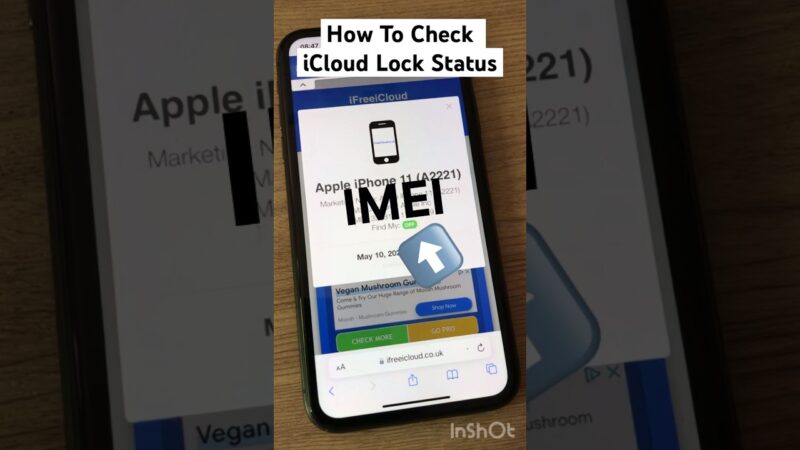
If you have recently lost your device or had it stolen, you are likely in a state of panic and searching for how to find my iPhone by IMEI. It is a common belief that this unique 15-digit number holds the key to pinpointing your phone’s exact location on a map.
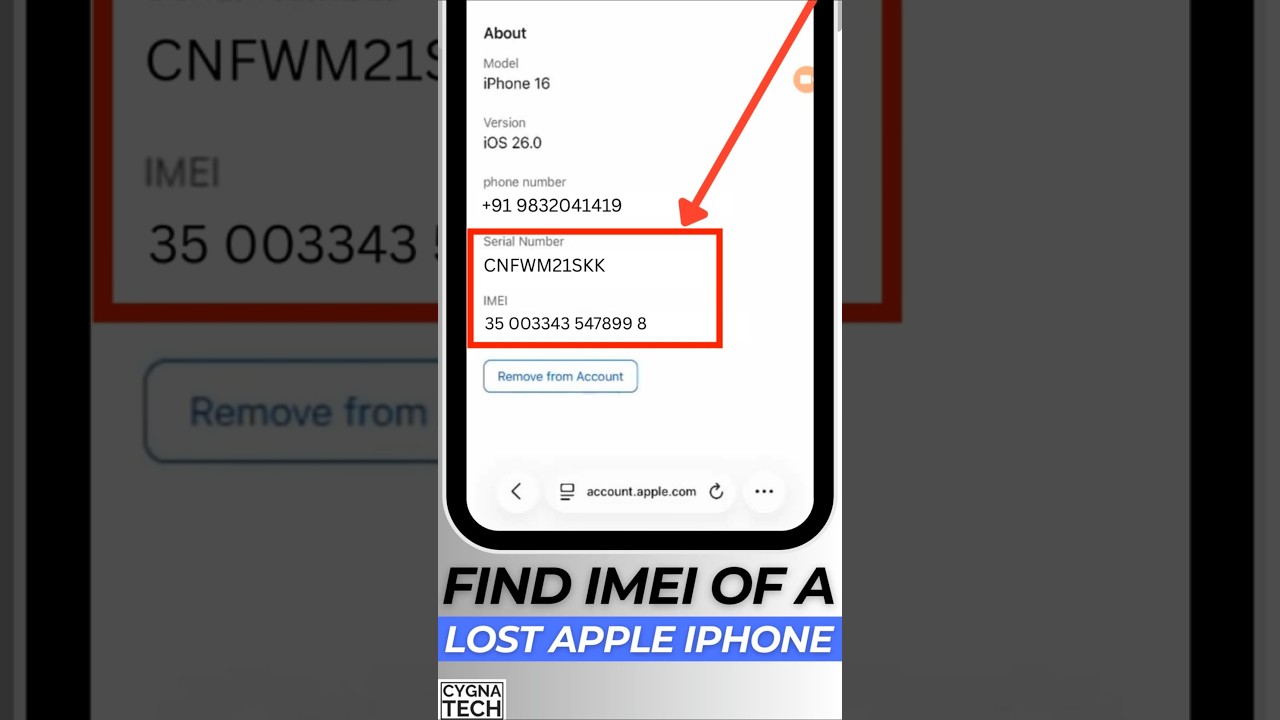
The direct answer is that you, as a regular user, cannot track your iPhone’s live location with just the IMEI number.
At findmyiphone, we understand the distress of losing valuable personal data and an expensive device. This article will verify exactly what is and isn’t possible with an IMEI, explain what the number is actually for, and provide the correct, actionable steps you must take right now to secure your device using Apple’s official tools.
The Direct Answer: Is It Possible to Track an iPhone by IMEI?
Quick Verification: No. For the average consumer, tracking a device via IMEI is impossible.
Quick Answer (TL;DR)
No, you cannot personally track a live location using an IMEI. This is because the International Mobile Equipment Identity (IMEI) is a hardware identifier, not a GPS tracker. Accessing network-level location data via this number is strictly restricted to mobile carriers and law enforcement under specific legal circumstances (such as a subpoena for a missing person case) and is not available to the public.
Many users ask, “Can an iPhone be tracked by IMEI number?” or “Can Apple track iPhone by IMEI?” The answer remains no. Apple does not store or track devices via IMEI for location purposes; they rely entirely on the iCloud-connected Find My network.
What about Online IMEI Trackers?
Status Check: These services are almost exclusively scams or data harvesting tools.
If you search for “How to track lost iPhone using IMEI number online”, you will encounter dozens of websites promising to locate your phone for a fee or a survey. Does IMEI tracker really work? The answer is a definitive no. These sites cannot access the private cellular network data required for triangulation. Their primary goal is often to exploit your desperation to steal your personal data, credit card information, or even the IMEI number itself to clone it.
There is no publicly available, functional IMEI tracking tool. Relying on them will only waste the precious time you should be using to secure your accounts.
What an IMEI Check Actually Means vs. What You Cannot Do
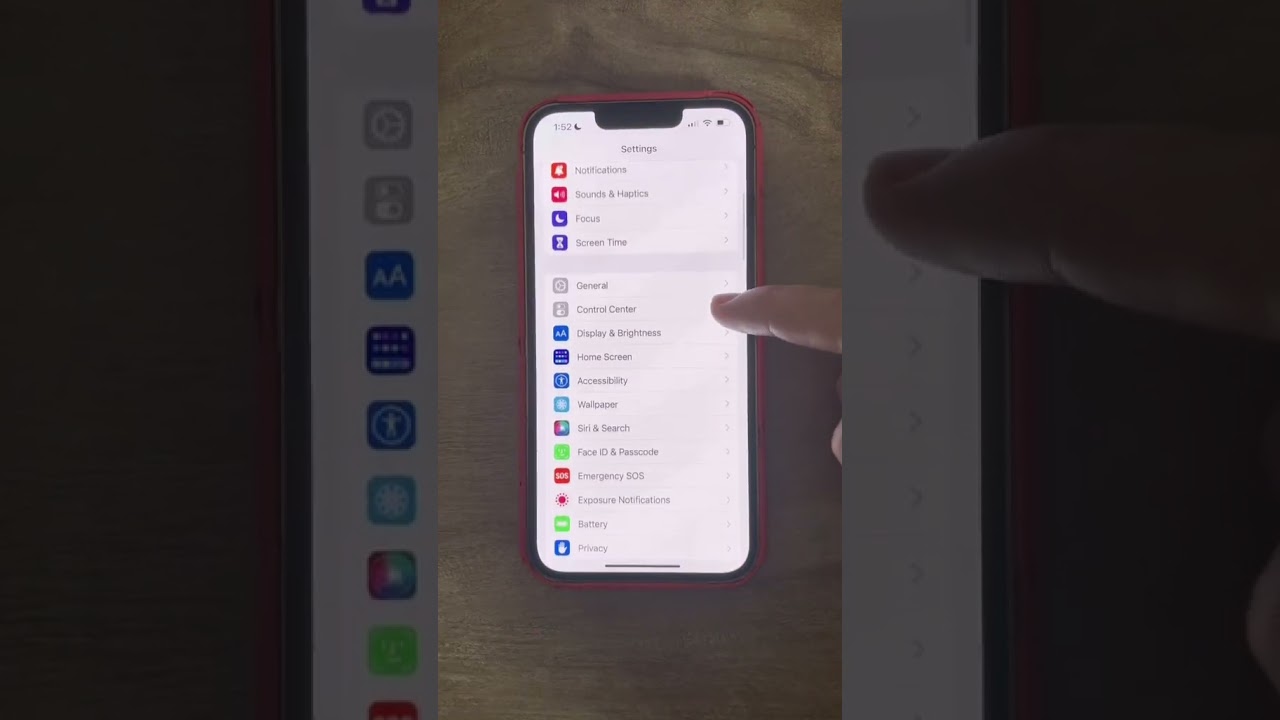
Verification Goal: Understanding the difference between identifying a device and locating a device.
To proceed effectively, you must understand the limitations of the data available to you. The IMEI is essentially a social security number for your phone—it defines what the device is, not where it is.
What an IMEI Number Can Confirm
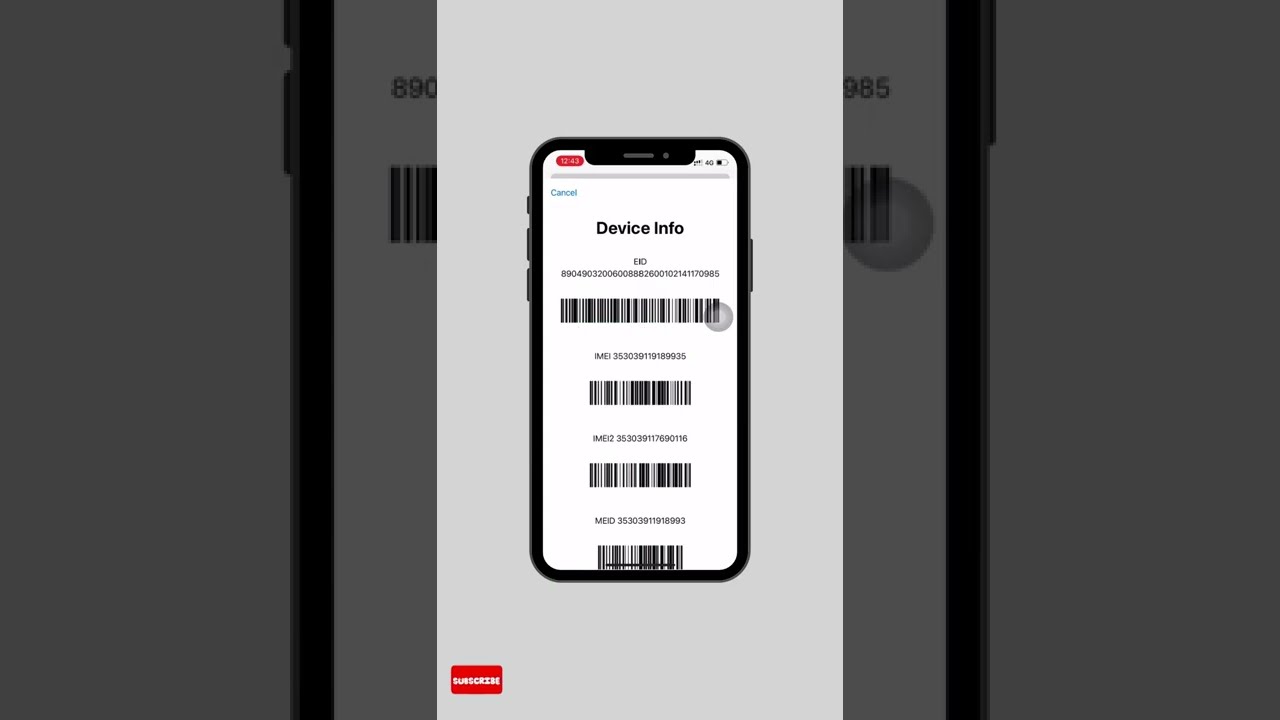
An IMEI number is a unique 15-digit code that identifies your specific device to a cellular network. While it cannot provide a map pin, it is crucial for the administrative side of device recovery. You can use it to:
- ✓ Confirm the device’s identity: This is required when filing a police report or an insurance claim.
- ✓ Blacklist the device: You can request your network provider to add the IMEI to a global blacklist (EIR – Equipment Identity Register). This blocks the phone from accessing cellular networks (calls, data), even if the thief changes the SIM card.
- ✓ Check Status: If you are buying a second-hand phone, you can verify if the device has a clean history. For example, you might want to find my iphone on icloud status clean. to ensure you aren’t buying a stolen paperweight.
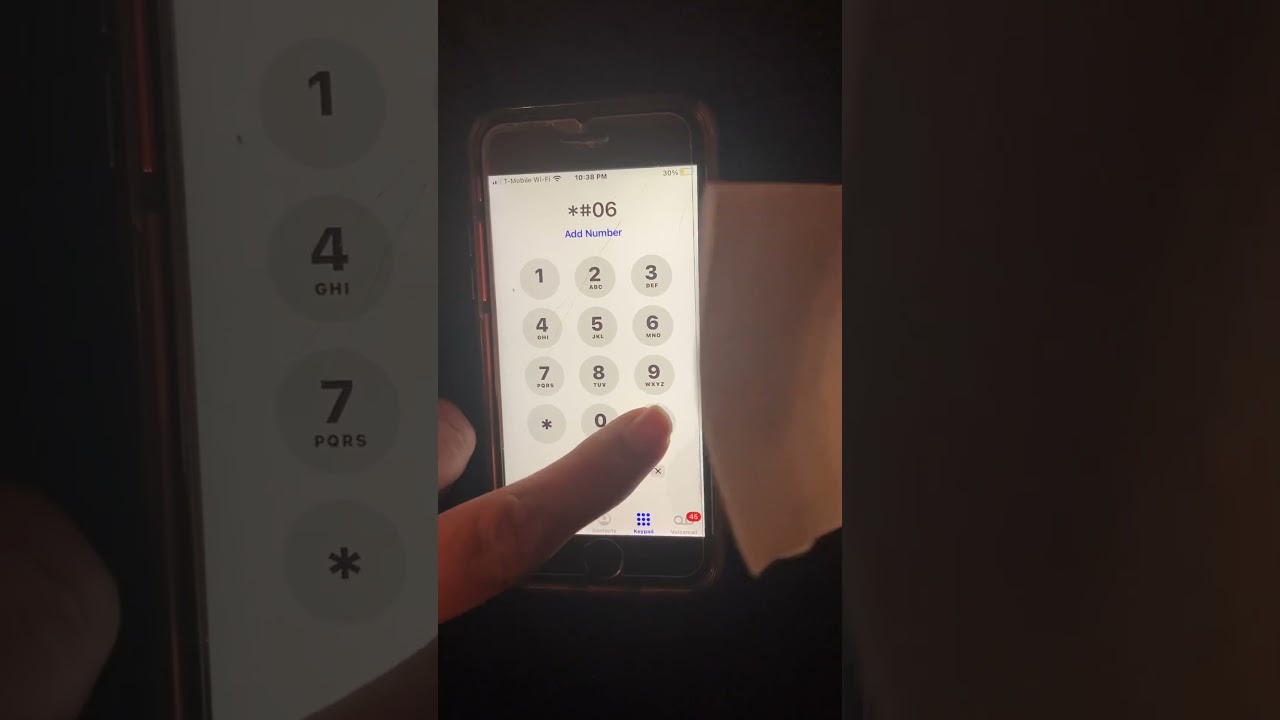
- ✓ Verify Specs: It helps identify the exact model and warranty status. You can learn more about identifying your device via our guide on find my iphone imei/serial number.
What an IMEI Number Cannot Do
It is crucial to understand the limitations to avoid wasting time. If you are asking, “Can I track my lost iPhone using IMEI without iCloud?”, here is the reality of what is impossible:
| Feature | Possible via IMEI? | Explanation |
|---|---|---|
| Live GPS Tracking | ✗ NO | IMEI does not communicate with GPS satellites; it only handshakes with cell towers. |
| Remote Lock | ✗ NO | You cannot put the device in Lost Mode using the IMEI. |
| Data Wipe | ✗ NO | You cannot remotely erase your personal data or photos via IMEI. |
| Bypass Security | ✗ NO | It cannot bypass Apple’s Activation Lock. |
| Offline Finding | ✗ NO | Can I locate my phone if it’s off by IMEI? No. Once the device is off, the IMEI stops broadcasting to cell towers entirely. |
Many users also wonder, “Can IMEI be tracked if SIM is removed?” While the IMEI is hard-coded into the device and remains the same without a SIM, the ability for a carrier to triangulate it depends on the device connecting to a tower. If the device is in Airplane Mode or turned off, even the carrier cannot see it.
Furthermore, knowing the IMEI does not give you control over the device’s security features. For instance, understanding the find my iphone activation lock is critical, as this is controlled solely by the Apple ID, not the IMEI.
The Real Solution: Using Apple’s ‘Find My’ Service
Verification Goal: Confirming the only valid method for recovery.
If you are wondering how to find my iPhone without Find My app?, the harsh reality is that there is no effective alternative for consumers. Apple’s ‘Find My’ network is the official and only method for locating your device with precision.
Why ‘Find My’ is Your Only Effective Tool
Apple’s system is designed to prioritize user privacy and security. The ‘Find My’ service uses a combination of GPS, Wi-Fi, and a secure, anonymous Bluetooth network of hundreds of millions of other Apple devices to report a missing iPhone’s location.
Crucially, this service is tied to your Apple ID, not the IMEI. To ensure you have the best chance of recovery, you should verify your settings before an incident occurs. We recommend users regularly check if find my iphone is on to avoid being caught unprepared.
Many users assume this feature is automatic, but it requires initial setup. You can verify this by reading our guide: is find my iphone on by default.
Key ‘Find My’ Features to Use Immediately
If your device is missing, forget the IMEI for a moment and focus on iCloud. Here are the steps to take immediately:
- See Location on Map: View the current or last known location. If you are unsure if your device is reporting correctly, you can try to check if find my iphone is on using imei through specific third-party status checkers that verify the status of the FMI lock, though this won’t give you a map location.
- Activate Lost Mode: This remotely locks your iPhone with a passcode, displays a custom message on the screen with your phone number, and disables Apple Pay. This is your most critical first step.
- Erase iPhone: If you believe the device is unrecoverable or stolen, you can remotely wipe all your personal data to protect your privacy. Even after erasing, the device will still be locked to your Apple ID (Activation Lock), preventing anyone else from using it.
Your Immediate Action Plan When Your iPhone is Lost or Stolen
Action Status: Critical. Execute these steps immediately.
At FindMyiPhone.onl, we have guided thousands of users through this process. Speed is essential to prevent data breaches and financial loss.
Step 1: Use Find My to Lock Your Device
How to track iPhone by IMEI if switched off? You can’t, but ‘Find My’ can alert you when it turns back on.
Immediately go to icloud.com/find on any web browser or use the ‘Find My’ app on another Apple device. Log in with your Apple ID. Even if the device is offline, activating Lost Mode commands the device to lock itself the moment it reconnects to the internet (Cellular data or Wi-Fi connection).
Step 2: Report to Your Carrier to Block the IMEI
How to block my stolen iPhone with IMEI? This is where your IMEI number becomes the hero.
Contact your mobile network provider (Carrier support) and report the device as lost or stolen. Provide them with the IMEI number. They will place the device on a national and international Blacklist.
- Result: The iPhone becomes useless for phone calls, texts, or mobile data, effectively turning it into a small Wi-Fi tablet.
- Why do this? It prevents the thief from racking up huge bills on your account and lowers the resale value of the stolen device.
Step 3: Report to Law Enforcement
Can police track iPhone by IMEI?
Technically, yes, but realistically, it is reserved for serious crimes. However, you must still file a police report. Provide them with your iPhone’s serial number and IMEI.
A police report is often mandatory for:
- Insurance Claims: If you have AppleCare+ with Theft and Loss or third-party insurance.
- Proof of Ownership: If the police recover a stash of stolen phones, the IMEI is how they return yours.
Law enforcement may occasionally request other technical identifiers for their investigation. While rare for a simple theft, understanding identifiers like how to find my iphone udid or network identifiers can be useful knowledge. Similarly, in complex digital investigations, authorities might look at network logs which involve IP addresses; for your own knowledge, you can read about how to find my iphone ip address.
Step 4: Protect Your Accounts
If you cannot recover the phone, assume your data is at risk.
- Change your Apple ID password immediately to prevent access to your iCloud data.
- Change passwords for email, banking, and social media apps that were logged in.
- Enable Two-factor authentication on all accounts if you haven’t already.
Occasionally, advanced users or IT departments might track devices on a local network using hardware addresses. If you are interested in network-level security, learning how to find my iphone mac address can be beneficial, though it won’t help you find a lost phone outside your home Wi-Fi.
Common Questions and Myths
What are the limitations of IMEI tracking?
The main limitation is access. The infrastructure to track a phone by IMEI exists (via cell tower triangulation), but it is owned by mobile network operators and is strictly regulated by privacy laws. It is not a consumer tool.
What to do if lost iPhone is offline?
If your iPhone is offline or has a dead battery, Lost Mode in the Find My app will show as “Pending.” Do not cancel it. The command sits on the server and will execute the second the device powers on and connects.
How to find my iPhone by IMEI for free?
There is no such thing as a free IMEI location tracker. Any site claiming to offer this is likely a phishing scam attempting to collect your personal data. The only “free” method is using the how to find my iphone by imei concept correctly: using the IMEI to blacklist the phone via your carrier, which costs nothing.
Conclusion
While the question of how to find my iPhone by IMEI is one of the most common searches for distressed users, the reality is that the IMEI is a tool for identification and blocking, not for live GPS tracking.
Your primary and most powerful resource is Apple’s Find My service. The IMEI serves a vital secondary role: it allows you to blacklist the device with your carrier and file a proper police report, rendering the stolen device useless to thieves.
At FindMyiPhone.onl, we urge you not to waste valuable time on third-party tracking scams. Focus on what you can control: securing your data and reporting the loss. By activating Lost Mode immediately and reporting the theft to your carrier and police, you take the most effective steps to protect your digital life, even if the physical device cannot be recovered.
Call to Action: Do not waste time on third-party IMEI tracking sites. Go to icloud.com/find right now to lock your device with Lost Mode and protect your information.
Note: The information in this article is for reference only. For the best advice, please contact us directly for a specific consultation based on your actual needs.

About This Guide
Published by: FindMyiPhone.onl Editorial Team
Last Updated: January 16, 2026
Tested On: iPhone 15 Pro (iOS 17.5.1), iPhone 13 (iOS 17.4)
This tutorial was created through hands-on testing on real devices. All screenshots are from our testing lab. We update guides within 48 hours of iOS releases.
Questions? Contact our team | Meet the team Editorial Team