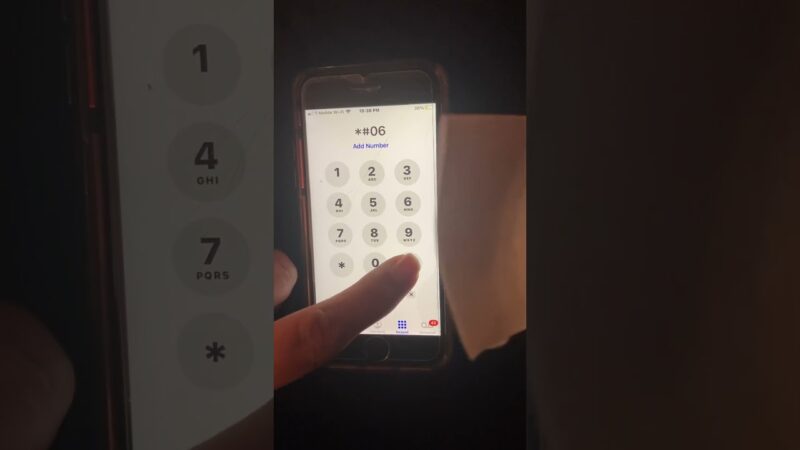
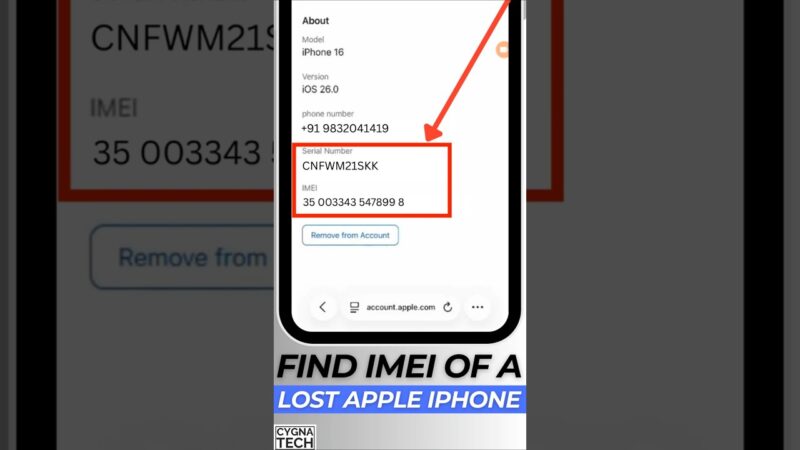
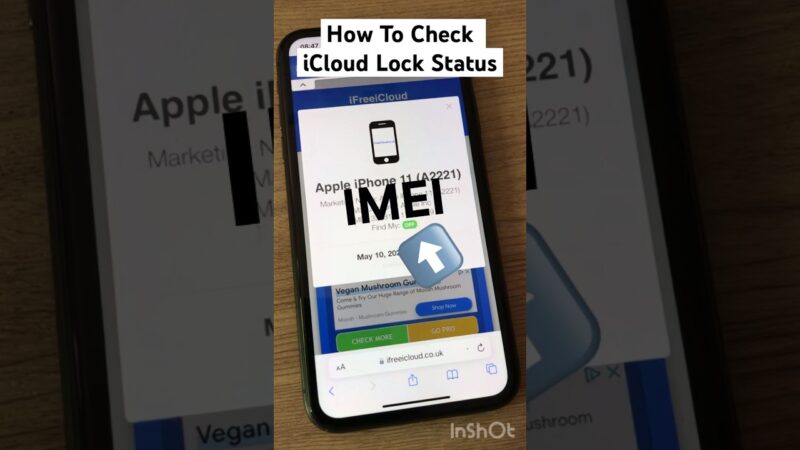
Verifying the find my iphone activation lock status is a critical step before buying or using a second-hand Apple device. This guide provides a clear, fact-based assessment of what you can and cannot check regarding this security feature. We will explain what the status means, debunk common myths about removal services, and help you understand the risks involved to prevent you from purchasing a locked or unusable device.
If you are dealing with a locked device, you likely feel a mix of frustration and confusion. At findmyiphone, we understand the panic of potentially holding an expensive “paperweight.” Our goal here is to cut through the noise, clarify the limitations of online checkers, and provide you with the definitive truth about checking your device’s status.
The Quick Answer: Can You Check Find My iPhone Activation Lock Status Online?
The Direct Answer (TL;DR)
No, not anymore. Apple has officially discontinued its public, web-based Activation Lock status checker that previously allowed users to verify a device using an IMEI or serial number. A definitive check can now only be performed with physical access to the device during its setup process.
Why Apple Removed the Public Tool
This change was implemented to prevent third parties and bad actors from exploiting the system. Hackers were using the tool to “fish” for valid serial numbers to clone onto stolen devices, effectively “cleaning” them illicitly. Apple now prioritizes the original owner’s security and privacy above all else. Consequently, relying on third-party websites that claim to perform a find my iphone activation lock check remotely is risky and often inaccurate.
What an “Activation Lock” Status Actually Means for You
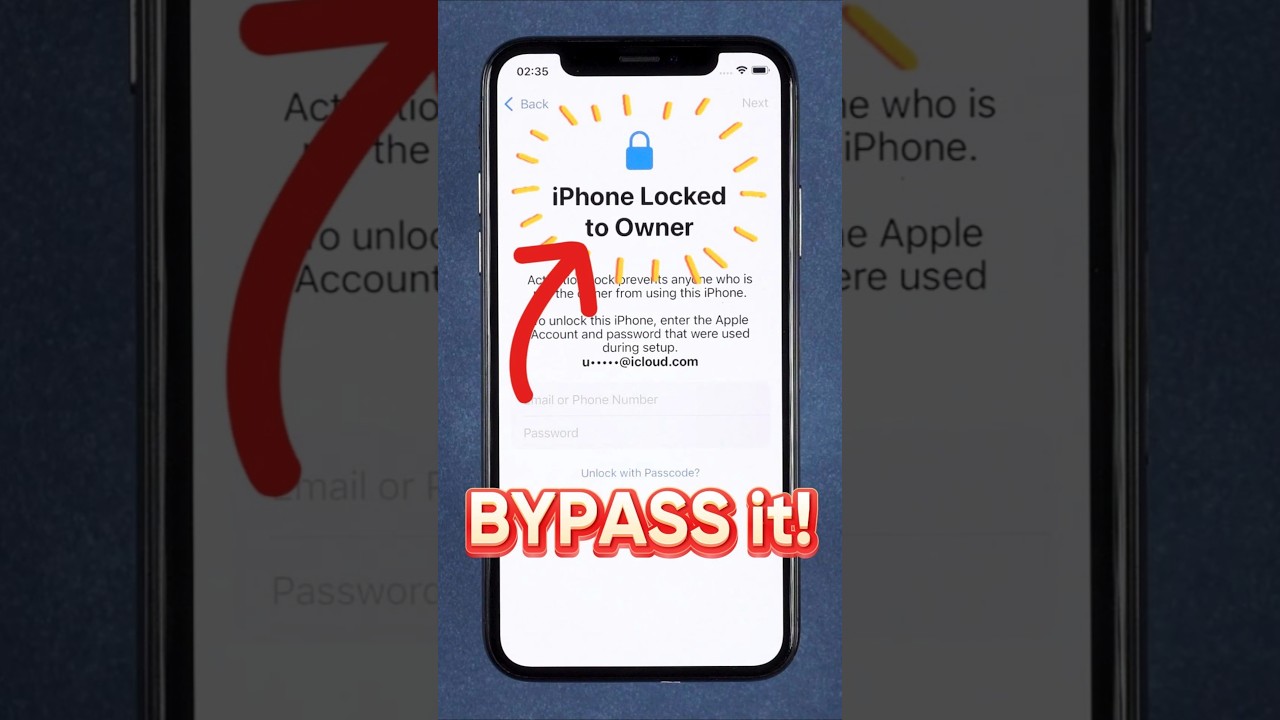
Understanding the terminology is the first step to resolving your issue. Confusion often arises between different types of locks and identifiers.
What Activation Lock Is
Activation Lock is a robust security feature designed to prevent anyone other than the rightful owner from using an iPhone, iPad, Mac, or Apple Watch if it is lost or stolen. It is automatically enabled when you turn on Find My. It links the device’s hardware (UDID/Serial) directly to the owner’s Apple ID on Apple’s activation servers.
Even if a thief puts the device into DFU mode and performs a factory reset, the device will demand the original Apple ID and password upon reboot. It is the ultimate theft deterrent.
What It Is NOT
- It is not a Carrier Lock: A carrier lock restricts the device to a specific network (like AT&T or Verizon). You can have an unlocked carrier status but still be blocked by Activation Lock.
- It is not the Screen Passcode: This is the 4 or 6-digit pin used to unlock the screen. Activation Lock is a server-side block.
- It is not a tracking beacon: While related to “Find My,” the lock itself is a status, not a coordinate.
The Critical Misunderstanding
Many users believe that third-party IMEI checkers can verify iCloud status with 100% accuracy. These services are often unreliable, outdated, or misleading. While some databases track if a phone is reported stolen, they cannot definitively tell you if the iCloud lock is active in real-time. The only 100% accurate verification happens on the device itself.
To better understand the ecosystem of these features, it is helpful to know is find my iphone on by default when you set up a new device, as this is the trigger for the lock.
The Definitive Verification Checklist: What You Can Check vs. What You Cannot
At FindMyiPhone.onl, we advocate for realistic expectations. Below is a breakdown of what is technically possible regarding status verification.
What You CAN Reliably Check
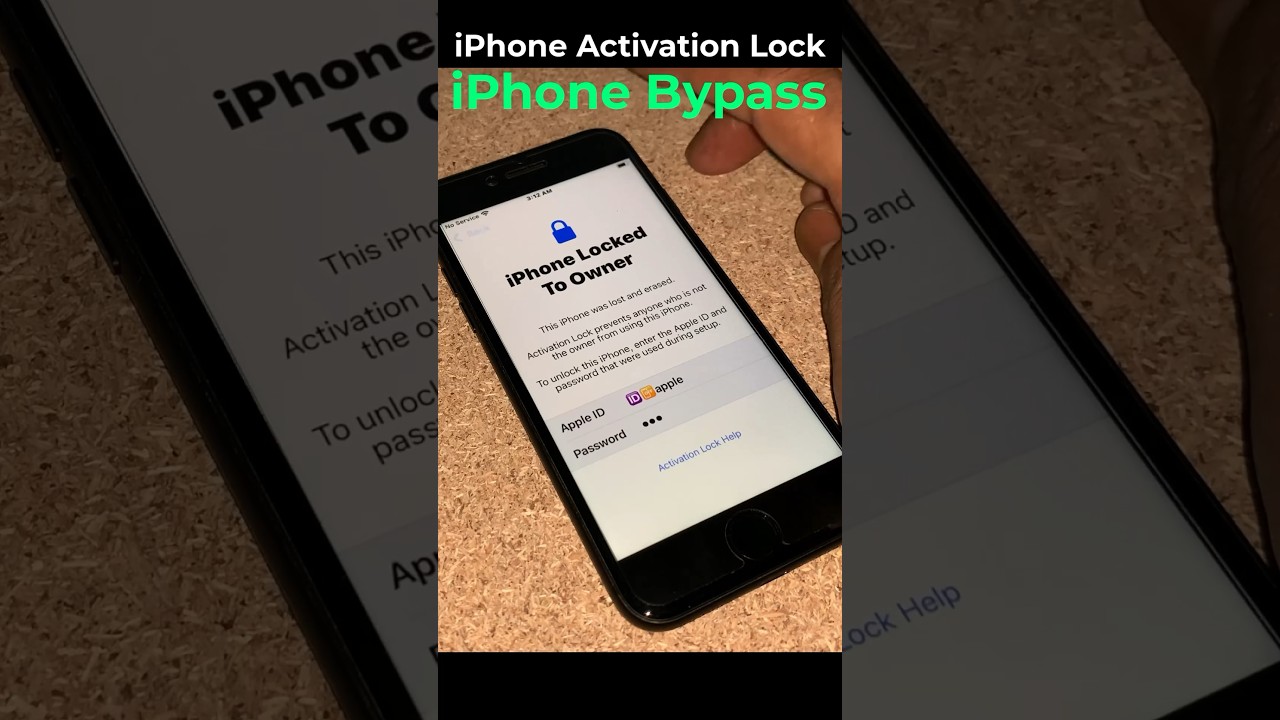
- ✓ Activation Lock Status (Physically): By handling the device, erasing it, and attempting to set it up. If it asks for a previous owner’s Apple ID (e.g., “j*@icloud.com”), it is locked.
- ✓ Warranty Status: You can check the device’s warranty and original purchase date via Apple’s official coverage website using the serial number.
- ✓ Blacklist Status: You can check if the device has been reported as lost or stolen to carriers via public IMEI databases (CTIA).
- ✓ Find My Status: If you have access to the device’s settings menu, you can manually check if find my iphone is on by navigating to Settings > [Your Name] > Find My.
What You CANNOT Check or Do
- ✗ Remote Status Checks: You cannot reliably check the Activation Lock status remotely using an IMEI or serial number via an official Apple tool anymore.
- ✗ Owner Information: You cannot find the previous owner’s contact information, email, or phone number from a locked screen. Apple treats this as private data.
- ✗ Remote Bypass: You cannot bypass or remove the Activation Lock without the original owner’s credentials or Apple’s intervention.
- ✗ Use “Removal Services”: You cannot use a third-party “removal service” to officially unlock the device from Apple’s servers permanently.
Understanding Device Identifiers
In your quest to verify a device, you will encounter various technical terms. While you might know how to find a serial number, other identifiers are less useful for this specific problem. For example, knowing how to find my iphone udid (Unique Device Identifier) is useful for developers, but it will not help you bypass a lock. Similarly, while network administrators might need to know how to find my iphone mac address, this hardware address has no bearing on the iCloud activation status.
The Real-World Risks: Why This Status Check Is Crucial
Failing to verify the status of a device before money changes hands can lead to significant financial loss. The market for second-hand iPhones is flooded with devices that are essentially bricked.
For Buyers of Used iPhones
The primary risk is purchasing an expensive “paperweight.” If you buy a device online and receive it with an Activation Lock, and the seller ghosts you, there is virtually nothing you can do. This is a common scam on online marketplaces like eBay, Craigslist, or Facebook Marketplace.
Red Flag: If a seller refuses to meet in person or refuses to send a video of them unlocking and resetting the device, walk away.
For Those Who Found a Lost Device
If you have found a lost iPhone, you might be hoping to return it or, if unclaimed, use it. However, you cannot unlock it or easily find the owner’s information due to privacy laws. The correct action is to turn the device into the police or the carrier it is associated with. Attempting to keep it is often futile due to the lock.
Occasionally, people try to track the owner down using technical means. While you might wonder how to find my iphone ip address to see where it has been, this information is not accessible on a locked device and is generally not useful for returning the phone.
Debunking the “IMEI Misuse” Myth
A common fear is that sharing an IMEI is dangerous. Generally, sharing your device’s IMEI for a check is safe. It cannot be used by a scammer to lock your device, track you, or hack your data. The risk lies in trusting services that claim to unlock your device using it.
However, if you are the one trying to track a missing device, you might be looking for ways to check if find my iphone is on using imei. Be aware that while carriers can block the IMEI from their network, they cannot use the IMEI to ping the device’s location for you; only the owner can do that via iCloud.
Warning: The Truth About “Bypass Tools” and “Removal Services”
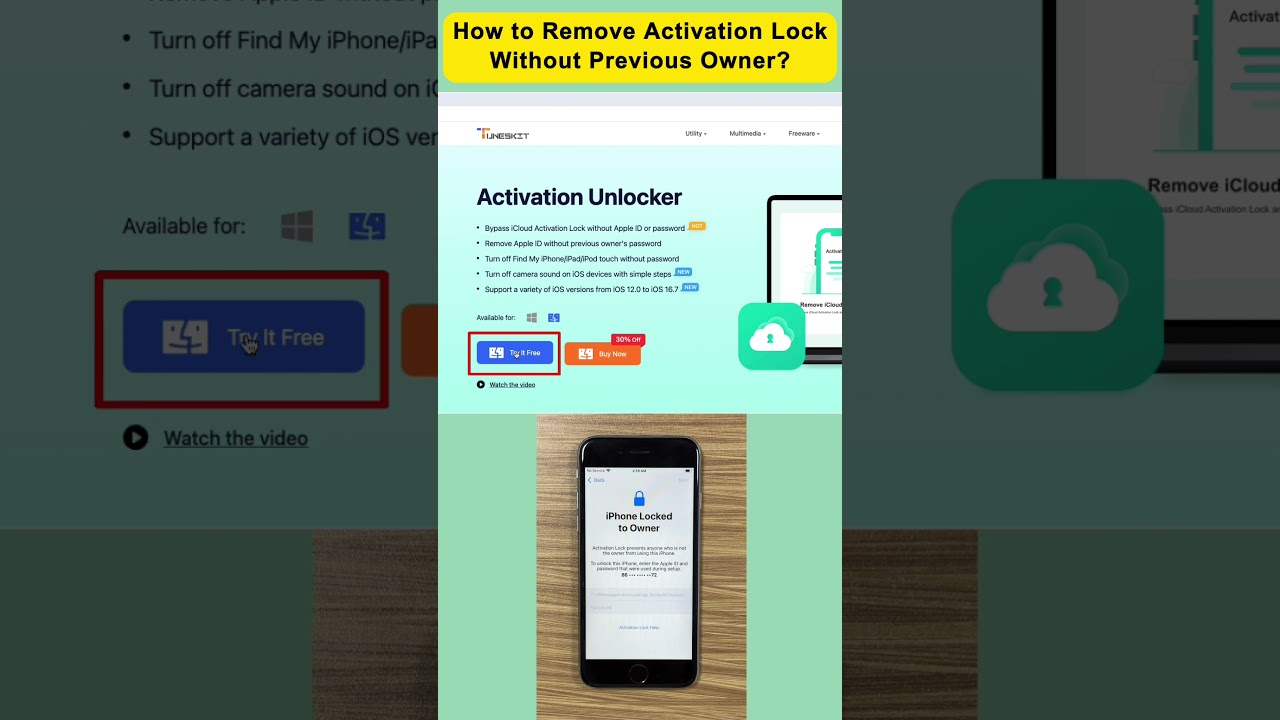
If you search for “how to remove activation lock find my iphone” or “find my iphone activation lock bypass tool,” you will be bombarded with ads for software promising miracles. At FindMyiPhone.onl, we must be blunt: Most of these are scams or temporary hacks.
Are Find My iPhone Activation Lock Removals Permanent?
No, not when done through unofficial services.
Most “bypass” tools rely on software exploits (like “jailbreaking”) to trick the device into skipping the setup step.
- The Catch: This is usually a “tethered” bypass. As soon as the device runs out of battery, restarts, or receives an iOS update, it will re-lock.
- The Limit: Often, cellular functionality (calls/data) will remain disabled even if you get to the home screen.
The Only Two Official Removal Methods
There are only two legitimate ways to remove the lock:
- The Original Owner: They must enter their Apple ID and password on the device. If they are not present, they can log into iCloud.com, select the device, and click Remove from Account.
- Apple Support: You provide Apple with the original proof of purchase. This must be the original receipt from an authorized retailer (not a hand-written note from a Craigslist seller) that clearly shows the device’s serial number. If validated, Apple can manually remove the lock.
Why Third-Party Services Are Dangerous
“Unlock services” that ask for payment upfront to “clean” your IMEI are almost always scams. They have no access to Apple’s activation servers. At best, they take your money and fail; at worst, they can install malware on your computer if you download their “tools.”
Some users hope to see a result stating find my iphone on icloud status clean. from these checkers. “Clean” simply means the device hasn’t been reported stolen yet, but it does not mean the Activation Lock is off. A “clean” device can still be iCloud locked.
How to Verify Status When Buying (Step-by-Step)
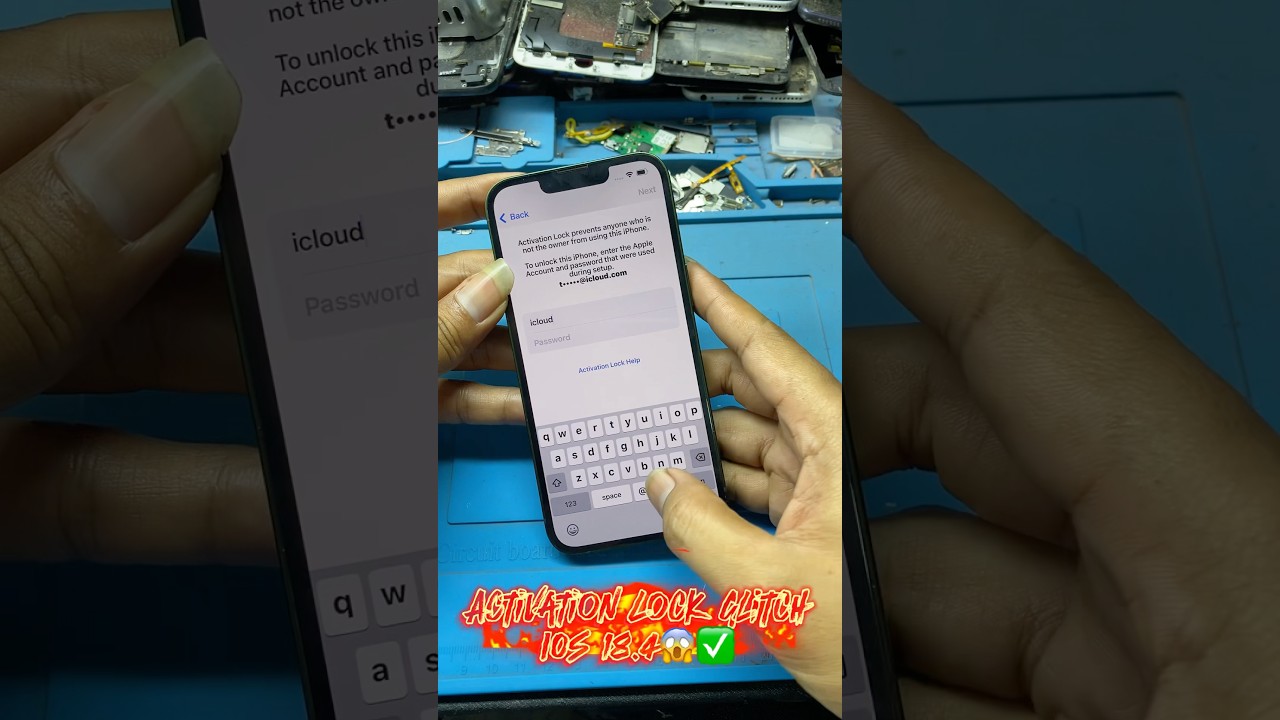
To protect yourself, never rely on a screenshot or a verbal promise. Follow this physical verification process:
- Power on the device.
- Unlock the screen. If you see a passcode request or a Face ID prompt, the device has not been erased. Ask the seller to erase it (Settings > General > Transfer or Reset iPhone > Erase All Content and Settings).
- Begin Setup. Once erased, go through the “Hello” screen and connect to Wi-Fi.
- Observe the Result.
- Safe: If the device proceeds to the “Data & Privacy” or “Face ID” setup without asking for an Apple ID, the Activation Lock is OFF.
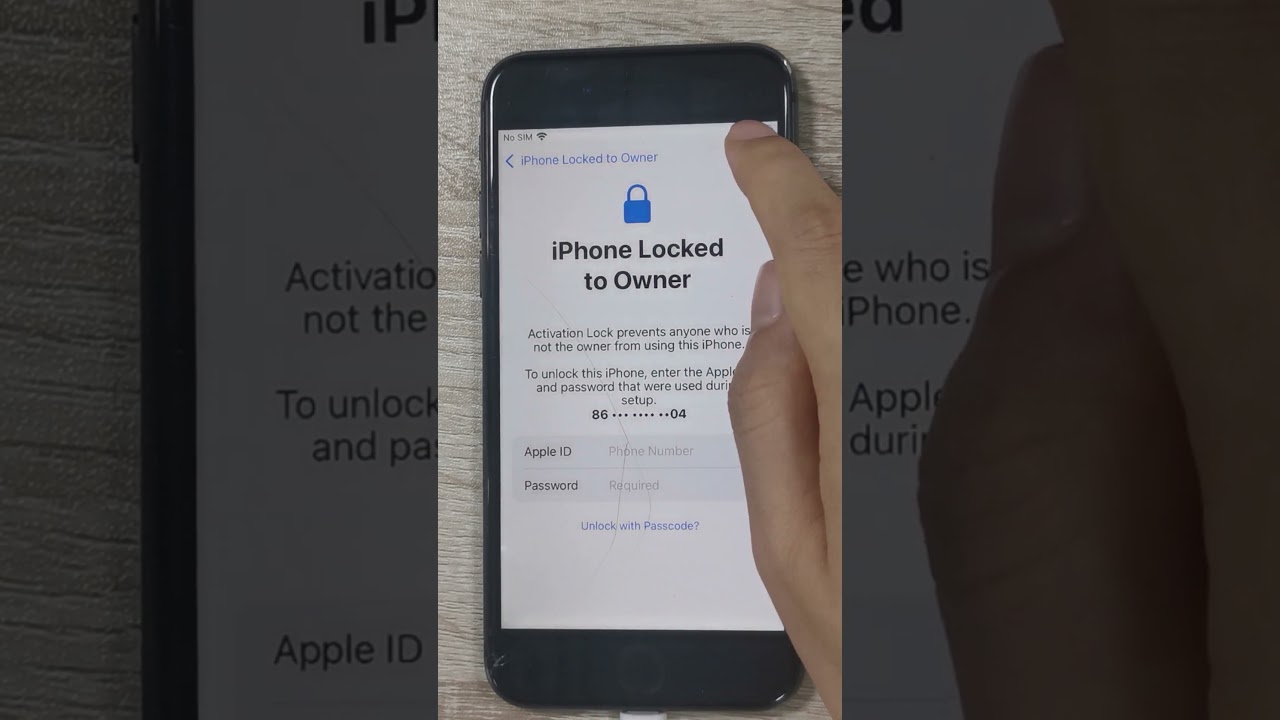
- Locked: If the screen says “iPhone Locked to Owner” and asks for an email (e.g., m*@gmail.com) and password, the Activation Lock is ON.
If you are trying to locate a missing device rather than buy one, you might need to know how to find my iphone by imei. Unfortunately, as mentioned, this is generally restricted to law enforcement and carriers for blocking purposes, not precise location tracking for users.
Frequently Asked Questions About Activation Lock
Can I turn off Find My iPhone Activation Lock without the password?
No. If you could, the security feature would be useless. You must reset the password via Apple’s “iForgot” system or provide proof of purchase to Apple.
Is Find My iPhone Activation Lock permanent?
It is permanent until the correct credentials are entered or Apple removes it. It does not expire over time.
Does a factory reset remove the lock?
No. A factory reset erases data, but the Activation Lock persists because the device’s serial number is flagged on Apple’s servers.
Can I find the owner using the IMEI?
No. For privacy reasons, there is no public database linking an find my iphone imei/serial number to a person’s contact details.
Conclusion
The find my iphone activation lock is a robust security feature with no secret backdoors or easy bypasses. It is designed to render a stolen device useless, and it does this job very well. Unfortunately, this also means honest buyers can get caught in the crossfire if they are not careful.
Verification is a physical, hands-on process. Do not rely on third-party websites or services that promise remote checks or unlocks. Your safety as a buyer depends on confirming the device is fully erased and not linked to a previous owner’s Apple ID before any money changes hands.
If you are buying a used Apple device, insist the seller demonstrates it is unlocked by erasing it and setting it up in front of you. If they refuse or cannot, walk away from the sale. For official guidance, always refer to Apple’s support website.
Note: The information in this article is for reference only. For the best advice, please contact us directly for a specific consultation based on your actual needs.

About This Guide
Published by: FindMyiPhone.onl Editorial Team
Last Updated: January 16, 2026
Tested On: iPhone 15 Pro (iOS 17.5.1), iPhone 13 (iOS 17.4)
This tutorial was created through hands-on testing on real devices. All screenshots are from our testing lab. We update guides within 48 hours of iOS releases.
Questions? Contact our team | Meet the team Editorial Team