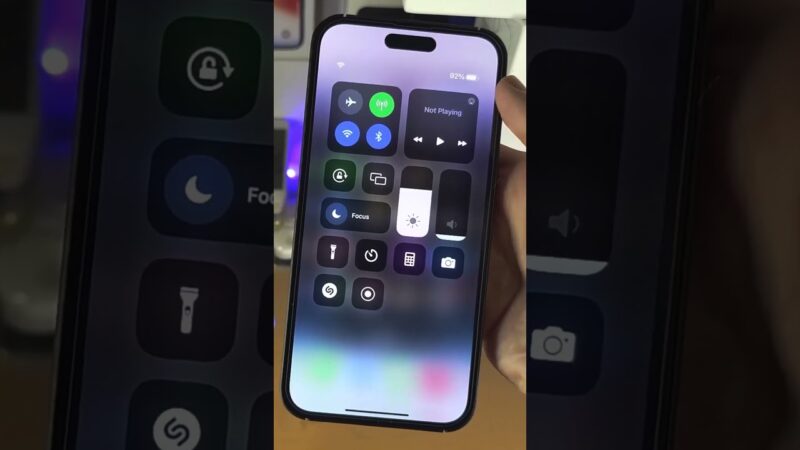
Panicked because you’re trying to locate a device and don’t know what does now mean on Find My iPhone? You’re not alone. In simple terms, “Now” means the device’s location was successfully reported to Apple’s servers within the last minute.
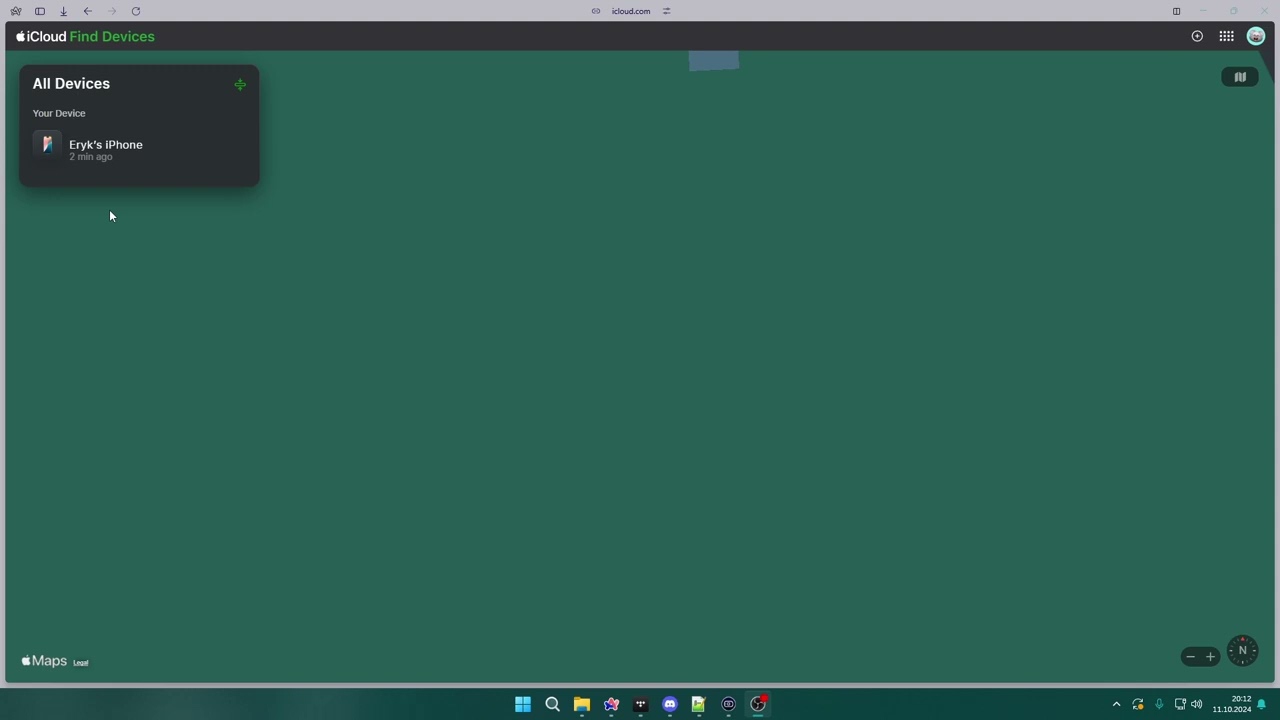
At find my iphone, we know that sinking feeling when a device goes missing. You are staring at a map, hoping for a miracle. This guide provides clear, stress-free answers on how accurate this status is, why it might seem “stuck,” and what to do when you see this status, giving you the confidence to find your Apple device quickly.
The Core Answer: “Now” vs. “Live” vs. Timestamps
Short Answer: “Now” indicates a static location update received less than 60 seconds ago. It is fresh data, but it is not necessarily a real-time video feed of movement unless it explicitly says “Live.”
What “Now” Means: A Fresh But Not Always Live Location
When you open the Find My app, the system immediately attempts to contact your device. If the device is online and responds instantly, the status label under the device name will change to “Now.”
This is the best-case scenario for a static ping. It confirms that your iPhone, iPad, or Mac has an active internet connection (or a connection to the Find My network) and has successfully “checked in” with its coordinates. However, users often confuse this with real-time tracking. If you are wondering about the specific mechanics of real-time tracking, you should check our guide on what does live mean on find my iphone.
The Critical Difference: “Now” vs. The “Live” Button
There is a major distinction between find my iPhone location now and “Live.”
- “Now”: This is a snapshot. It says, “At this exact moment, the device is here.” If the device is moving in a car, the “Now” icon might jump from spot to spot every minute, rather than sliding smoothly along the road.
- “Live”: This status usually appears for friends sharing location or devices that support frequent background updates (like newer iPhones). It implies a continuous stream of data.
If you see “Now,” do not assume the device is stationary; it just means the report is current.
Understanding Timestamps (e.g., “5m ago”, “1h ago”)
If the app cannot get a fresh signal, it reverts to the last known location. You will see timestamps like “5 min ago” or “Yesterday at 8:00 PM.” This means the device has likely gone offline, run out of battery, or entered an area with no signal.
If your screen transitions from a timestamp to “Now,” celebrate—it means the device has just reconnected.
Quick Reference Table: Find My Status Indicators Explained
Here is a quick summary to help you interpret what you are seeing on your screen:
| Status Indicator | Meaning | User Action |
|---|---|---|
| Now | Location updated in the last 60 seconds. | Trust as the most recent static location; refresh for a new ping. |
| Live | Real-time, continuous movement tracking. | Ideal for tracking a moving device (e.g., left in a taxi). |
| Timestamp (e.g., 10m ago) | The device is offline or hasn’t reported recently. | Go to the location shown, but expect the device might have moved. |
| Offline / No Location | The device cannot communicate at all. | Activate “Notify When Found” immediately. |
Is “Now” on Find My iPhone Accurate? A Reality Check
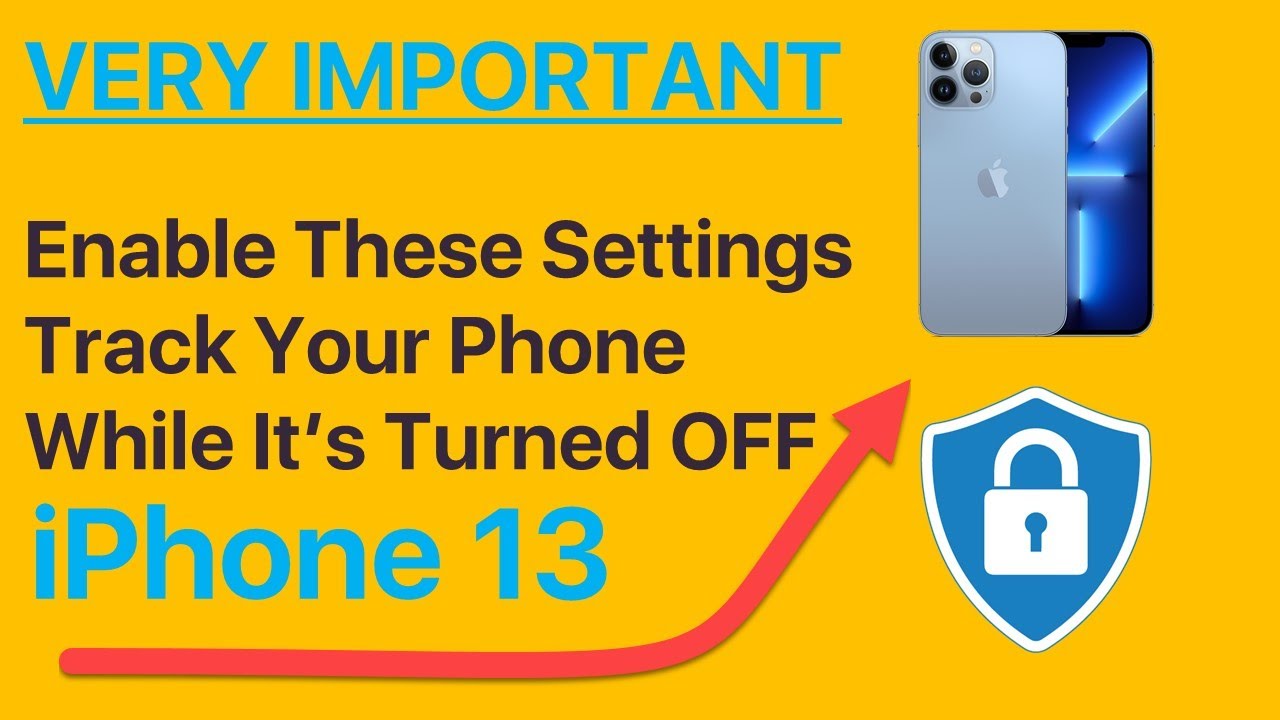
Short Answer: Yes, “Now” is accurate regarding time (it just happened), but the location precision depends on GPS, Wi-Fi, and cell tower data availability.
Why “Now” Refers to Time, Not Pinpoint Precision
One common misconception is that now on find my iPhone accurate means “pinpoint accurate.” This is not always true. “Now” refers to the freshness of the data, not the precision of the coordinates.
For example, if you are in a dense city with tall buildings, the “Now” status might appear, but the blue dot could be a block away due to signal bounce. To understand the technical limitations, it helps to know how accurate is find my iphone in different environments.
Decoding the Blue Circle: Your Device’s Margin of Error
When you see the “Now” status, look closely at the map. You will often see a blue dot surrounded by a translucent blue circle (shadow).
- Small Circle: High accuracy. The device is likely within a few meters of the dot.
- Large Circle: Low accuracy. The device is somewhere within that wide shaded area.
If the circle is huge, the find my iPhone now meaning is simply “it’s in this general neighborhood.” Users often ask about the reliability of this visual indicator; for more details, read about how accurate is find my iphone green circle.
How Find My Determines Location: GPS, Wi-Fi, and Cell Towers
Your iPhone uses a hierarchy of technologies to report “Now”:
- GPS: The most precise (outdoor), accurate to within a few meters.
- Wi-Fi Triangulation: Uses a database of known Wi-Fi networks to locate you indoors.
- Cell Towers: The least accurate, often used when find my iPhone location unavailable now via GPS.
If your device is powered down but part of the Find My network, accuracy can shift. It is worth researching find my iphone precise location.find my iphone turned off to understand how Bluetooth beacons work in these scenarios.
Troubleshooting: Why Does Find My Say “Now” For a Long Time or Not Update?
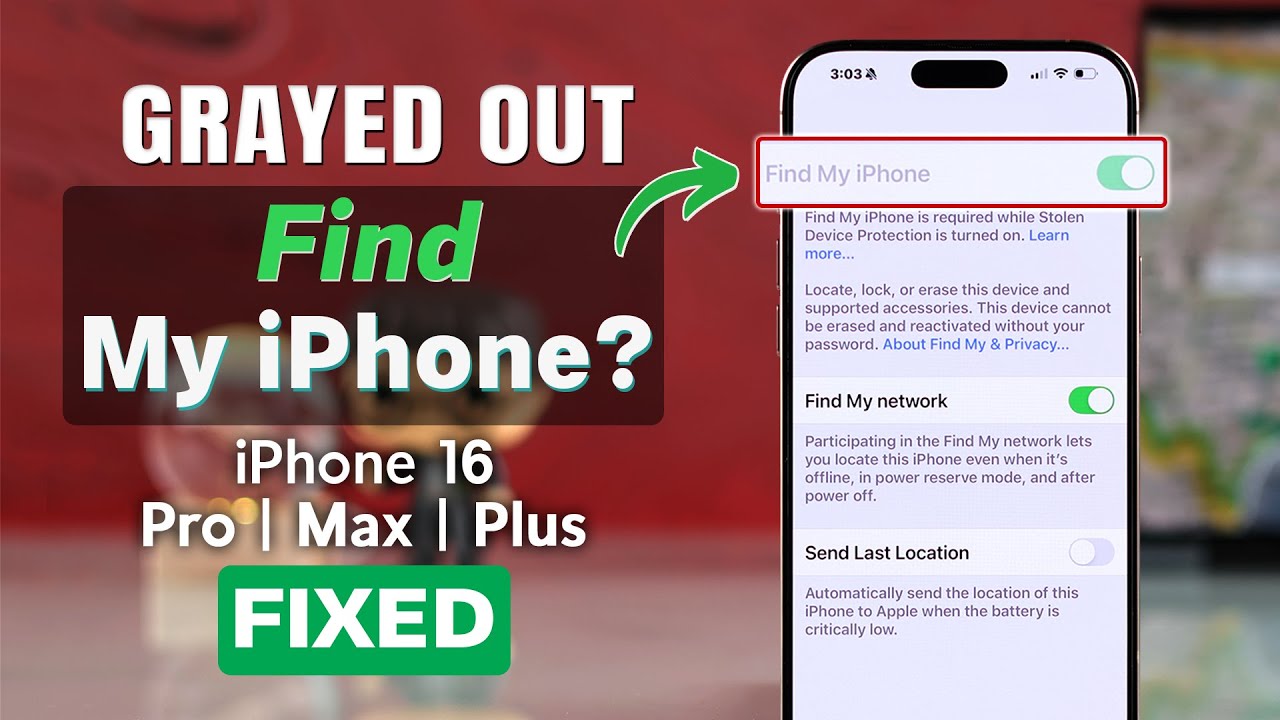
Short Answer: A “stuck” Now status usually indicates a software glitch, a sudden loss of connection after the ping, or simply that the device hasn’t moved.
Common Reasons Your Location Might Seem “Stuck”
Is find my iPhone showing now for long time without moving? Here are the likely culprits:
- Poor Network Connection: The device might have just enough signal to send one ping (“Now”) but not enough to maintain a stream. This is common in rural areas or basements. You might want to understand find my iphone no internet scenarios.
- Low Battery or Low Power Mode: To save energy, the iPhone reduces how often it updates its GPS.
- Software Glitch: The app on your viewing device might have frozen.
- “Off Network” Status: Sometimes the device is technically offline but cached. If you see confusing labels, checking the off network find my iphone meaning can clarify the situation.
- Device is Stationary: The simplest reason—the device hasn’t moved!
Practical Steps to Force a Location Update
If you suspect the find my iPhone says now not live or is stale, try these steps:
- Refresh the App: Close the Find My app completely on your phone and reopen it. This forces a fresh request to Apple’s servers.
- Toggle Map Views: Switch from “Explore” to “Satellite” view. This sometimes triggers a screen refresh.
- Use “Play Sound”: This is a pro tip. Clicking “Play Sound” forces the lost device to wake up and connect to the internet to receive the command, which often forces a new location update.
- Check for “Off Network” Labels: If the device is struggling to connect, understanding what does off network mean on find my iphone can help you manage expectations.
If you are tracking a moving device and the “Now” status isn’t updating fast enough, you may be wondering how accurate is find my iphone live compared to the standard view.
Beyond Location: Taking Action When a Device is Lost or Stolen
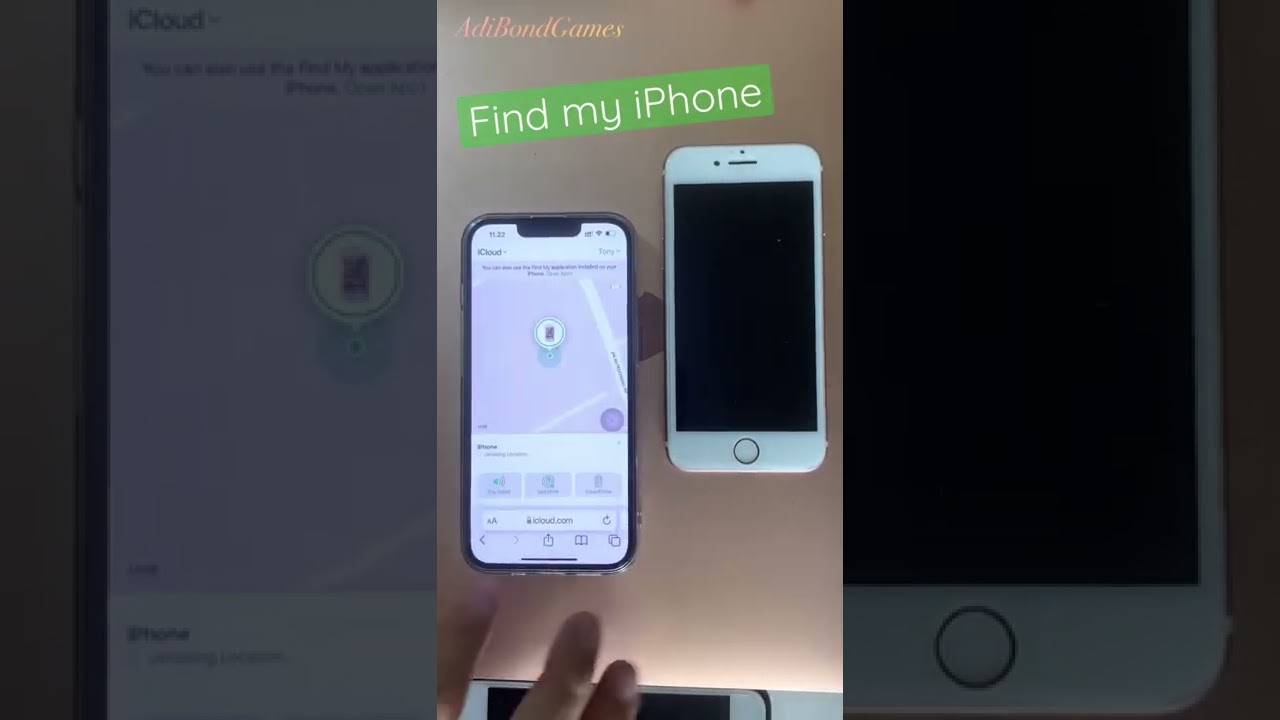
Short Answer: Do not just stare at the “Now” status. Use “Play Sound” if close, and “Mark As Lost” immediately if it is missing.
Step 1: Use “Play Sound” to Find a Nearby Device
If the find my iPhone location now shows the device is at your house or office, but you can’t see it, hit Play Sound.
- How it works: The device will emit a chirping sound that gets louder over two minutes, even if it is on silent or Vibrate mode.
- Why use it: It pinpoints the exact room or couch cushion the device is hiding in.
Step 2: Activate “Mark As Lost” (Lost Mode) Immediately
This is the most critical step. Do not wait.
- Locks the Screen: It secures your device with a passcode.
- Custom Message: You can display a message like: “Please call me at 555-0199.”
- Enables Tracking: It turns on location services remotely, even if you had them disabled.
- Suspends Payments: Apple Pay is disabled to protect your finances.
The Last Resort: “Erase This Device”
Only use this if you are certain the device is stolen and unrecoverable. Erasing wipes all data. Warning: Once you erase it, you generally cannot track it anymore (though newer iPhones may still offer limited finding capabilities).
If you have initiated this and see a confusing status, you might need to look up what does erase pending mean on find my iphone to know if the wipe has actually happened.
Privacy, Security, and Family Sharing
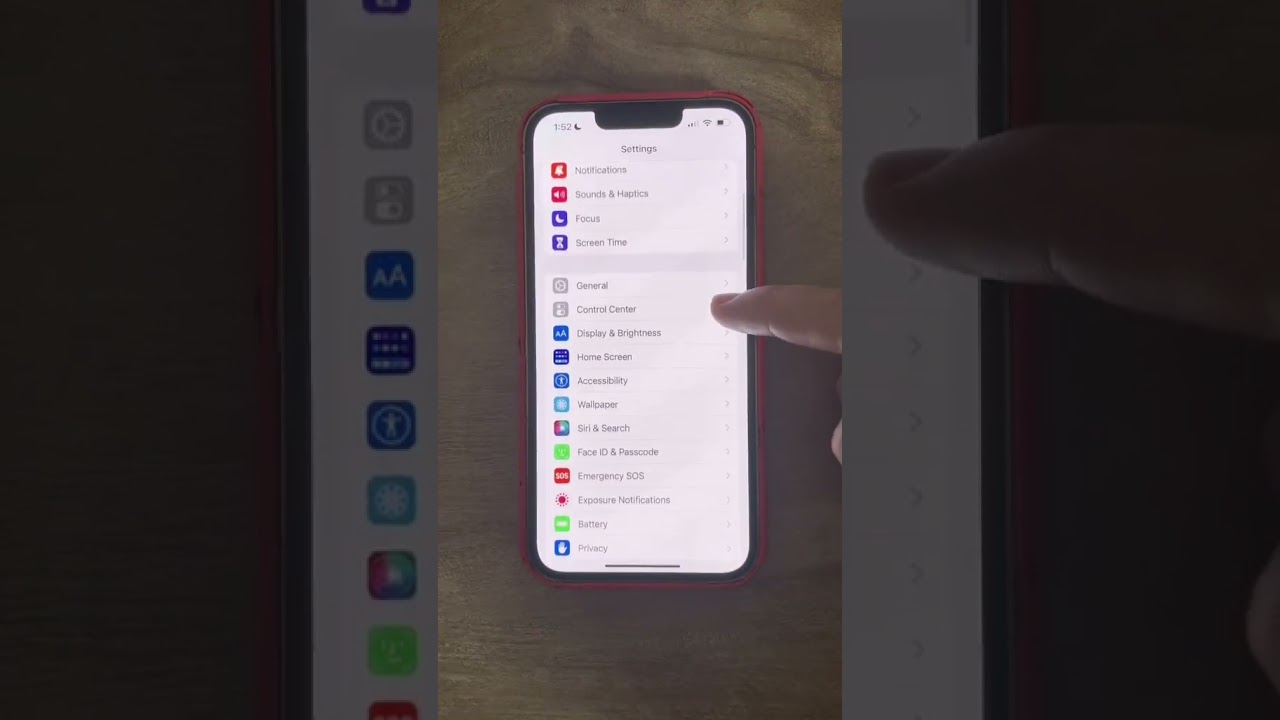
Short Answer: Apple prioritizes privacy. Checking someone’s location generally does not notify them, but transparency is key in Family Sharing.
Can Someone See If I’m Checking Their Location?
A common anxiety for parents or partners is whether the other person knows they are being tracked. Generally, Apple does not send a notification saying “X is watching you.” However, the location arrow icon may appear in the status bar of the target device.
For a deep dive into privacy indicators, read our article on can see your location meaning on find my iphone.
Managing Location with Family Sharing
Family Sharing makes find my iPhone now meaning a tool for safety, not just finding lost items.
- Consent: You must invite family members, and they must accept.
- Control: Any user can stop sharing their location in settings.
- Accuracy: We often get asked find my iphone approximate location questions regarding family members; usually, this is intentional to protect privacy or save battery.
Also, if you are looking for the general definition of the “Now” status specifically for this context, our guide on what does now mean on find my iphone (this article) serves as your primary resource.
Conclusion
Seeing “Now” on Find My iPhone is a positive sign. It confirms your device is online, communicating, and its location data is less than a minute old. While it is highly reliable for time, remember that now on find my iPhone accurate levels can vary based on GPS and signal strength.
By understanding the difference between “Now” and “Live,” interpreting the blue accuracy circle, and knowing how to use features like Lost Mode, you are now fully equipped to handle the stress of a missing device.
At FindMyiPhone.onl, we recommend taking action immediately when you see the “Now” status—play a sound if it’s close, or mark it as lost if it’s not. Don’t wait for the battery to die!
Was this guide helpful? Share it with a friend or family member to ensure they’re prepared. For more tips on mastering your Apple devices, subscribe to our newsletter!
Note: The information in this article is for reference only. For the best advice, please contact us directly for a specific consultation based on your actual needs.

About This Guide
Published by: FindMyiPhone.onl Editorial Team
Last Updated: January 16, 2026
Tested On: iPhone 15 Pro (iOS 17.5.1), iPhone 13 (iOS 17.4)
This tutorial was created through hands-on testing on real devices. All screenshots are from our testing lab. We update guides within 48 hours of iOS releases.
Questions? Contact our team | Meet the team Editorial Team