Losing a device is stressful. You open the Find My app and see a large green circle, leaving you wondering: how accurate is the Find My iPhone green circle? In short, that circle is a confidence radius—its size shows you exactly how precise the location is. A small circle means high accuracy, while a large one indicates a wider search area.
At find my iphone, we understand the panic that sets in when you can’t find your technology. This guide will demystify that circle, explain the factors that determine its precision, and give you actionable steps to pinpoint your device’s location. Whether you are tracking a lost iPhone, checking on a family member via Family Sharing, or trying to understand Find My app mechanics, we have the answers.
Decoding the Green Circle: What It Means and Its Accuracy Range
The green circle indicates the approximate area where your device is located, with the size representing the margin of error based on signal strength.
What You See on Screen: The Green Circle is a “Confidence Radius”
When you see a translucent green circle around your device’s icon, you are looking at the estimated area where your iPhone is located. Think of it as a margin of error. The Find My app is telling you, “I’m confident the device is somewhere inside this circle.” The center of the circle is the most likely spot, but it could be anywhere within that boundary.
This visual indicator is crucial for managing your expectations. If you are asking about find my iphone green circle meaning, understand that it is not a pinpoint coordinate but a probability zone. The smaller the circle, the higher the find my iphone precision. Conversely, a massive circle covering a whole neighborhood means the data is vague, often leading to find my iphone location accuracy issues.
Find My iPhone Green Circle Accuracy Range: A Quick Reference Table
Accuracy ranges from 5 meters (small circle) to several kilometers (large circle) depending on GPS, Wi-Fi, or cellular data availability.
The size of the circle directly communicates the accuracy level, which depends on the quality of the location signal. While Apple doesn’t publish official numbers, our real-world experience at FindMyiPhone.onl provides a reliable estimate.
If you are dealing with a vague area, you might be seeing a find my iphone approximate location, which is standard when GPS signals are blocked.
| Circle Size | Estimated Accuracy Range | Likely Signal Source | What It Means for You |
|---|---|---|---|
| Small Circle (e.g., size of a house) | 5 to 20 meters (16 to 65 feet) | Strong GPS Signal | High confidence. Your device is very likely at or near the icon’s center. Start your physical search here. |
| Medium Circle (e.g., size of a city block) | 20 to 100 meters (65 to 328 feet) | Wi-Fi Triangulation | Good confidence. The device is in the immediate vicinity, likely connected to a known Wi-Fi network. |
| Large Circle (e.g., spanning several blocks) | 100 meters to several kilometers | Cell Tower Signal | Low confidence. The location is a rough estimate. The device is only connecting to a distant cell tower. |
Green Circle vs. Blue Dot: Understanding Your Device’s Location vs. Your Own
The green circle tracks your lost item, while the blue dot shows your current position; distinguishing them is vital for effective searching.
A common point of confusion is the difference between the green circle and the blue dot that sometimes appears on the map. Understanding this distinction is critical when you’re actively searching for a lost item. It’s the difference between where your phone is and where you are.
The Green Circle: Represents Your Lost Apple Device’s Location
As explained, the green circle surrounds the icon for the device you are trying to find (e.g., your iPhone, iPad, or AirPods). Its color and form are consistent for tracking other devices. This applies to the find my friends green circle as well; if you are tracking a person, the logic remains the same—a larger circle means their phone is sending less precise data.
If you are wondering generally how accurate is find my iphone, the answer almost always lies in interpreting this green circle correctly.
The Blue Dot: Represents Your Location
The solid blue dot on the map shows your current location—the location of the device you are using to run the Find My app. It may also have a light blue circle around it, which indicates the accuracy of your position, not the device you are looking for.
When navigating to a lost device, you want the blue dot (you) to enter the green circle (the target). However, users often ask about visibility settings. If you are concerned about who sees you, understanding can see your location meaning on find my iphone is essential for your own privacy.
The Technology Behind the Accuracy: Why the Green Circle Changes Size
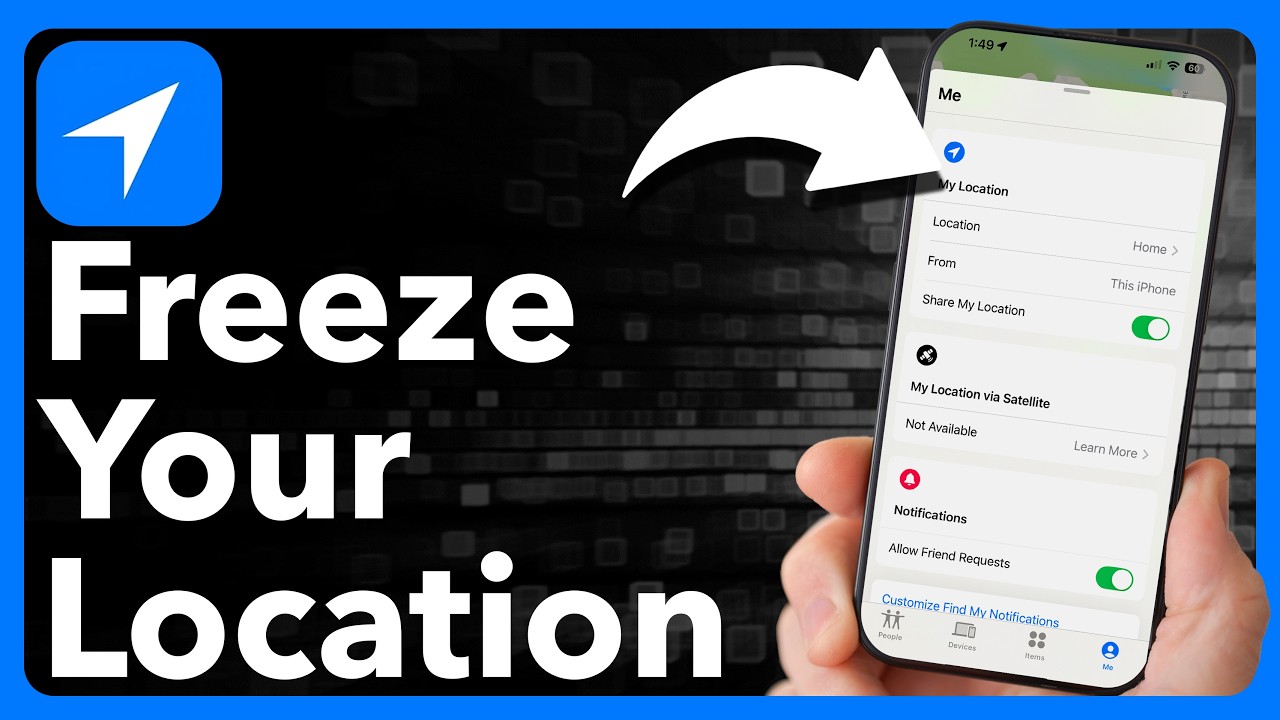
Accuracy fluctuates because Find My switches between GPS, Wi-Fi triangulation, and cellular data based on signal availability and environment.
The precision of Find My isn’t random; it’s determined by a hierarchy of technologies working together. The app uses the best available method to locate your device, which directly impacts the size of the green circle.
Gold Standard: GPS (Global Positioning System)
GPS is a satellite-based system that provides the most accurate location data, often within a few meters. When your lost iPhone has a clear view of the sky, it can get a strong GPS lock, resulting in a very small green circle.
This is most effective outdoors. If you are tracking a moving device, you might wonder how accurate is find my iphone live? Generally, with GPS, it is highly accurate, updating frequently as the device moves. For a deeper dive into real-time tracking, you can read our guide on how accurate is find my iphone live.
Urban Powerhouse: Wi-Fi Triangulation
When GPS is unavailable (e.g., indoors), your iPhone uses Wi-Fi triangulation. It identifies nearby Wi-Fi networks and cross-references their locations from Apple’s crowd-sourced database to estimate its position. This is highly accurate in dense urban areas but less so in rural locations.
This method is why your device can still be found even without a cellular plan active, provided Wi-Fi is on. In fact, understanding find my iphone no internet capabilities is crucial; learn more about how find my iphone no internet works to locate devices via known networks.
Widest Net: Cellular Data
If neither GPS nor Wi-Fi is available, the device falls back on cellular data. It estimates its location based on its distance from nearby cell towers. Since towers can be far apart, this method is the least precise and results in the largest green circles.
This often happens when a device is in a remote area or deep inside a building. If your device status changes, you might encounter terms like “Off Network.” To understand this status better, check our explanation on what does off network mean on find my iphone.
Expert Note: The Role of Bluetooth and the Find My Network
Even if your device is offline (not connected to Wi-Fi or cellular), the Find My network can help. It uses Bluetooth signals from nearby Apple devices to securely and anonymously relay its location back to you. This is especially useful for finding small items like AirTags or lost AirPods.
This “Crowdsourced” finding capability is a game-changer. It explains why you might get a location update even if your phone is dead or turned off. For a detailed look at this specific scenario, we recommend reading about find my iphone precise location.find my iphone turned off.
Additionally, if you see the status “Off Network” but the location is updating via Bluetooth, you are seeing the Find My network in action. You can learn more about off network find my iphone meaning here.
How to Improve Find My iPhone Accuracy: 5 Actionable Steps
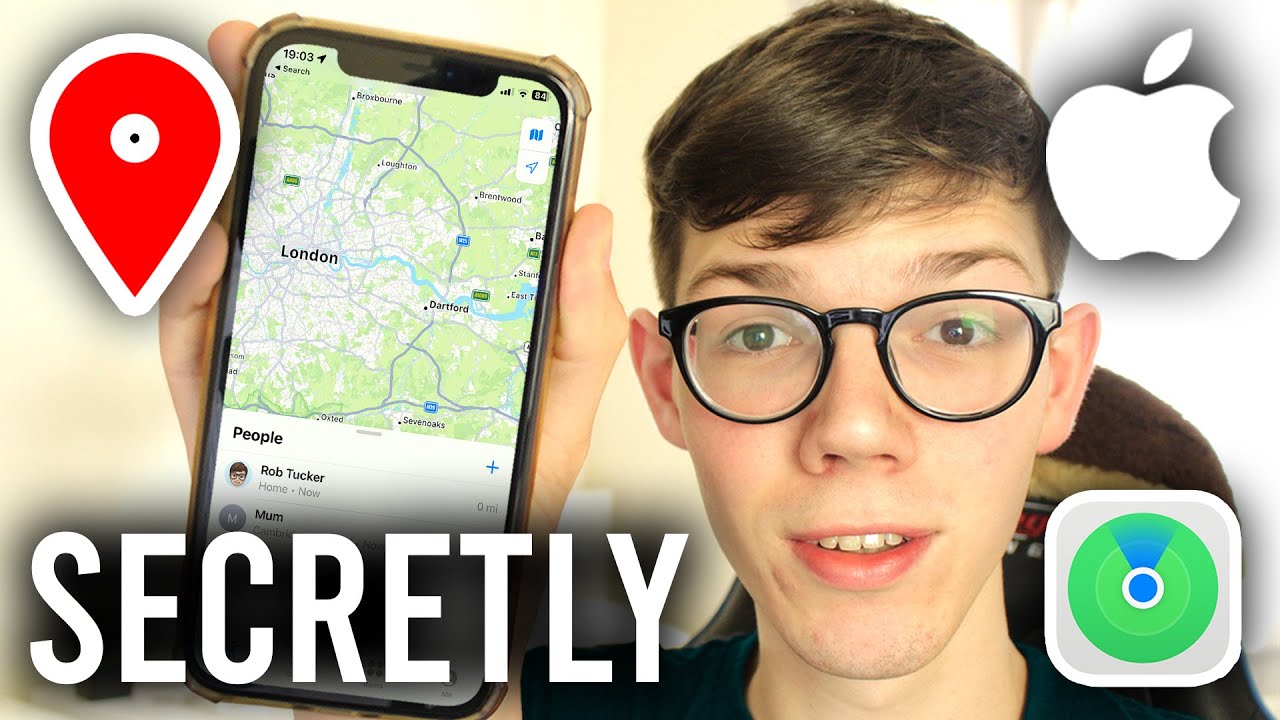
Optimize accuracy by enabling Precise Location, keeping Wi-Fi/Bluetooth on, and ensuring iOS is updated to leverage the full Find My network.
While you can’t control satellite positions or cell tower locations, you can optimize your device’s settings to provide the most accurate location data possible. If you’re seeing a large green circle, checking these settings is your first and best course of action.
Step 1: Turn On “Precise Location” for Find My
This is the most critical setting for accuracy. Go to Settings > Privacy & Security > Location Services > Find My. Ensure that “Precise Location” is toggled on. This allows the app to use the most specific data available rather than just a general area. This directly combats find my iphone location accuracy issues.
Step 2: Keep Wi-Fi and Bluetooth Enabled
Even if you are not connected to a network, having Wi-Fi and Bluetooth enabled allows your iPhone to scan for nearby signals to better determine its location. Do not turn them off from the Control Center, as this doesn’t fully disable them; turn them off in the Settings app if needed, but it’s not recommended if a device is lost. This helps improve find my iphone green circle accuracy range significantly indoors.
Step 3: Ensure Location Services are Fully Enabled
Navigate to Settings > Privacy & Security > Location Services and make sure the main toggle at the top is on. Without this, no location tracking is possible.
Step 4: Keep Your Device Updated
Apple regularly releases iOS updates that include performance improvements and bug fixes for core services, including location tracking and the Find My network. An updated device is a more reliable device.
Step 5: Understand Battery Life’s Impact
A device with low battery may enter a power-saving mode, reducing how often it updates its location to conserve energy. If a device is about to die, its last known location will be sent to Apple, but it won’t be a real-time location anymore.
If you are worried about finding a dead phone, it is possible but with limitations. We explain the nuances in our article: how accurate is find my iphone when phone is off.
Troubleshooting Common Accuracy Issues
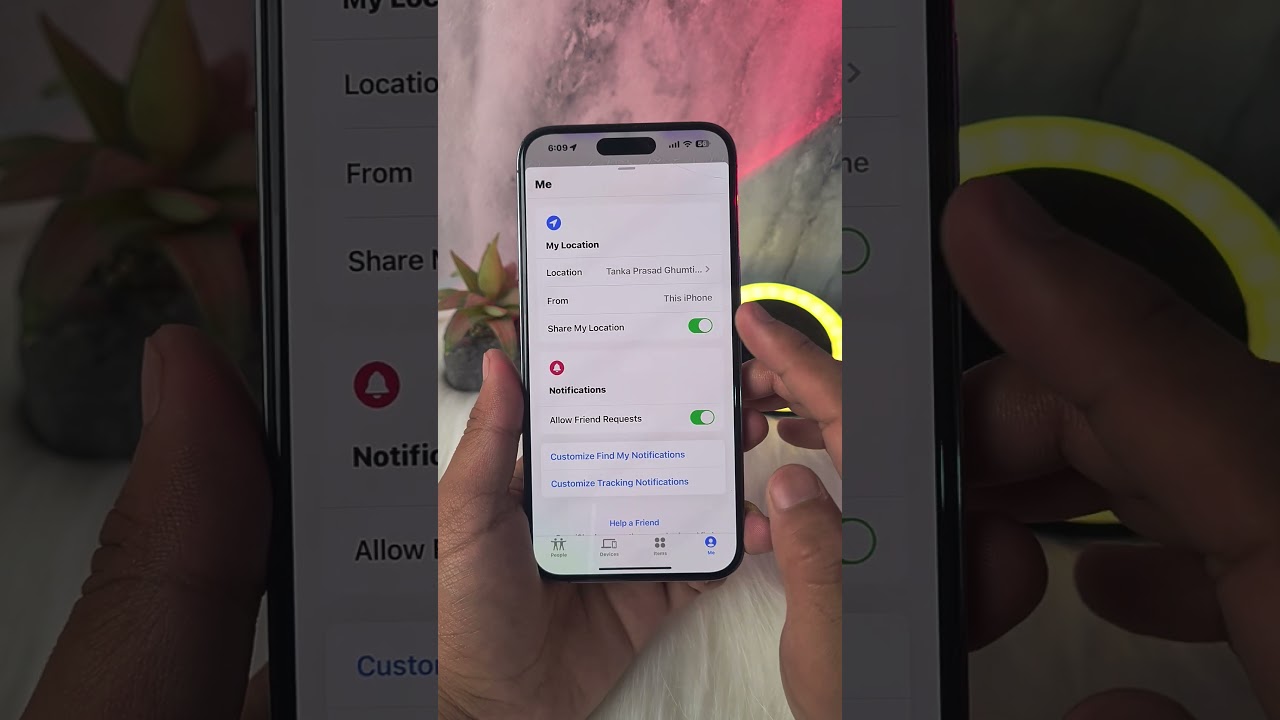
Large circles, stale timestamps, or drifting locations usually result from poor signal, indoor interference, or battery saving measures.
Sometimes, the Find My app can behave in ways that cause confusion or anxiety. Here’s a breakdown of common scenarios and what they mean.
“Why is the green circle so big?”
A large circle means the app has low confidence in the device’s location. This is usually because it’s indoors without Wi-Fi, in an area with poor cell service, or its last update was some time ago. Your device is likely relying on a single, distant cell tower. This is the most common reason why is find my iphone not accurate.
For a broader understanding of overall system accuracy beyond just the circle size, you can refer to our comprehensive guide on how accurate is find my iphone.
“Is the location real-time? Why isn’t it updating?”
The location is near real-time but not instantaneous. It updates every few minutes to conserve battery. If the location is stale or says “15 minutes ago,” it means the device hasn’t been able to send a new location signal.
You might see the status “Live” or “Now” in the app. These are specific indicators of freshness.
- To understand the “Live” status, read: what does live mean on find my iphone.
- To understand the “Now” status, read: what does now mean on find my iphone.
Risk Warning: What to Do If Your Device is Stolen
If you see your device’s location moving and suspect it has been stolen, do not attempt to retrieve it yourself. Your safety is paramount. Instead, use the Find My app to place the device in Lost Mode, which locks it and displays a custom message.
If you decide to erase the device, you might see a status change. It is vital to know what this means before you act. Check our guide on what does erase pending mean on find my iphone to understand the process. Then, contact your local law enforcement and provide them with the tracking information.
Conclusion
The green circle in Find My is more than just a shape; it’s your guide to the app’s confidence level. By understanding that a smaller circle means higher precision, you can manage your expectations and search more effectively. The accuracy depends on a mix of GPS, Wi-Fi, and cellular signals.
We hope this guide has answered how accurate is find my iphone green circle for you. By ensuring your settings are optimized, you empower the Find My app to be the powerful and precise tool it was designed to be, giving you the best possible chance of recovering your device.
Found this guide helpful? Share it with a friend or family member to help them understand how Find My works before they need it. For more tips on securing your Apple devices, check out our other articles at FindMyiPhone.onl.
To fully grasp the visual cues of the app, don’t forget to read our specific article on how accurate is find my iphone green circle if you need to revisit these details later.
Note: The information in this article is for reference only. For the best advice, please contact us directly for a specific consultation based on your actual needs.

About This Guide
Published by: FindMyiPhone.onl Editorial Team
Last Updated: January 16, 2026
Tested On: iPhone 15 Pro (iOS 17.5.1), iPhone 13 (iOS 17.4)
This tutorial was created through hands-on testing on real devices. All screenshots are from our testing lab. We update guides within 48 hours of iOS releases.
Questions? Contact our team | Meet the team Editorial Team