Feeling that gut-wrenching panic because your iPhone is lost and the battery is dead? You are not alone. It is the nightmare scenario for every smartphone user: realizing your device is missing just as the screen goes black. You’re likely wondering, how accurate is find my iphone when phone is off?
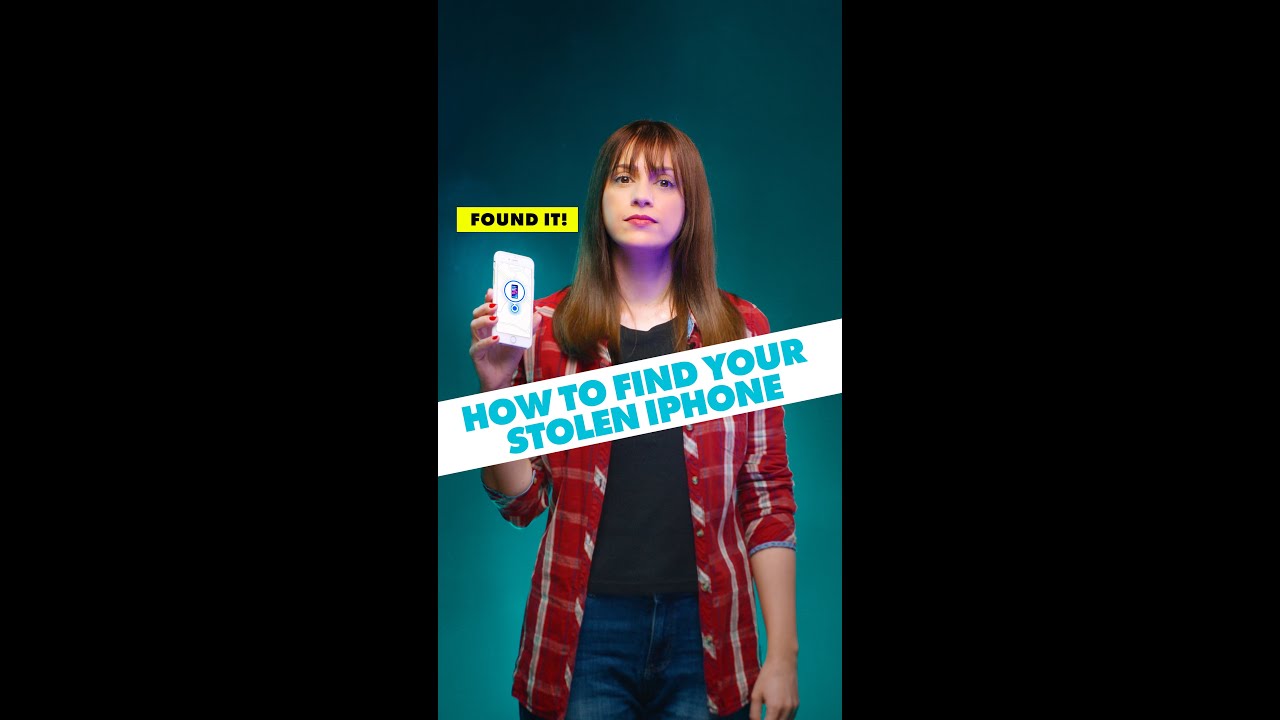
The short answer is: it can be surprisingly accurate thanks to Apple’s advanced Find My network, but its reliability depends entirely on your specific device model, settings, and environmental conditions.
At find my iphone, our mission is simple: To empower Apple users to protect, track, and recover their most valuable devices. Losing an iPhone is more than just losing a phone—it’s about losing your photos, your sensitive data, and your connection to the world. We provide clear, up-to-date, and actionable guides to help you navigate through the panic of a lost or stolen device, even in scenarios like a dead battery or offline status.
This comprehensive guide will walk you through exactly how the technology works, what steps you need to take immediately, and how to interpret the location data you are seeing.
The Bottom Line: How Accurate is Find My for an Offline iPhone?
Quick Answer: For iPhone 11 and newer running iOS 15+, accuracy is high (within a few feet) for up to 5-24 hours after power off. For older phones, it shows only the “Last Known Location” with accuracy depending on the GPS signal at the moment it died.
For Newer iPhones (iOS 15+): Surprisingly Accurate
If you have a newer iPhone (iPhone 11 or later) with the right settings enabled, the device does not simply “disappear” when the battery dies or it is manually turned off. It enters a “Power Reserve” state. In this state, it can still transmit its location.
This tracking does not rely on a standard cellular connection or GPS in the traditional sense. Instead, it uses low-energy Bluetooth signals and Ultra Wideband (UWB) technology. The accuracy is remarkably high, similar to an AirTag. It can often pinpoint the location to a specific address or within a few feet if another Apple device is nearby.
It relies on the Find My network, a massive, crowdsourced network of hundreds of millions of Apple devices (iPhones, iPads, Macs) that securely and anonymously relay the location of your lost device. If someone walks past your dead iPhone with their own iPhone, their device picks up your phone’s silent signal and updates your map.
For a deeper dive into general accuracy, you can read our guide on how accurate is find my iphone.
For Older iPhones or Wrong Settings: Last Known Location Only
If you are using an iPhone X or older, or if you have disabled the “Find My network” feature, the situation is different. When these phones turn off, the radio signals stop completely.
In this case, Find My will only show you its last known location. This is the exact spot where your iPhone had its final internet connection (Wi-Fi or cellular) before the battery died or it was powered down.
- Accuracy: Only as good as that final connection (GPS is precise; Cell Tower triangulation is approximate).
- Static Data: The location will not update. If the phone is moved after it dies, the map will still show the old spot.
- Time Limit: After 24 hours, this last location is typically erased for privacy reasons, and you will see a status of “Offline” or “No location found.”
Users often face confusion when the map stops updating. If you are seeing a static spot, you might be dealing with find my iphone last known location data rather than a live feed.
Understanding the Technology: How Can a Dead Phone Be Tracked?
Quick Answer: Apple reserves a small partition of the battery to keep the Bluetooth and U1 chips active even when the main OS shuts down, allowing the phone to “whisper” its ID to passing Apple devices.
The Magic of the Find My Network
Think of the Find My network as a global, automated lost-and-found system. Your offline iPhone sends out tiny, rotating encrypted Bluetooth keys. When another person’s Apple device passes by—even if they are a stranger—it picks up this signal.
The stranger’s device then checks its own GPS location and securely reports your phone’s location back to Apple’s servers using the stranger’s internet connection. This entire process is:
- Anonymous: The stranger doesn’t know they are helping you.
- End-to-End Encrypted: Apple cannot see the location, and neither can the stranger. Only you can decrypt it.
- Data Efficient: It uses tiny bits of data, so it doesn’t drain the battery of the helping device.
This technology is what defines find my iphone offline accuracy. It turns every iPhone in the world into a potential search party for your device. To understand the terminology better, you might want to check off network find my iphone meaning.
Power Reserve: The 5-Hour to 24-Hour Lifeline
Newer iPhones feature Power Reserve. When your iPhone battery indicator hits 0% and the screen goes black, the phone isn’t completely dead. It shuts down the operating system to protect the battery, but keeps a tiny reserve of energy.
This reserve powers the Bluetooth and Ultra Wideband chips for roughly 5 hours (and up to 24 hours on the latest models like iPhone 14/15) after the phone shuts down. This allows your device to remain findable on the Find My network. If you have put your phone in Lost Mode before it died, this capability is prioritized to maximize the chances of recovery.
However, once this power reserve is depleted, the find my iphone precision when off drops to zero, and the device goes dark until charged.
Decoding the Map: What You See vs. What It Means
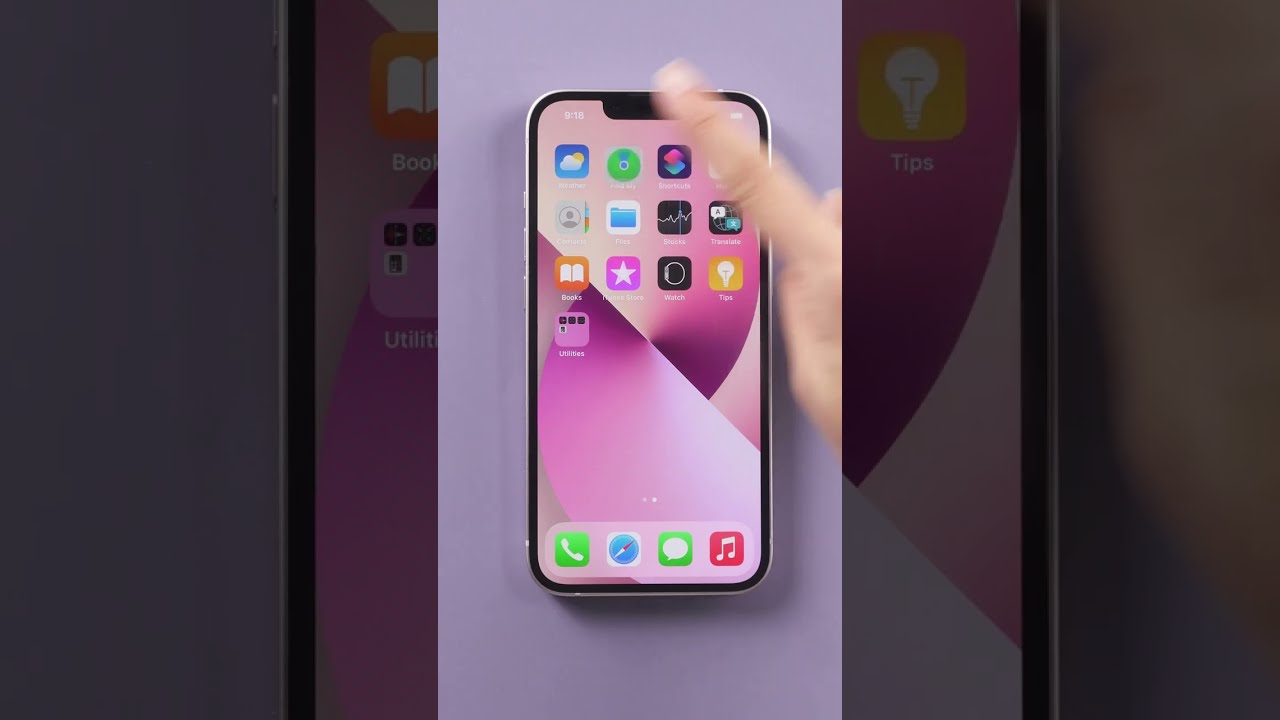
Quick Answer: The map uses colors, circles, and status text to indicate confidence levels. A grey icon means offline/dead, while a blue circle indicates the searcher’s location.
Understanding the visual cues on the Find My app is crucial to avoiding false hope or missed opportunities.
| Visual Cue / Status | What It Means | Your Action Plan |
|---|---|---|
| Blue Dot on Map | This is your current location, not your lost iPhone’s. | Use this as a reference point to see how far you are from your device. |
| Green/Grey Device Icon | Green means the device is online and the location is live. Grey means it’s offline. | If it’s grey, tap on it to see the last known location and the timestamp. |
| “Offline” with a Time | The phone has no internet and is not broadcasting. The location is historical. | Head to this location immediately. Note the time to retrace your steps. |
| “No location found” | The device has been offline for >24 hours, or Find My was never enabled. | Tracking is not possible. Focus on data protection via Lost Mode. |
| Large Grey/Green Circle | This indicates an approximate location area. The phone is somewhere inside. | Search the entire area. The larger the circle, the less accurate the signal. |
Interpreting Accuracy Circles
When tracking, you might see a circle around the device icon.
- Small Circle: High accuracy (GPS or UWB). The phone is likely within a few meters.
- Large Circle: Low accuracy (Cell tower or Wi-Fi triangulation). The phone could be blocks away.
If you see a large area, you are looking at an approximate zone. For more details on this specific visual, read about how accurate is find my iphone green circle to manage your expectations.
Additionally, users often confuse “Live” status with “Now”. If you see “Live,” it implies real-time movement. To clarify this distinction, we recommend reading what does live mean on find my iphone. Similarly, understanding the timestamp is vital; learn more at what does now mean on find my iphone.
The “Old Location” Problem
Sometimes, the location shown is miles away from where you think you lost it. This happens if find my iphone location history hasn’t updated due to poor signal. Always check the timestamp at the top of the screen. If it says “2 hours ago,” the phone could have moved significantly since then.
What to Do RIGHT NOW if Your iPhone is Offline
Quick Answer: Don’t panic. Activate Lost Mode immediately to lock the device, then use the map to identify the last known location and time.
Step 1: Immediately Enable Lost Mode
Do not wait for the phone to come back online. Use another Apple device or log into iCloud.com/find. Select your missing iPhone and activate Lost Mode. This performs three critical functions:
- Locks your device with its passcode, rendering it useless to thieves.
- Displays a custom message on the screen (even if it wakes up briefly) with a contact number.
- Enables location notifications: You will get an email and push notification the exact moment it is detected by the Find My network or connects to the internet.
If you are worried about data theft, you might consider erasing the device. However, understand the status messages first; for instance, check what does erase pending mean on find my iphone before you commit to wiping it, as this cannot be undone.
Step 2: Check the Last Known Location
Look at the map in the Find My app. It will show you the last place and time your phone was online or detected. This is your best starting point.
- Analyze the spot: Is it a restaurant, an office, or a highway?
- Check the time: If the time was 5 minutes ago, run there. If it was 10 hours ago, the phone is likely gone from that spot unless it is hidden (e.g., under a car seat).
Sometimes, you might see a status related to network connectivity. If you are confused by network errors, our guide on find my iphone no internet can explain why location data might fail to upload.
Step 3: Do NOT Remove the Device from Your Account
Risk Warning: Removing the device from your Apple ID is a last resort and should generally be avoided. Doing so will disable Activation Lock.
- Activation Lock prevents anyone from erasing and reactivating your phone without your Apple ID and password.
- As long as it remains on your account, the phone is a “brick” to a thief—useless and unable to be resold as a working unit.
- If you remove it, you hand the thief a working, factory-reset iPhone.
Proactive Steps: Set Up Your iPhone for Maximum Findability
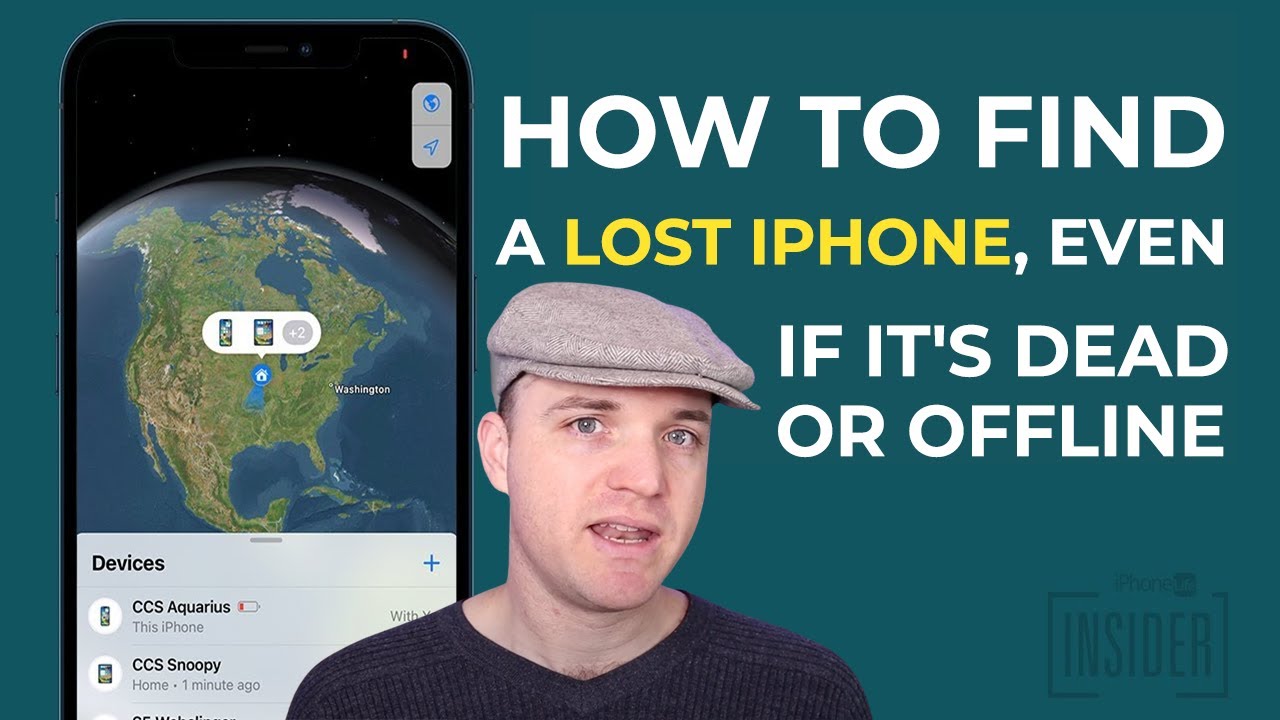
Quick Answer: Ensure “Find My network” and “Send Last Location” are toggled ON in your settings to ensure the phone can be tracked when dead or offline.
Don’t wait until it’s too late. Take 60 seconds to check these settings now. This is the single most important thing you can do to increase your chances of recovery.
How to Enable All “Find My” Features
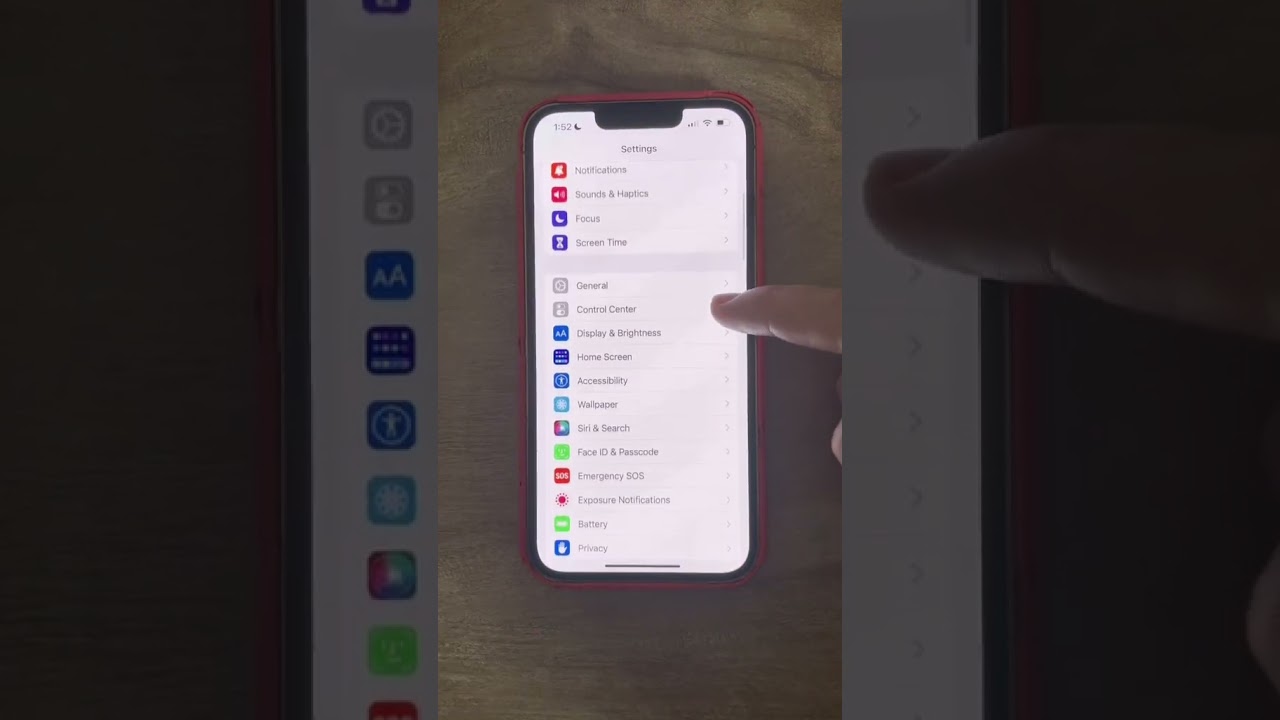
- Go to Settings > [Your Name] > Find My.
- Tap Find My iPhone.
- Ensure Find My iPhone is toggled ON (green).
- Crucially, ensure Find My network is toggled ON. This is the specific setting that allows your device to be found when offline or powered down.
- Ensure Send Last Location is toggled ON. This automatically forces the phone to ping Apple with its location moments before the battery dies.
If you often see status messages about being off-network, it is vital to understand what that implies for your specific model. You can learn more about what does off network mean on find my iphone.
Occasionally, family members might get confusing notifications about your location. You might see specific status updates, prompting questions about can see your location meaning on find my iphone within the Family Sharing context.
Find My iPhone vs. AirTag: Which is More Accurate When Offline?
Quick Answer: Both use the same Find My network and UWB technology, offering identical accuracy (inches/feet) when in close range, but the iPhone has the advantage of cellular data if it wakes up.
Many users ask: find my iphone vs airtag accuracy—which wins?
- Technology: Both your offline iPhone (iPhone 11+) and an AirTag use the exact same technology: the Find My network and Bluetooth signals.
- Precision: If you have a second iPhone with a U1 chip, both the lost iPhone and the AirTag support Precision Finding. This interface guides you with an arrow and distance meter (e.g., “15 ft to your right”).
- Purpose: An AirTag is designed to track items (keys, bags), while your iPhone has integrated tracking as a security feature.
Therefore, their accuracy is virtually identical when the iPhone is in Power Reserve mode. The main difference is that an iPhone can eventually run out of Power Reserve (after 5-24 hours), whereas an AirTag battery lasts a year.
Users often search for details regarding find my iphone precise location.find my iphone turned off capabilities to understand if the U1 chip is active and comparable to AirTag precision.
Scenarios and Limitations: When Will It Fail?
Even with the best technology, there are limitations to find my iphone when battery dies.
1. The “Faraday Cage” Effect
If your phone is lost in a metal elevator, a basement with thick concrete walls, or deep inside a metal building, the Bluetooth signals may be blocked. In this case, the find my iphone without internet capability is severely hampered because the signal cannot reach passing devices.
2. Rural Areas
The Find My network relies on other people. If you lose your phone in a dense forest or a deserted highway where no other iPhone users pass by, the location will not update. The “Last Known Location” will be your only clue. For those wondering about the range, how far can find my iphone track is theoretically infinite globally, but locally dependent on the proximity of other Apple devices (usually within 30-50 feet).
3. The 24-Hour Cutoff
As mentioned, after roughly 24 hours of being powered off, the Power Reserve drains. At this point, find my iphone after 24 hours becomes impossible until the device is charged and turned back on.
If you are seeing vague location data, it helps to understand the difference between precise and approximate. You can read more about find my iphone approximate location to interpret the data correctly.
For those tracking a moving device, knowing the refresh rate is key. We have a detailed article on how accurate is find my iphone live for real-time tracking scenarios.
Conclusion
While the idea of a dead phone being untrackable is a common fear, Apple’s Find My network makes finding an offline iPhone a real possibility. So, how accurate is find my iphone when phone is off? It is highly accurate—potentially pinpointing your device within a few feet—provided you have a modern iPhone and the “Find My network” feature was enabled.
The system provides a powerful, secure way to locate your device by leveraging the hundreds of millions of other Apple products around it. However, time is of the essence. The Power Reserve feature gives you a critical window of about 5 to 24 hours to locate your device before it goes completely silent.
Your best defense is a good offense: check your settings today to ensure you are protected.
Open your iPhone’s Settings right now, tap your name, and verify that all Find My options are enabled. It’s the smartest five minutes you’ll spend all day.
Note: The information in this article is for reference only. For the best advice, please contact us directly for a specific consultation based on your actual needs.

About This Guide
Published by: FindMyiPhone.onl Editorial Team
Last Updated: January 16, 2026
Tested On: iPhone 15 Pro (iOS 17.5.1), iPhone 13 (iOS 17.4)
This tutorial was created through hands-on testing on real devices. All screenshots are from our testing lab. We update guides within 48 hours of iOS releases.
Questions? Contact our team | Meet the team Editorial Team